Moving a finished clip is easy; moving the ability to change that clip takes more care. Video editing on Googlebook starts with understanding which editor will open the timeline and where every linked piece of media will come from.
Quick Answer
Plan the complete editing chain: application edition, project transfer, media access and final export. Google names creative apps for the platform, but that does not establish compatibility with every desktop timeline or effect. Use a duplicate short project to verify the route before moving a large archive or relying on an untested deadline workflow.
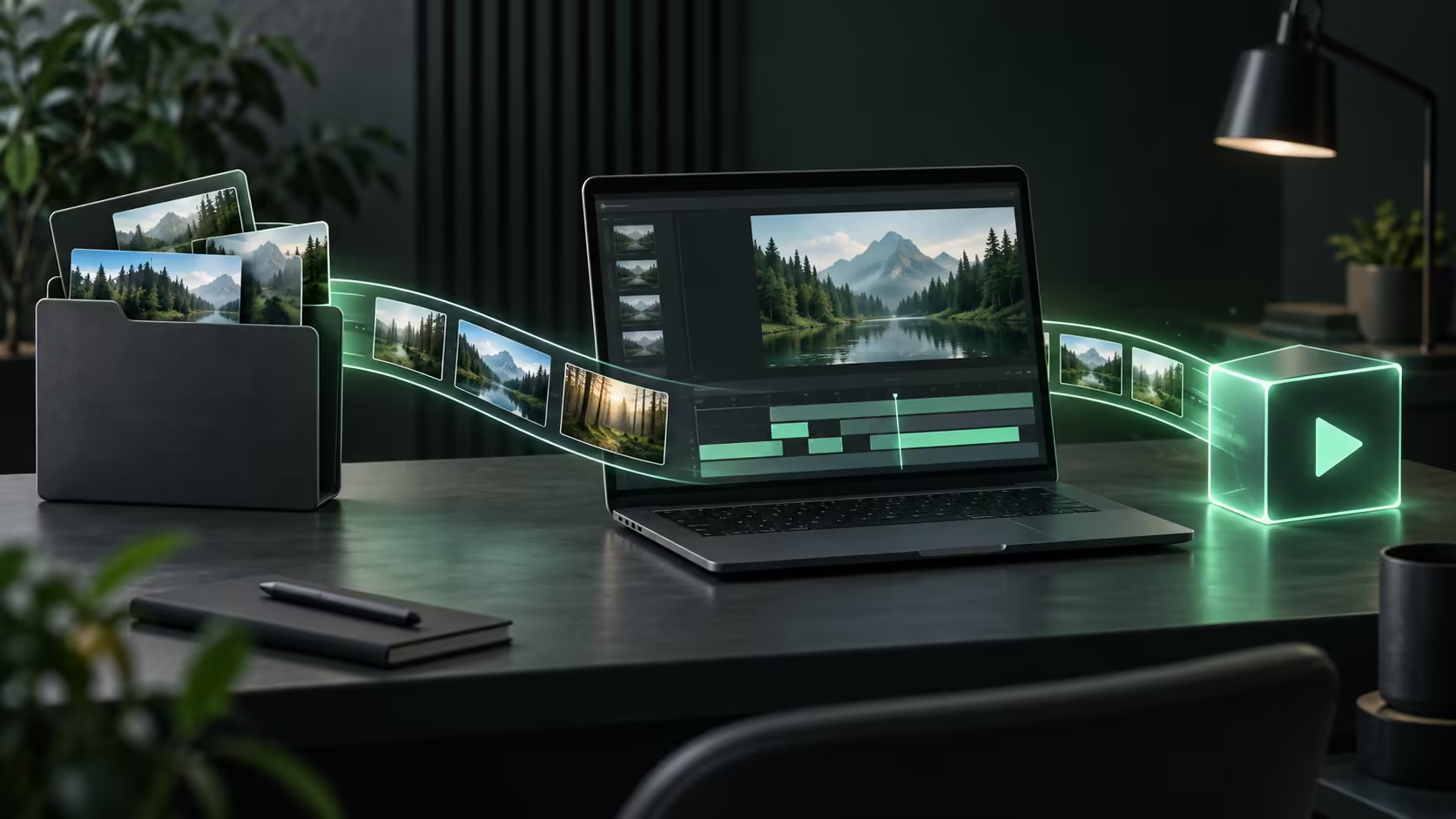
🎬 Transfer the timeline, not only the finished movie
A rendered MP4 contains the combined pictures and sound. It normally does not preserve the separate tracks, cuts and editable titles of the project that produced it. Copying that export gives you something to watch, but not necessarily the original editing flexibility.
CapCut's help distinguishes local projects from projects uploaded to Spaces for cross-platform use. Account sign-in can identify you without uploading every local draft. Locate the actual project and its cloud status before expecting it to appear elsewhere.
Duplicate important projects before trying a new edition. This creates room to discover that a font, effect or transition behaves differently without overwriting the last working version. A clean original is especially valuable when another person must finish the job.
🗃️ Gather the media into a portable package
Footage on a phone, music in a downloads folder and graphics on an external drive form a fragile timeline. Collect the required assets into a deliberate project folder where the editor's own packaging or relinking tools permit it. Preserve descriptive filenames so a missing clip is easy to identify.
Compare external SSD capacity against the source material, temporary files and exports together. An hour of footage can occupy very different space depending on its codec and recording settings; a duration alone is not a storage estimate.
Keep enough free working space for temporary renders. The source folder fitting on a drive does not mean the complete editing process fits. Establish drive support and transfer speed on the intended device before making an external disk the only active copy.
📤 Validate the delivery at the end of the chain
Choose an export that matches the destination: frame size, frame rate, sound and orientation all matter. Watch the beginning, a section with effects and the ending of the exported file. Scrub for missing media, inspect captions at normal size and listen for timing problems.
App subscriptions deserve attention before a project grows around premium tools. Mobile, browser and desktop benefits can differ, so a familiar account does not establish entitlement to every effect. A locked export discovered at the end is much harder to work around than an edition choice made at the start.
Explore laptop options with the expected project complexity in mind. Short social edits and lengthy multi-camera work place different demands on a machine. Launch specifications do not reveal how long a particular codec and effects stack will take to export.
Frequently Asked Questions
Is an MP4 export the same as an editable video project?
No. The export is a finished video; the project retains the timeline, source references and editing decisions needed for further changes.
Does signing into CapCut upload every local project?
No. CapCut distinguishes local projects from cloud projects; its guidance requires uploading to Spaces for cross-platform cloud use.
Can mobile and web editions have different paid features?
Yes. CapCut benefits depend on the subscription edition. A mobile-only entitlement should not be treated as full web or desktop access.
Why does an old timeline show missing media?
The project may reference footage or audio that was not transferred, or a location that no longer exists on the new device.
Does a high-resolution screen prove fast export performance?
Display resolution describes the panel. Export speed depends on the codec, effects, app and hardware acceleration, requiring actual testing.
Move editable projects without losing their media?
Choose Evetech laptop and storage options around the footage, project format and export settings you need to deliver.