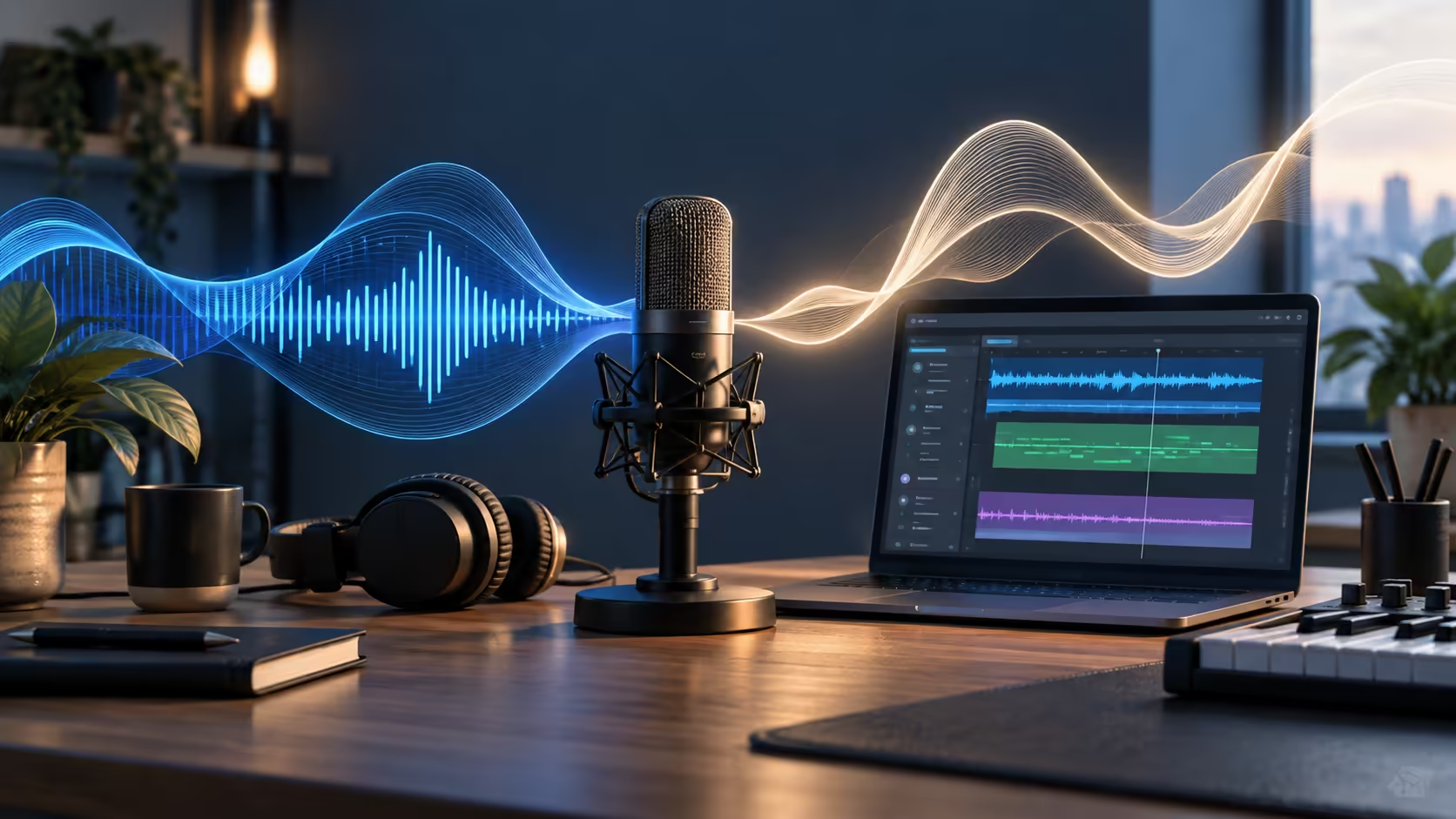
Hearing your own voice slightly late can make a clean vocal take surprisingly difficult. Googlebook music creation is therefore as much about the microphone-to-headphone path as the music app displayed on screen.
Quick Answer
BandLab is part of Google's advertised creative app story, but a dependable recording workflow still needs compatible input devices and manageable monitoring delay. Start with wired monitoring, a simple project and a short recorded example. Do not assume that Windows audio drivers, desktop instruments or an existing plugin library become compatible because the laptop has USB ports.
🎤 Trace the recording signal
Sound enters a microphone, passes through an input device and software, then returns through headphones if monitoring is enabled. Every stage can add delay. A powerful processor cannot eliminate all the buffering, wireless transmission and conversion in that path.
BandLab recommends wired recording because Bluetooth can introduce impractical monitoring latency. That does not make wireless headphones useless for listening back; it means playback and live performance have different timing demands.
Compare headset options around the connection you intend to use. For vocal work, headphones also reduce the chance that backing audio from speakers leaks into the microphone. Comfort matters when a session lasts longer than a quick voice memo.
🎚️ Distinguish timing correction from live feel
A take can land late on the timeline even when the singer performed in time. Latency compensation helps place that recorded audio appropriately. It is different from reducing the delay the performer hears while singing.
Use the application's documented latency process and follow its monitoring instructions. A microphone hearing a speaker can create feedback, so a detection routine should not be improvised with live monitoring left on. Effects that need extra processing can also make the return signal feel slower.
For an audio interface with direct monitoring, its own documentation determines how that path behaves and whether the device supports the intended platform. Do not infer Googlebook compatibility from a Windows driver download or from the connector shape. Start with one input and a known clean recording before adding several tracks and effects.
🎼 Preserve the song beyond one app
A mixed audio file is useful for sharing, but separate tracks give a future editor more freedom. Export stems when the app and project permit, keeping consistent start points so the tracks line up. Retain the editable project and a listening reference alongside those files.
Name takes clearly rather than saving several different recordings as 'final'. A short note about tempo and project intent can save confusion later. If a plugin or virtual instrument does not exist in the next editor, an audio rendering of its part can still preserve the musical idea.
When considering laptops for creative use, compare the application chain as well as storage and screen comfort. The sensible starting point is a small reliable session that can be reopened and exported, then a gradual increase in complexity.
Frequently Asked Questions
Why can Bluetooth headphones make recording awkward?
Wireless playback adds delay. BandLab recommends a wired setup for recording, even though delayed playback is less troublesome while simply listening.
Does latency compensation remove the delay I hear?
Compensation can align a recorded take on the timeline; it does not necessarily remove the live monitoring delay reaching your headphones.
Can a Windows audio driver be assumed to work on Googlebook?
No. The interface needs support for the actual operating system and app. A familiar USB connector does not establish driver compatibility.
Does BandLab access imply desktop plugin compatibility?
No. A desktop plugin belongs to a compatible host and platform. App availability is not proof that an existing plugin collection will load.
Why export separate audio stems?
Separate tracks preserve more mixing flexibility than a single combined song, helping another editor adjust vocals or instruments later.
Build a recording path you can hear accurately?
Explore Evetech laptops and listening gear for a recording setup with clear monitoring, supported connections and room for your projects.