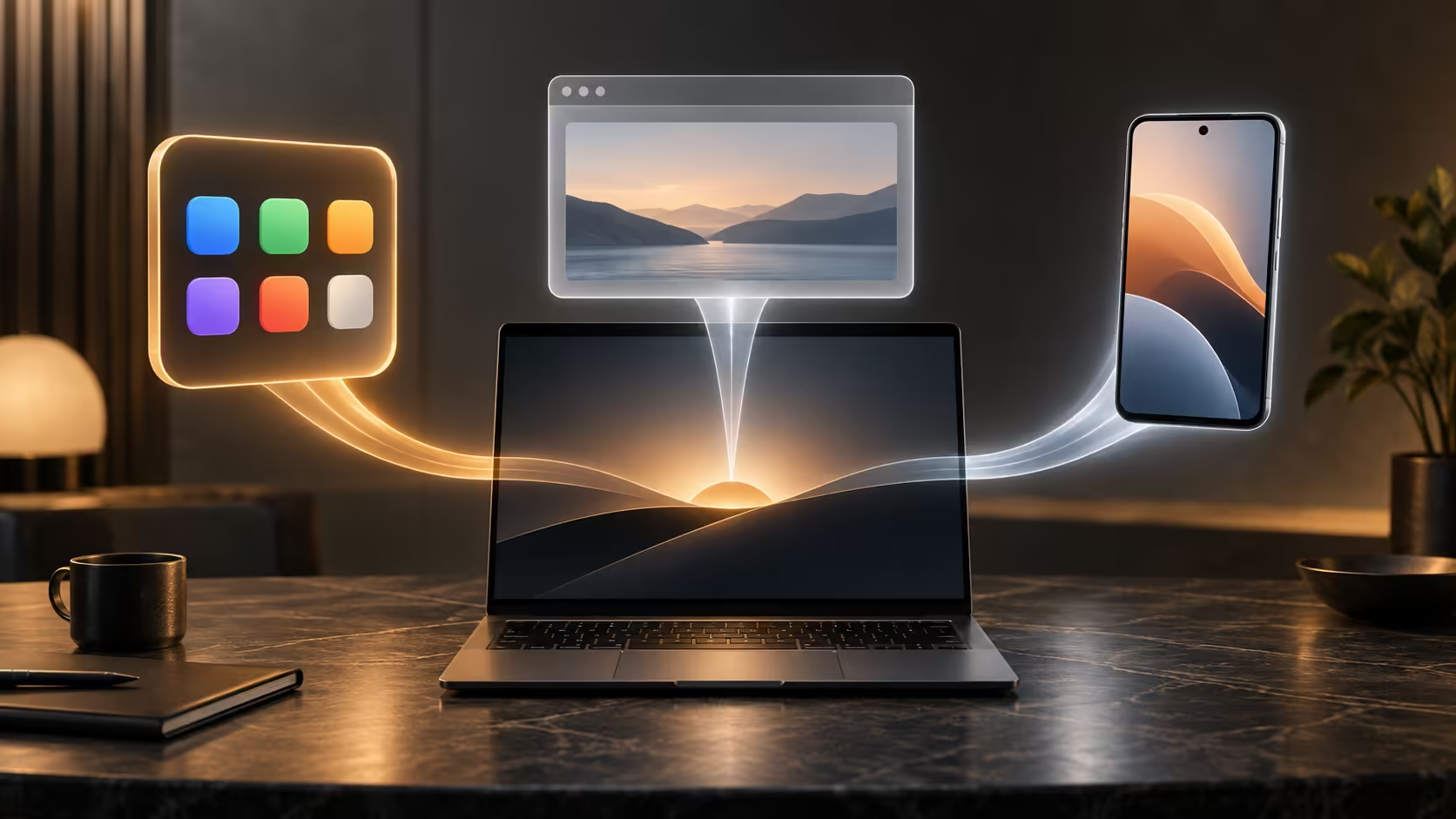
Three icons can open what looks like the same service while using three different computers. Googlebook apps can execute on the laptop, live behind a browser tab or stream from a phone. Knowing which route you chose explains many apparent inconsistencies.
Quick Answer
Use a native Android app when its laptop controls and local file tools suit the job, a web app when its browser workflow is stronger, and casting when the needed experience remains on the phone. Casting requires a compatible configured phone and is not an app migration. No route guarantees every feature of the others.
📱 Follow the work back to its device
In a local app, the laptop supplies the processor, storage access and display. In a browser service, some work may happen locally while a server handles other parts. With phone casting, the phone remains part of the working system rather than becoming a one-time setup accessory.
That distinction matters when travelling. If the phone is being used elsewhere or its connection drops, a cast workflow can become unavailable. A laptop app may keep working, but only if its own sign-in and offline design allow it. 'Installed' does not necessarily mean independent of the internet.
When comparing laptops available through Evetech, list the route your essential service supports. A broad app count says less than a successful route for the two tools you use daily.
🗂️ Follow the file as well as the app
Imagine editing a photo shown from your phone. The visible image does not prove that the original now exists in laptop storage. Saving can write back to the phone, to an online account or to a download location, depending on the application.
Before making substantial edits, identify the source copy and intended destination. Export a small example and reopen it from that destination. This simple exercise answers whether you have an editable project, a flattened picture or merely a view of the original.
Cloud-backed services can make the routes feel interchangeable because an account exposes the same files. They can still provide different menus, export formats or paid features. Do not interpret an absent button as a hardware fault before identifying which edition is open.
🖱️ Pick by the task, not by habit
A phone interface stretched across a laptop display may remain touch-oriented. A browser edition may offer better keyboard navigation, while an Android edition may provide a useful offline mode. None of those outcomes can be assumed for every app.
Use a normal task to decide: import a file, modify it, save it and share the result. Notice whether a mouse can select precisely, whether keyboard shortcuts behave as expected and whether the exported file is easy to find. Those details affect daily comfort more than how quickly the first screen loads.
For long editing sessions, explore keyboard options with the intended app in mind. An accessory can improve typing comfort, but it cannot add commands that the application never implemented. Keep a single preferred route for each recurring job to reduce duplicate downloads and uncertainty about the latest copy.
Frequently Asked Questions
Where does an installed Android app run?
It executes on the laptop. Its own design still determines internet needs, file access and whether it adapts well to a large screen.
Is a browser shortcut the same as an Android install?
No. A shortcut can open an online service while an Android package runs locally. Their available tools and offline behaviour may differ.
Does casting move the phone app onto the laptop?
Casting presents an app running on the phone. It should not be mistaken for transferring the app and its stored data to the laptop.
What phone version does Google specify?
Googlebook phone integration requires setup and Android 17 or later, alongside any requirements of the particular feature.
Can the same service have different tools across routes?
Yes. A web edition may emphasise keyboard workflows while a mobile edition uses touch controls or different subscription entitlements.
Choose where the application actually runs?
Explore Evetech laptops and keyboards for the app routes you will actually use, with file handling and everyday controls guiding the choice.