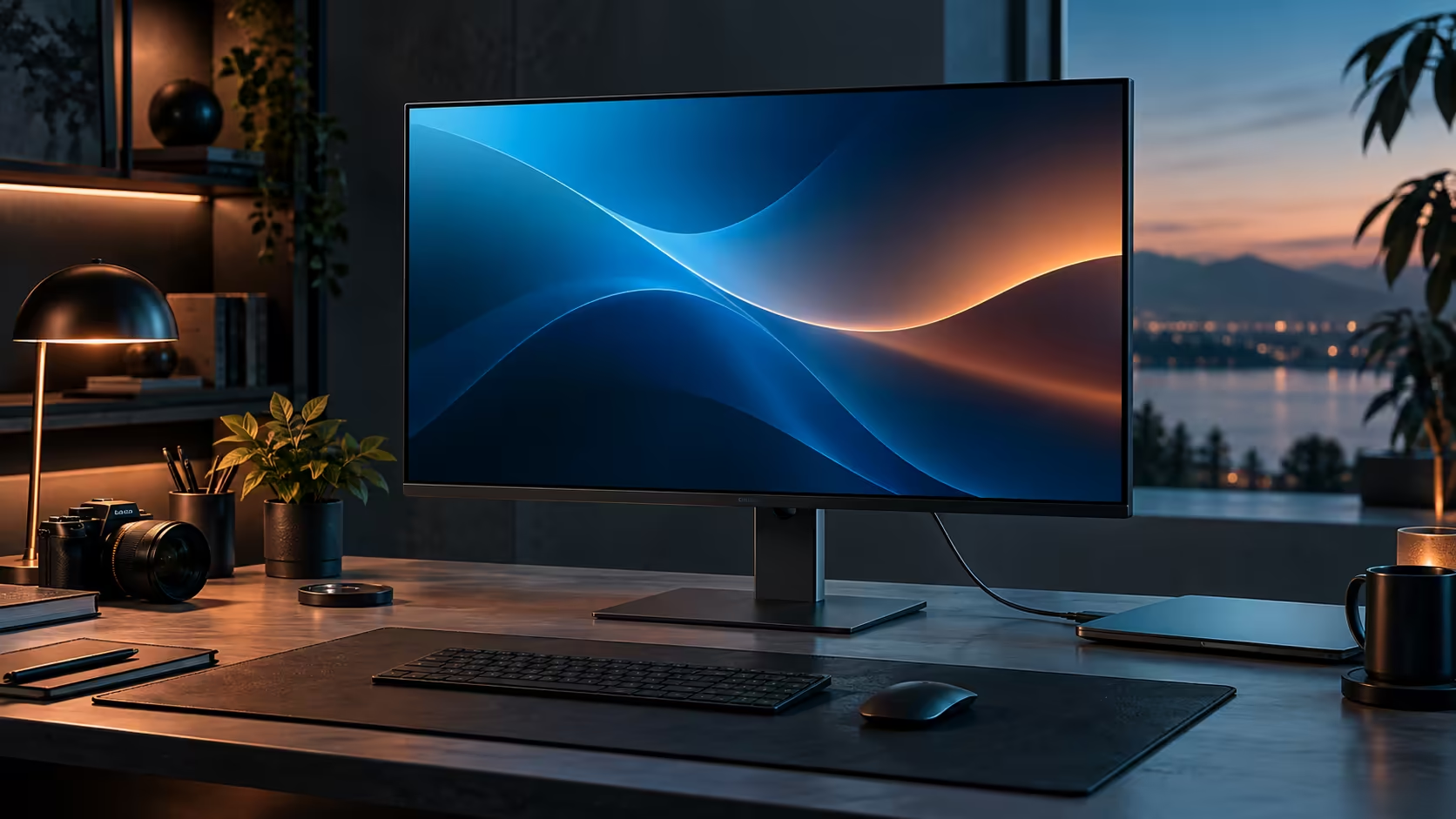
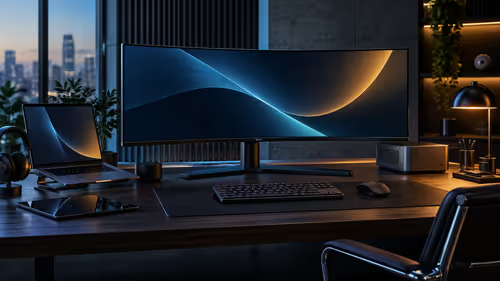
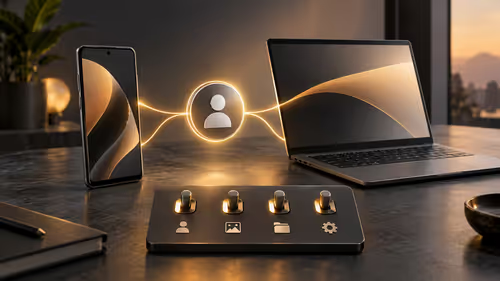
A one-cable home office monitor in South Africa has to be judged against a specific, short list rather than a general feeling of "seems good," and charging, Ethernet and USB ports are the three items that actually decide whether it works for your desk. The Dell Pro 32 Plus P3225DE covers all three at R8,799.
Quick Answer
Look for USB-C charging of at least 65W, a built-in RJ45 socket and downstream USB ports. Two of those cover a keyboard and mouse. In a home office running off one fibre router, the wired socket separates a steady call from a frozen one. R8,799 here.
⚡ Charging: 65W as the practical minimum to look for
This figure is a genuinely useful baseline, not an arbitrary number pulled from a spec sheet.
Most South African home office laptops shipped with either a 45W or 65W charger, so a monitor supplying at least 65W keeps the majority of business laptops charging normally under everyday home office use. This model supplies up to 90W, giving real headroom above that minimum, which matters if you occasionally connect a slightly more power-hungry machine or run demanding tasks alongside charging.
🖧 Ethernet: the socket that decides call quality on a shared line
For a South African home office specifically, this single port often matters more than any other spec on the list.
A built-in RJ45 socket lets your laptop connect to the home fibre router by cable rather than Wi-Fi, removing contention with everyone else in the household streaming, calling or downloading over the same wireless band. This is the specific feature that separates a video call that holds steady from one that freezes or drops at an inconvenient moment, particularly in a household where several people are working from home on the same connection through the day.
🔌 USB ports: covering keyboard and mouse as a baseline
This is the simplest of the three checks, but worth confirming rather than assuming.
At minimum, two downstream USB ports cover a keyboard and mouse as permanent connections to the monitor, freeing the laptop's own limited USB-C ports and meaning both peripherals stay ready the moment the single USB-C cable reconnects. If your setup also includes a webcam, external drive or other regular peripheral, check the monitor's total downstream port count against everything you actually plan to connect.
🏠 Why this specific combination suits a home office more than an office desk
These features, charging over USB-C, Ethernet and downstream USB ports, solve problems that are specifically more common at home than in a managed office environment.
An office desk usually sits on managed, dedicated infrastructure with IT support handling network reliability; a home office runs on whatever fibre package and router the household has, shared with everyone else living there. That difference is exactly why Ethernet and reliable charging matter more here than they might in a corporate office setting, where a wired network drop and a proper charger might already be provided and managed centrally.
🧾 Checking this list against a specific listing before buying
Turning the checklist into an actual shopping action closes the loop on this whole comparison.
Look for these three figures stated explicitly on any monitor's specification page: the Power Delivery wattage in watts, the presence of an RJ45 Ethernet socket, and the number of downstream USB ports. A listing that omits any of these three, rather than stating a clear number or a clear yes, is worth treating cautiously until confirmed directly. Compare the office monitor range, check network cables for the router connection, and browse the docking station range as an alternative if a monitor's own hub does not quite cover your needs.
Frequently Asked Questions
Is 65W enough charging for a typical South African home office laptop?
For most machines whose original charger tops out at 45W or 65W, yes. This monitor's 90W supply gives further headroom above that baseline.
Does the Ethernet port really matter if my Wi-Fi already seems fine?
It matters most when several people share the same fibre line at once. A single person with a strong, uncontested signal may notice less benefit, though the feature costs nothing extra either way.
How many USB ports does a typical home office desk actually need?
At minimum enough for a keyboard and mouse, generally two ports, with additional ports useful if a webcam or external drive is also part of the regular setup.
What should I do if a monitor listing does not clearly state these three specs?
Contact the retailer directly to confirm before buying, since an unclear listing on any of these three points is a reasonable reason for hesitation.
Does a home office really need 90W, or is 65W always sufficient?
65W is a workable minimum for most laptops, but 90W gives genuine headroom for slightly heavier machines or demanding tasks, so it is worth the small extra spend if the option is available at a similar price.
Ready to check a one-cable monitor against this specific list?
Confirm charging wattage, Ethernet and USB port count before deciding on a home office monitor.