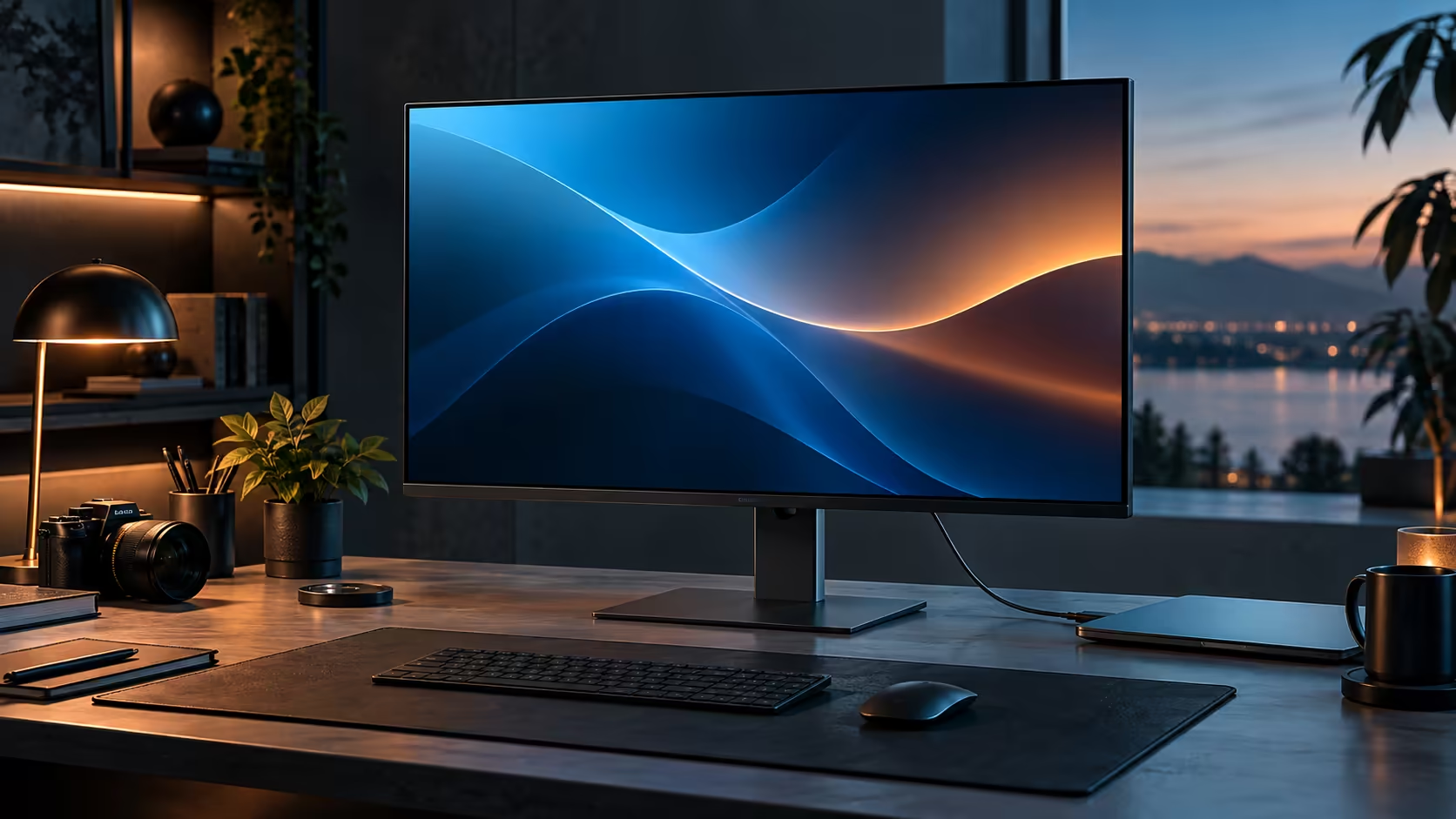
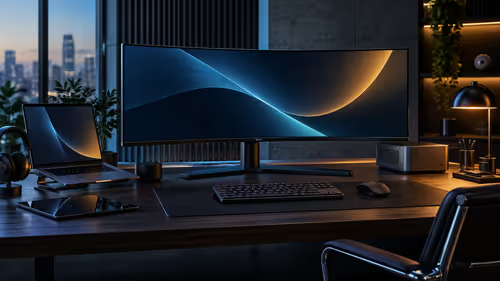
A monitor arm looks like an obvious upgrade the moment a screen feels too high, too low or too far away, but a 32-inch panel with a genuinely capable bundled stand may not need one at all, and knowing the difference saves an unnecessary purchase. Dell's Pro 32 Plus P3225DE ships with exactly that kind of stand, at R8,799.
Quick Answer
Check the arm is rated for the weight of a 32-inch panel and uses the 100 x 100mm VESA pattern most screens carry. Dell ships the R8,799 Pro 32 Plus P3225DE with a height-adjustable stand, so an arm is mainly for clamping a screen over a shallow desk.
🔩 What VESA actually means and why the pattern matters
VESA is the standard that decides whether any given arm physically fits any given monitor, regardless of brand.
The Video Electronics Standards Association pattern refers to the spacing of four mounting screw holes on the back of a monitor, with 100 x 100mm being the most common pattern on monitors up to around 32 inches. An arm advertised as VESA 100 x 100 compatible will physically bolt onto any monitor sharing that same pattern, which is most panels at this size regardless of manufacturer. Checking this figure specifically, rather than assuming compatibility from screen size alone, is the one measurement that determines whether a specific arm and a specific monitor can actually be joined together.
⚖️ Why weight rating matters more at 32 inches than at smaller sizes
A larger panel is meaningfully heavier than a compact monitor, and an arm rated for a smaller screen can genuinely fail to support this size safely.
Check the arm's stated maximum weight rating against the actual weight of a 31.5-inch panel, listed in the monitor's own specifications, with some margin rather than choosing an arm rated right at the panel's exact weight. An underrated arm can sag over time, drift out of position, or in a worst case fail to hold the panel securely, none of which are risks worth taking to save a small amount on a cheaper arm.
🪑 Why the bundled stand already covers most needs at this size
Before assuming an arm is necessary, it is worth being clear about what the Dell Pro 32 Plus P3225DE's own stand already provides.
The bundled stand adjusts for height, tilt, swivel and a full 90-degree pivot, covering the ergonomic range most desks actually need without any separate purchase. An arm becomes genuinely useful in specific situations the bundled stand cannot address: a desk too shallow to give the stand's own footprint enough room, a need to clamp the monitor to the very back edge of the desk to reclaim surface space, or mounting to a wall rather than a desk at all.
🇿🇦 Choosing an arm for a South African desk specifically
A few practical local considerations round out the decision if an arm does turn out to be the right call.
Measure your specific desk's edge thickness before buying, since most clamp-style arms specify a maximum desk thickness they can grip, and older or custom-built desks sold locally sometimes fall outside common ranges. Confirm the arm is sold with local stock and a warranty, for the same reasons that apply to the monitor itself: a large, heavy accessory is genuinely inconvenient to return internationally if a fault appears. Monitor stands and arms sit in the dedicated monitor accessories range, the panel itself is in the office monitor range, and a desk mat rounds out either version of the desk.
Frequently Asked Questions
Do I need a monitor arm if my stand already adjusts for height, tilt, swivel and pivot?
Generally not, unless your desk is too shallow for the stand's footprint, or you specifically want to clamp the monitor to reclaim desk surface space.
Is 100 x 100mm VESA the standard for all large monitors?
It is the most common pattern up to around 32 inches, though it is worth confirming on the specific monitor's own specification sheet rather than assuming.
What happens if I use an arm rated below a 31.5-inch panel's actual weight?
The arm can sag, drift out of position over time, or in a worst case fail to hold the panel securely, so choosing one rated with a safety margin above the panel's actual weight is worth the small extra cost.
Can a monitor arm mount a screen to a wall instead of a desk?
Yes, with the correct wall-mount hardware rather than a desk-clamp arm, provided the wall itself can support the combined weight safely.
Does adding an arm void the monitor's own warranty?
No, provided the VESA mounting screws and weight rating are followed correctly; using the standard mounting holes on the back of the panel as intended does not affect the manufacturer's warranty.
Ready to decide whether your desk actually needs a monitor arm?
Check your desk depth against the bundled stand's footprint before buying anything extra.