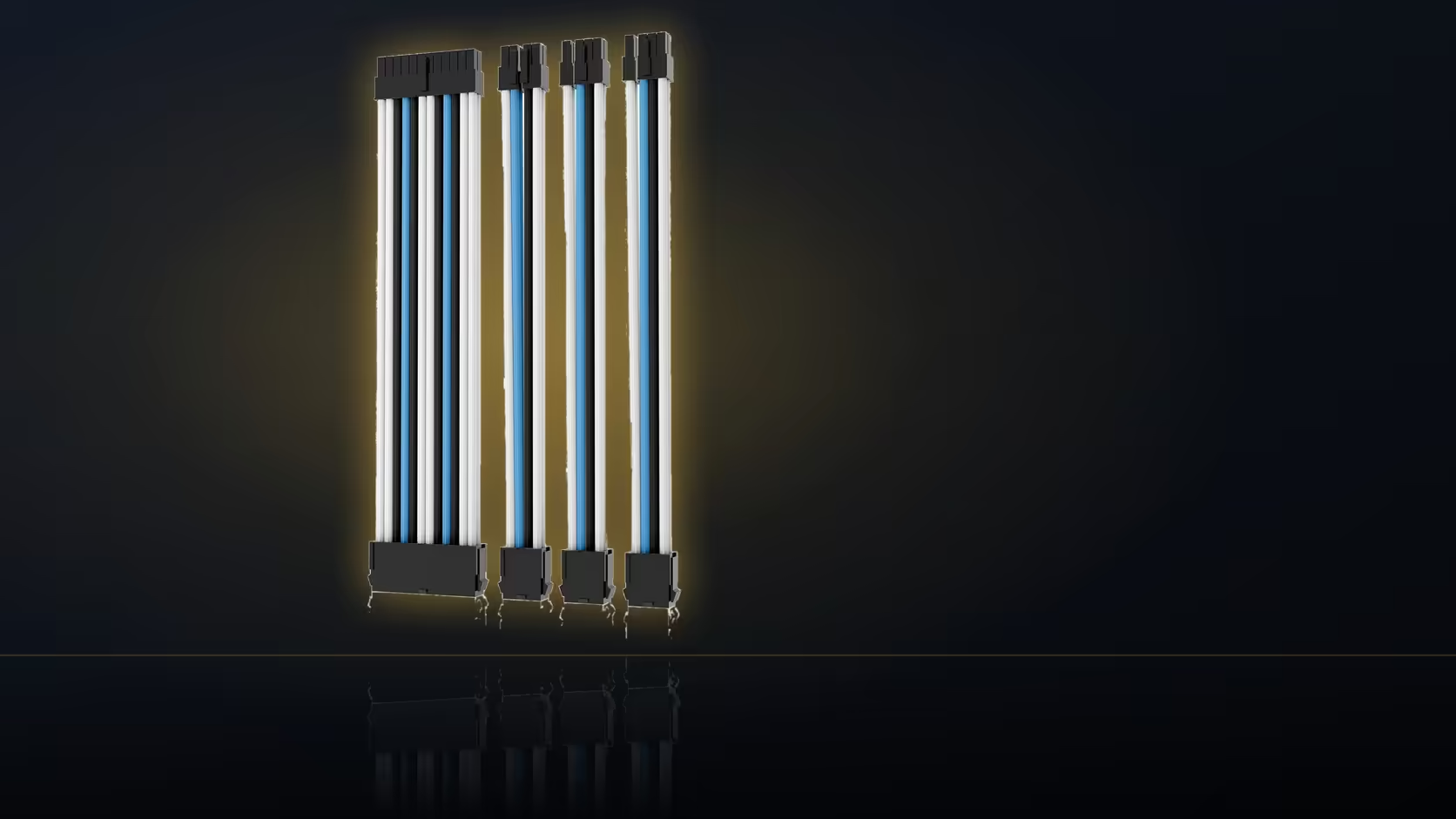
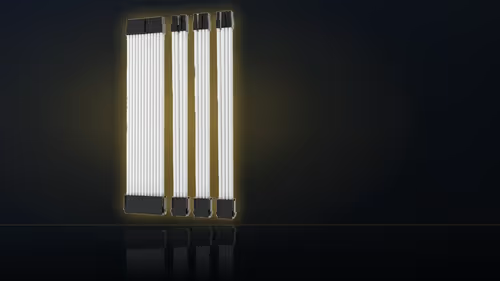
Asking a friend to talk you through a cable kit installation over a call only works if what you show them actually answers the question they need answered. Four sleeved leads look nearly identical once they are unplugged from the board, so the photos you take before starting matter as much as the fitting itself.
Quick Answer
Photograph each socket before and after the extension goes in. The four leads look alike once they are off the board. Capture the split on each plug, and a helper can tell the CPU lead from a card lead without seeing the build.
📸 The one photo that actually identifies a lead
A close, well-lit shot of each plug showing exactly how it splits is the single most useful photo in the whole documentation set. Four and four against six and two is the detail that separates a CPU lead from a graphics lead once everything is loose on a table, and a wide shot of the case interior will never capture that split clearly enough to be useful over a call.
⏱️ Before and after, not just after
Photograph each socket both before you start unplugging anything and again once the extension is seated. The before shot is the reference you will want if a lead somehow ends up back in the wrong place or a helper needs to confirm what the original layout looked like - without it, you are relying entirely on memory for a state that no longer exists once the build is underway.
🖼️ Wide shots versus detail shots
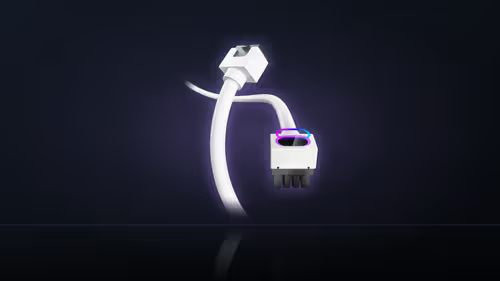
One wide shot of the whole interior gives a helper useful context for how the build is laid out, but the close detail shots at each individual socket are what actually answer the specific questions that come up mid-call. Where a connector is genuinely hard to reach or photograph directly, photographing the cable's route leading up to it often tells a helper what they need even without a clean, direct view of the plug itself.
🎞️ Stills, video, and what else is worth recording
Still photos are generally easier to compare side by side than video, though a short clip helps specifically for showing a routing path through a crowded case - stills remain the better format for showing a split pattern clearly. It is also worth recording which of the four pieces you have actually fitted and which are still sitting boxed, so a helper does not waste time searching for a lead that was never installed in the first place. This kind of documentation pays off even without a remote helper involved: months later, a set of clear photos settles what was fitted where far faster than removing the side panel again to check by eye.
🗣️ Talking a helper through a socket they cannot see
If the helper on the other end of the call has no photos of your specific case model, describe the socket's position in relation to something fixed and obvious - the top edge of the board, the nearest fan, the power supply shroud - rather than assuming they can picture your layout from a generic diagram. Screen-sharing a live video call works well for the moment of actually seating a connector, letting a helper watch in real time and say stop the instant something looks off, but it is a poor substitute for the still photos when the conversation moves on to identifying which piece is which. The category this kit sits in is worth browsing at cable solutions, and should the build you are documenting eventually move to a bespoke loom, individually sleeved premium cables is the place to price that out.
Frequently Asked Questions
What is the most useful photo to take?
A close shot of each plug showing how it splits, since the four and four pattern against six and two is what identifies the lead.
Should I photograph before or after unplugging?
Both. The before shot records where everything sat, which is the reference you will want if a lead ends up in the wrong place.
Does a helper need to see the whole interior?
One wide shot for context helps, but the detail shots at each socket are what answer the actual questions that come up.
How do I show a connector that is hard to reach?
Photograph the run leading to it. The path a cable takes often tells a helper what they need without a clear view of the plug itself.
Is a video better than stills?
Stills are easier to compare side by side. A short clip helps for showing a route, but a still shows the split pattern more clearly.
What else is worth recording?
Which of the four pieces you have fitted and which stayed in the box, so nobody spends time looking for a lead that was never installed.
Does this help later even without a helper?
Considerably. Months on, the photos settle what was fitted where far faster than taking the side panel off to look again.
Getting remote help with your first cable install?
Browse Evetech's power supply range so you and your helper are looking at the same connector layout.