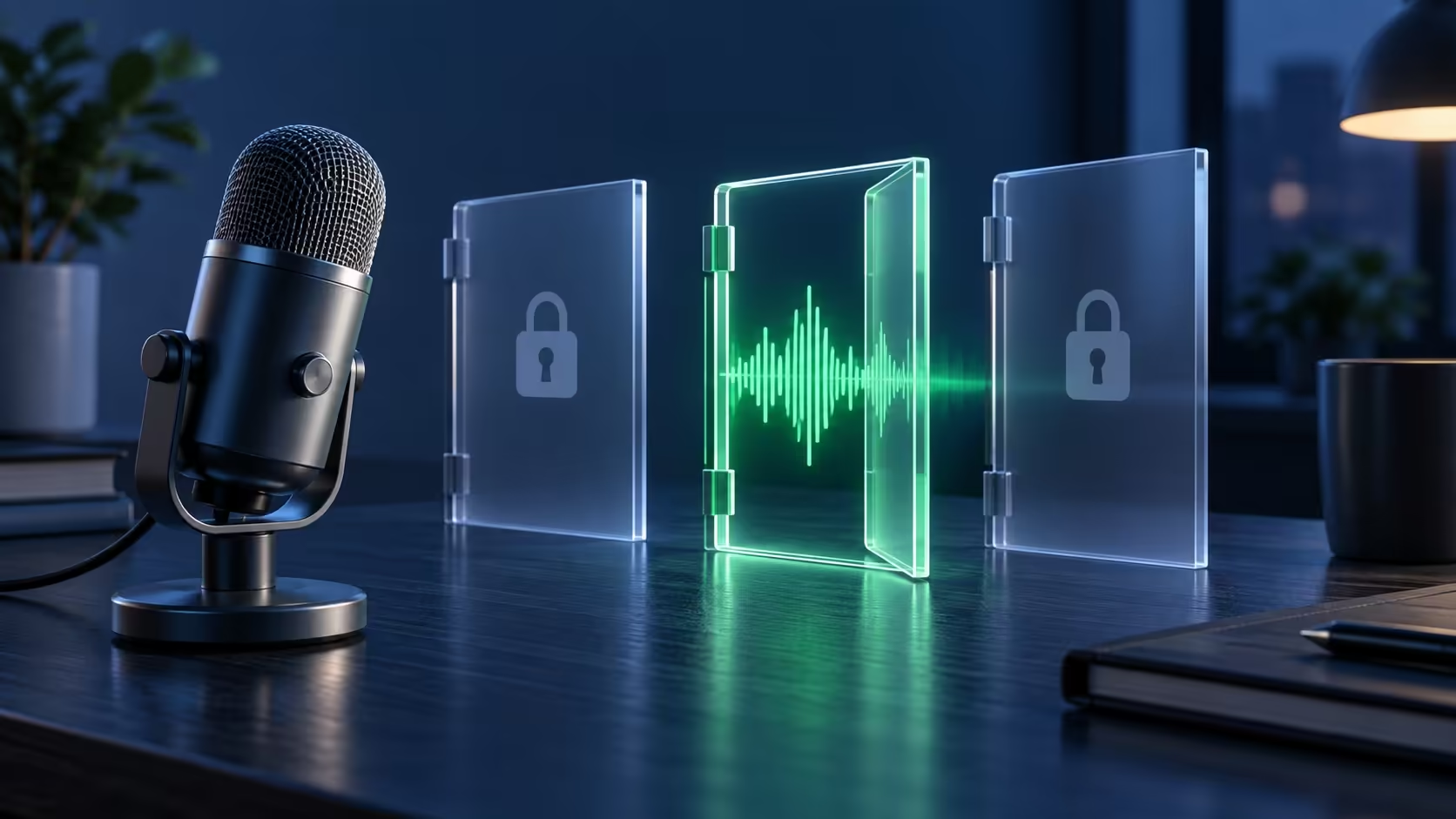
Your headphones can play perfectly while an app receives no voice. Windows microphone privacy settings control a different path from playback, and desktop software can use a separate access switch. Before buying a replacement microphone, work out whether the signal disappears at the device, in Windows or inside one application.
Quick Answer
In Windows 11, review Settings, Privacy and security, Microphone, including desktop-app access. Then select the intended input under System, Sound and make a test recording. Start with R0 in replacement hardware. A Marvo Blast 50 USB microphone was R299 in stock on 28 September 2026, but an app-permission problem does not establish that you need one.
🎙️ Establish that a signal reaches Windows
Check the physical mute control and connection first. If several microphones are attached, identify the one you intend to use rather than assuming Windows chose it. A webcam, headset and USB microphone can make the input list more confusing than the playback list.
Open the selected input's sound settings and use the recording test. Speak a short sentence, stop the test and play it back where that option is available. Keep the result simple: clear voice, very quiet voice or no voice. This gives you a useful baseline before changing anything inside the chat application.
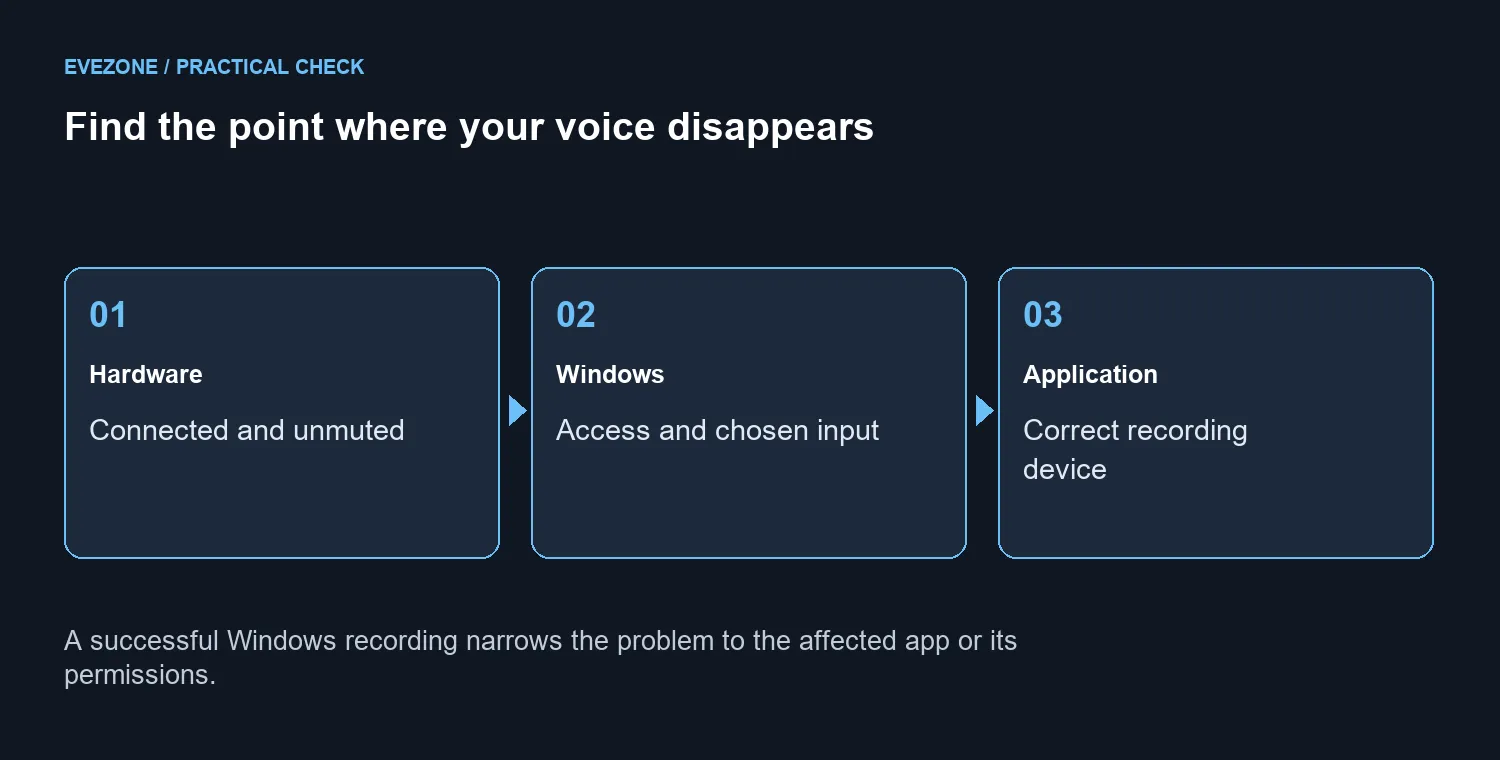
If Windows records clearly, leave the cable and device alone for the moment. If it records nothing, inspect access and the chosen input before shopping through microphones. Replacing a device while the same permission remains blocked may leave you with the same symptom and less money.
🔓 Review the right permission controls
The Microphone privacy page includes device access and app-access controls. Desktop applications may be governed by the separate desktop-app switch rather than an individual entry in the Store-app list. An absent app name is therefore not proof that Windows failed to install the microphone.
Review each relevant control deliberately. On a managed computer, a locked setting may be controlled by the organisation; ask the administrator to inspect the policy. Do not start editing the registry or removing security software to force a greyed-out switch.
Return to the affected app after changing a permission and repeat the same short voice test. Change one thing at a time and keep a note of the result. This is faster to interpret than altering five settings and never learning which one mattered.
🧪 Compare one app with another
Select the intended recording device inside the app as well as in Windows. If the Windows test succeeds but the app fails, compare a second recording application. That narrows the next investigation without pretending that every voice problem has the same cause.
Only consider hardware replacement after a repeatable device fault survives the basic checks. The R299 USB reference and the gaming headset range are options to compare when you actually need equipment, not remedies for a disabled permission. Keep driver troubleshooting for the point where the simpler checks give you a reason to investigate it.
Save the working input choice once the voice returns. A quick recording before the next important call is more useful than discovering another device was selected after the meeting begins.
Frequently Asked Questions
Where are microphone permissions in Windows 11?
Open Settings, then Privacy and security, then Microphone. Review Microphone access and the app-access controls shown on your installation.
Why is a desktop app missing from the app list?
Desktop apps may use a separate desktop-app access switch rather than individual Store-app entries. Check that control before assuming failure.
Can headphones playing sound prove the microphone works?
No. Playback and recording use different device paths. Select the intended microphone in System Sound and make a test recording.
What should I check before changing a driver?
Confirm physical mute, connection, permissions and selected input. Test another recording app to narrow down where the fault occurs.
What if the permission switch is locked?
A managed device may restrict changes. Ask its administrator to review the policy rather than attempting a registry workaround.
How much does the initial permission check cost?
R0 in replacement hardware. A Marvo Blast 50 USB microphone was R299 on 28 September, but a blocked app does not prove replacement is needed.
Need clearer voice chat?
Use a free permissions and input test before replacing working voice hardware.