Seeing an update announcement before it appears on your own PC is frustrating, especially when several Windows versions sound almost identical. Windows 11 26H2 update is now part of a controlled rollout, so a missing download is not by itself a reason to replace hardware or force an installer. Check the installed version, the normal update offer and current known issues before treating the delay as a fault. That order is more useful than repeatedly refreshing a news headline.
Quick Answer
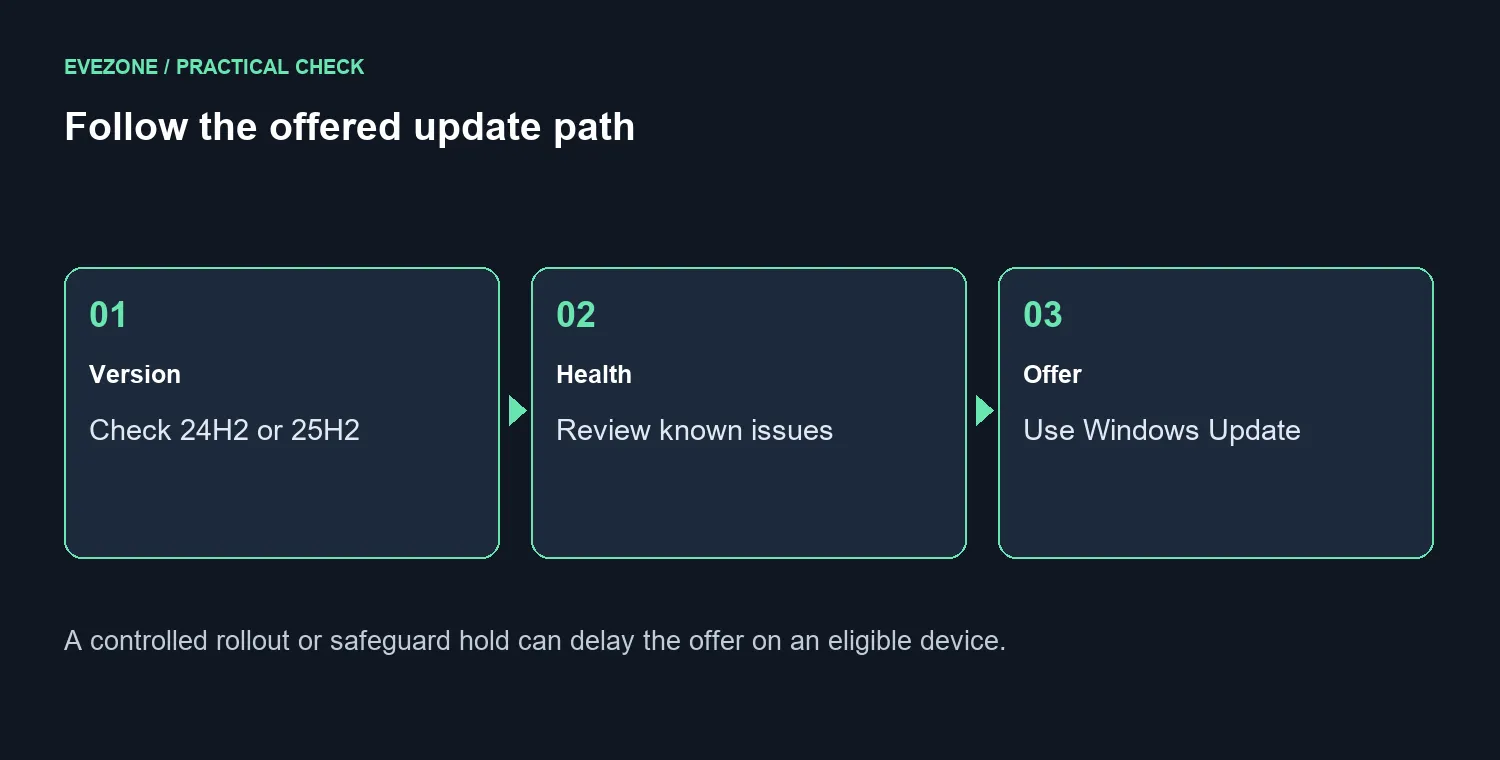
Microsoft is offering 26H2 to eligible devices running 24H2 or 25H2. A shared servicing branch allows an enablement package and a quick restart, while rollout controls and safeguard holds can delay the offer. The initial checks cost R0 in replacement hardware; save your work and allow for normal internet charges.
🪟 Check the version before chasing the offer
Read the version installed on the computer you are updating. Do not assume that another PC in the house has the same version or rollout status. Microsoft's announcement names eligible 24H2 and 25H2 devices, which is more specific than simply saying every Windows 11 machine receives the same download immediately.
Open Settings and Windows Update, then inspect the offered update. The option to receive the latest updates can affect the normal rollout path, but it does not erase eligibility checks. Keep the device on the supported route and note any message explaining why an update is not yet ready for it.
🛡️ Treat a safeguard hold as useful information
Controlled rollout means availability can differ between machines. A safeguard hold can delay an offer because an issue needs attention; a missing button does not prove that the PC is broken. Review current release health and the relevant known-issue details before deciding what to do next.
Avoid forcing an installation merely to make the version number match a headline. If a known problem affects your setup, the sensible next step is to follow the official resolution and offered update path. Keep a record of the exact message and installed version so a later check has something concrete to compare.
💾 Plan the restart around real work
The shared servicing branch allows an enablement package, so this update can apply without a large operating-system rebuild. A quick restart is still a restart. Save documents, finish uploads and close anything whose progress would be difficult to recover before accepting the offered change.
Afterwards, check the installed version and repeat the everyday tasks that matter on that PC. Use the same printer, display or game routine rather than changing several settings at once. If a problem appears, record its symptom and timing before deciding that it requires a hardware upgrade.
Browsing mini PCs or gaming PC deals makes sense when you have an actual performance or replacement requirement. The absence of a rollout offer alone does not establish one. Keep software availability separate from the reasons you might genuinely need another computer.
Frequently Asked Questions
Why did another eligible PC receive it first?
The rollout is controlled and offers can be delayed by safeguard holds. Compare version and release-health information rather than assuming identical timing across all computers.
Is this the same as the earlier preview announcement?
No. The new development is the offered 2026 Update rollout for eligible devices. Preview coverage and current rollout instructions answer different questions, so follow the current supported update path.
Should I buy a PC to make the offer appear?
A delayed offer does not prove a replacement is needed. The first checks require R0 in new equipment and help establish whether timing or a known issue is the real cause.
Check the update offer before making hardware plans.
Record your version, review current known issues and restart only after saving the work that matters.