A mouse can become lighter by taking away the part your palm normally rests on. That is the important idea behind Pulsar X2F CrazyLight, not just the headline weight. This is a specialist fingertip design, so the first buying question is whether your hand already controls a mouse that way. A shape mismatch does not disappear because the specification sheet looks fast.
Quick Answer
Pulsar specifies a 29g weight, with a plus or minus 2g tolerance, and removes the rear section for fingertip use. It also lists up to 8000Hz polling, subject to the appropriate receiver and system requirements. For a basic local reference, the black Marvo CAPO 20 wired gaming mouse was R149 in stock at Evetech on 29 September 2026; that is a different class of purchase, not an X2F price.
🖐️ Fit comes before the weight figure
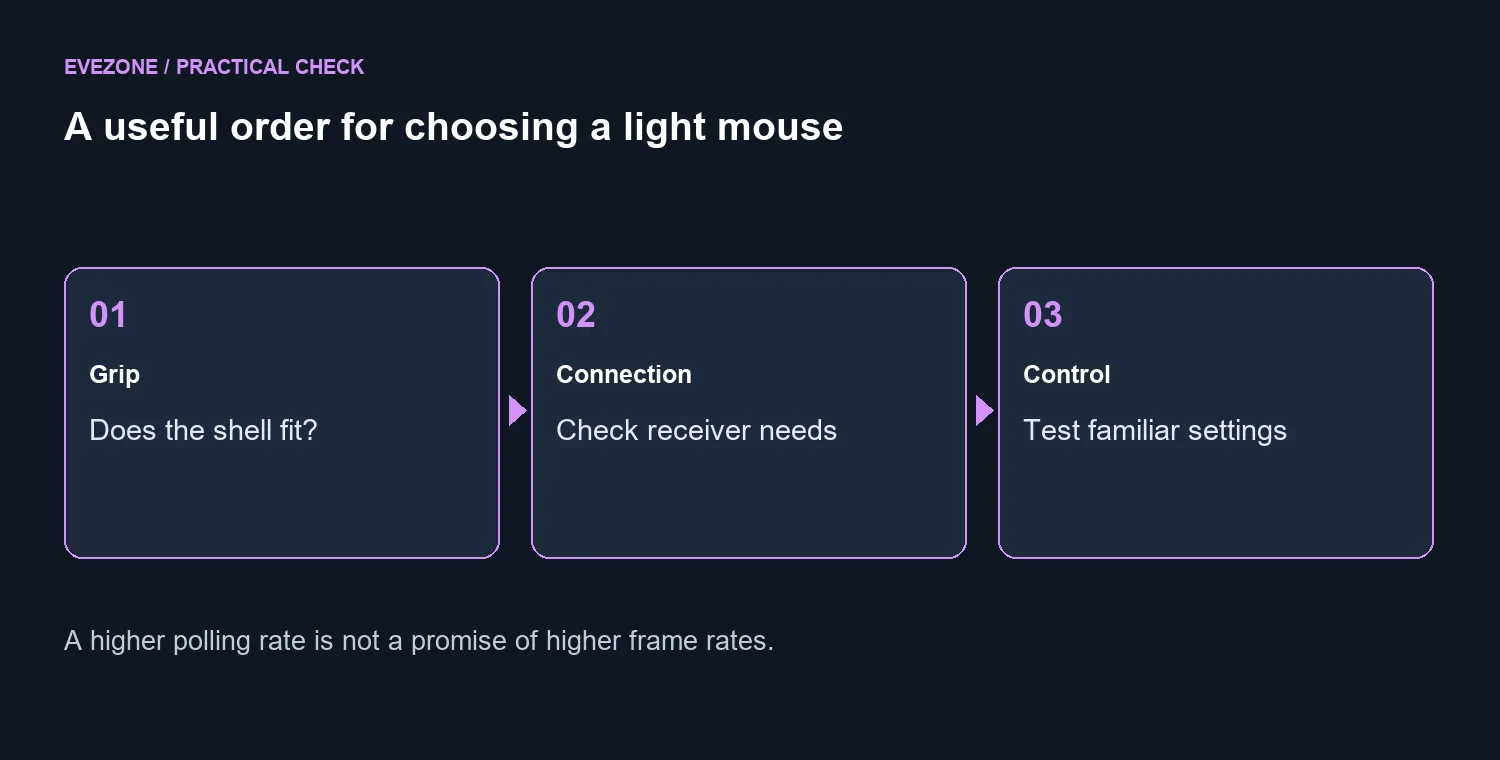
Fingertip control leaves more of the movement to your fingers, while a fuller shell provides a different area of contact. A player used to resting the palm on a mouse should not assume that removing the rear support will feel natural. Think about your grip during an actual match, not the pose you can briefly hold for a photograph.
Before buying, notice where your current mouse touches your hand. Do you rest on the back, pinch the sides, or mostly guide it through the front? Repeat that observation when making small corrections and when turning quickly. The answer helps you decide whether a specialist shape is worth trying at all.
There is no universal best weight that overrides comfort. The gaming mouse selection lets you compare shell styles and connection types while keeping the purchase tied to how you play. Do not force yourself into a new grip solely to justify a lighter device.
⚡ Understand what a faster report means
The XS-2 sensor and high polling capability are part of the launch specification. A polling rate describes how often movement is reported; it is not a multiplier for your game's frame rate. Faster reporting can only be judged as part of the complete input path and the performance of your actual system.
Pulsar lists a USB 3.0 or newer port and a Core i5 or Ryzen 5 class processor for the 8K dongle. Treat those as requirements to check, not a promise that every configuration carrying one of those names behaves identically. Confirm which receiver is included in the package you are offered before budgeting for the full setup.
Start any comparison using a familiar sensitivity and the same game settings. Changing the mouse, sensitivity, polling rate and surface together makes it difficult to know what helped. Keep notes on control and comfort over several sessions rather than declaring a winner after one good round.
🎯 Spend on a controllable setup
The R149 CAPO 20 reference establishes that working gaming input does not require a specialist launch purchase. It does not claim equal shape, wireless behaviour or sensor performance. Someone with a failing mouse and a small budget faces a different decision from a fingertip player refining an already good setup.
Your surface also belongs in the decision. Browse the mousepad best sellers if your current pad is worn or inconsistent, but avoid replacing every part at once. A clean, familiar surface gives you a more useful baseline when assessing a new shell.
Keep the original packaging until you have checked the supplied parts and read the seller's terms. If the shape does not support your normal movement, another shell may be the better choice even when it weighs more. The useful upgrade is the one you can control comfortably, not the one that wins a specification contest.
Frequently Asked Questions
Is this a general recommendation for every player?
No. The design deliberately targets a particular grip. A palm-focused player should compare fuller shells before committing.
Does the manufacturer weight describe my complete setup?
It is the stated mouse weight with a tolerance. It does not describe the receiver, cable or every accessory in your desk arrangement.
How should I test a different polling setting?
Keep the game and sensitivity unchanged, then compare one setting at a time. Watch for consistent control and smooth play instead of relying on a single score.
Choose the shell your hand can control.
Compare Evetech's gaming mice and desk surfaces around your grip, budget and familiar settings before chasing a smaller weight number.