Quick Answer
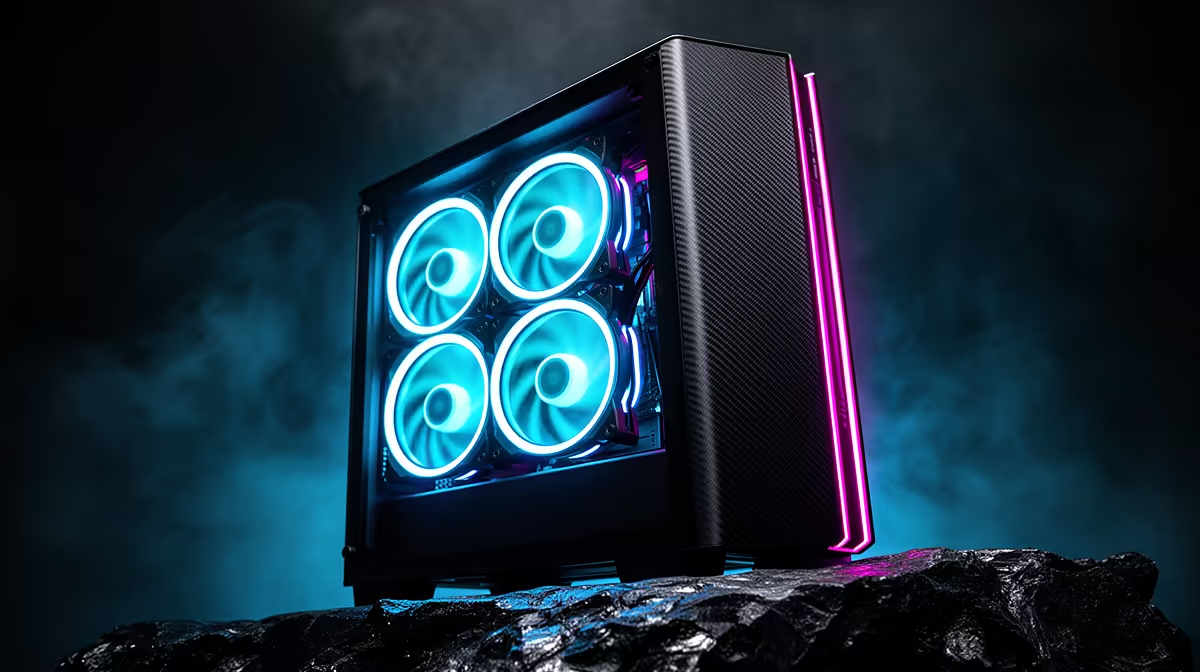
Four pre-installed ARGB fans are genuinely useful for mid-range builds and deliver both thermal performance and coordinated lighting without extra spending. Their usefulness drops for flagship RTX 5080 or RTX 5090 builds where additional fans or AIO cooling is needed to handle the higher heat loads.
The Practical Value of Pre-Installed Fans 💡
Buying a case with four fans included rather than zero saves R600 to R1,600 depending on included fan quality. Many builders underestimate this saving when comparing case prices. A case at R2,200 with four ARGB fans versus one at R1,800 with no fans is often the more economical choice once you add the cost of four separate fans.
The included fans are tuned to the case's mounting positions and controlled through a built-in ARGB hub that consolidates lighting signals to a single motherboard ARGB header. This lets ASUS Aura Sync or MSI Mystic Light control all four fans together without daisy-chaining individual headers. For builders wanting a working ARGB setup straight out of the box, pre-installed fans eliminate two hours of cable management and hub wiring.
Performance Reality: What Four Fans Can and Cannot Do 🌬️
A typical 4-fan pre-installed setup (three 120mm intake, one rear exhaust) delivers effective airflow of approximately 150 to 180 CFM after filter restriction. This comfortably handles a Ryzen 7 9700X at 65W TDP with air cooler plus an RTX 5070 at 250W TDP, maintaining GPU junction temps below 85 degrees Celsius under sustained gaming.
The limitation appears with RTX 5080 or RTX 5090 configurations. An RTX 5090 at 575W TDP requires all available airflow capacity. Without an AIO pulling CPU heat off the air-cooling circuit, GPU temperatures can exceed 90 degrees Celsius during extended sessions, triggering throttling that reduces performance by 5 to 10 percent. Treat the four pre-installed fans as a starting configuration and budget R400 to R800 for one or two additional top-exhaust fans for flagship builds.
ARGB Quality Differences in Pre-Installed Fan Sets 🔆
Not all pre-installed ARGB fans are equal. Entry-level case fans feature 6 to 8 LEDs per ring with voltage-only control, producing a visible individual pixel look rather than smooth gradients. Mid-range and premium case fans include 16 to 24 LEDs per ring with full PWM control, enabling detailed lighting patterns and accurate RPM management via fan curves.
The hub quality also differs. Basic hubs support voltage control only (all four fans at the same speed), while PWM hubs allow individual fan control per zone. For a quiet gaming PC that ramps fans only under load, PWM hub support is the meaningful differentiator between a R1,500 and R2,200 case with four fans.
ARGB Fan Sync Compatibility Check ⚡
Confirm pre-installed fans use the 3-pin 5V ARGB standard, not the older 4-pin 12V RGB standard. The connectors look similar but are not compatible. Plugging a 12V header into a 5V socket can damage the LEDs. Check the case spec and the motherboard ARGB header type before first boot.
FAQ
Can pre-installed ARGB fans be replaced with better models later?
Yes. Pre-installed fans connect to standard 120mm mounts and PWM or voltage headers. They can be removed and replaced at any time. The integrated ARGB hub may or may not accept third-party fans depending on the hub's ARGB standard.
Do ARGB fans use significantly more power than standard fans?
No. The LED strip draws 0.1 to 0.2W per fan. Four ARGB fans add under 1W of total power draw, negligible against a 650W or 850W PSU.
Are 4 pre-installed fans loud at full speed?
Most 120mm fans at 1,200 to 1,800 RPM produce 25 to 35 dB, audible but not disruptive. With a proper PWM curve set in the UEFI, fans rarely hit full speed during normal gaming, settling at 800 to 1,000 RPM for most sessions.
Want ARGB fans and airflow sorted from day one?
Evetech stocks gaming cases with four or more pre-installed ARGB fans, giving you lighting and cooling ready to go straight out of the box.