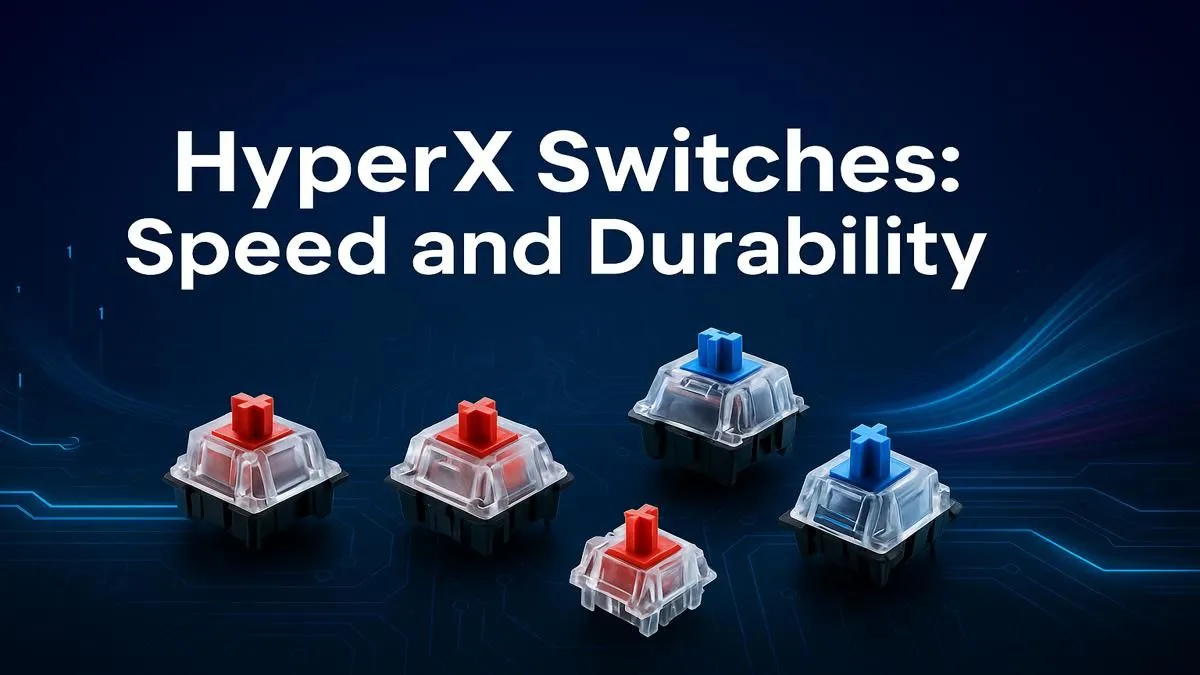
Ever felt that split-second delay in a firefight? That tiny moment where your finger moves but the action on-screen lags... just enough to cost you the round? That, my friend, is often the keyboard switch. It’s the engine under the keycap, and getting it right is crucial. This ultimate HyperX switches explained guide is your shortcut to finding the perfect feel, speed, and durability for your playstyle, right here in South Africa. 🚀
What Makes HyperX Switches a Top Contender?
Before we dive into the colours, let's understand why this HyperX switches explained guide is even necessary. For years, most gaming brands relied on a few big switch manufacturers. HyperX changed the game by designing their own, focusing on two key areas for gamers: blistering speed and rock-solid durability.
Rated for a massive 80 million keystrokes, these switches are built to withstand years of intense gaming sessions. They also feature an exposed LED design, which means your RGB lighting shines brighter and more vividly than on many competing keyboards. This commitment to performance and quality is why so many gamers are looking for the best gaming keyboard deals that feature them.
HyperX Switches Explained: The Three Main Types
At its core, the choice comes down to three distinct feels: Linear, Tactile, and Clicky. Each is designed for a different kind of user, and understanding them is the key to unlocking your potential.
HyperX Red (Linear): The FPS Gamer's Dream
Imagine a smooth, consistent press from top to bottom with no bump or click. That’s a linear switch. HyperX Reds are designed for pure speed.
- Feel: Smooth and direct.
- Actuation Force: 45g (light and easy to press).
- Best For: Fast-paced FPS and action games like VALORANT or Apex Legends, where rapid, repeated keystrokes (like double-tapping for a dash) are common. The lack of a tactile bump means nothing slows you down.
For gamers who need every millisecond, a keyboard with HyperX Red switches is a formidable weapon. They are often found in some of the most affordable gaming keyboards in South Africa that don't compromise on performance.
HyperX Aqua (Tactile): The Versatile All-Rounder
The HyperX Aqua is the perfect middle-ground. It provides a small, noticeable "bump" when the keypress is registered, giving you confirmation without the loud noise of a clicky switch.
- Feel: A satisfying, gentle bump.
- Actuation Force: 45g (same light touch as Reds).
- Best For: Gamers who do a bit of everything. The tactile feedback is excellent for accurately timing abilities in MOBAs like Dota 2 or MMOs, and it makes typing feel more precise and comfortable. It's the ideal switch for a hybrid work-and-play setup.
Switch Feel Pro Tip 💡
Can't decide between Linear and Tactile? The Aqua switch is often the safest bet. The tactile bump helps prevent accidental keypresses and reduces typos when you're chatting in-game or writing up a document, offering a great balance of speed and accuracy.
HyperX Blue (Clicky): For Maximum Feedback
Love a loud, satisfying CLICK with every press? The HyperX Blue is for you. It combines a tactile bump with an audible click, delivering unmistakable feedback that your command has been executed.
- Feel: A sharp bump with a distinct "click" sound.
- Actuation Force: 50g (slightly heavier for a more deliberate feel).
- Best For: Typists and gamers who crave that classic mechanical keyboard experience. The loud feedback is incredibly satisfying for strategy games or anyone who wants absolute certainty with every keystroke. Just be warned... your teammates might hear you over Discord!
Many gamers love to pair a clicky keyboard with a high-performance mouse, creating the ultimate setup with our keyboard and mouse combos.
Beyond the Switch: Customising Your Setup 🔧
Understanding HyperX switches is the first step. The next is personalising your entire battle station. Many modern mechanical keyboards are becoming customisable. If you're an enthusiast, you can even buy individual keyboard switches to mix and match or repair your board.
You can also completely change the look and feel of your keyboard with a fresh set of custom keyboard keycaps, adding a splash of personality. And for those long gaming marathons, don't forget about comfort. Adding one of our ergonomic wrist rests can make a huge difference in preventing strain.
So, Which HyperX Switch Is Right for You?
This HyperX switch guide boils down to a simple choice based on your primary use.
- Choose HyperX Red (Linear) if you're an FPS player who values raw, unobstructed speed above all else.
- Choose HyperX Aqua (Tactile) if you want a versatile switch that excels at both gaming and typing, providing helpful feedback without the noise.
- Choose HyperX Blue (Clicky) if you love loud, decisive feedback and want the most satisfying typing experience possible.
No matter your choice, you're getting a switch built for performance and longevity. The right one will feel less like a tool and more like an extension of your own hands.
Ready to Find Your Perfect Match?
Understanding the tech is one thing, feeling it is another. A great keyboard is a gamer's best friend. Explore our massive range of gaming keyboard deals and find the perfect HyperX-powered machine to conquer your world.