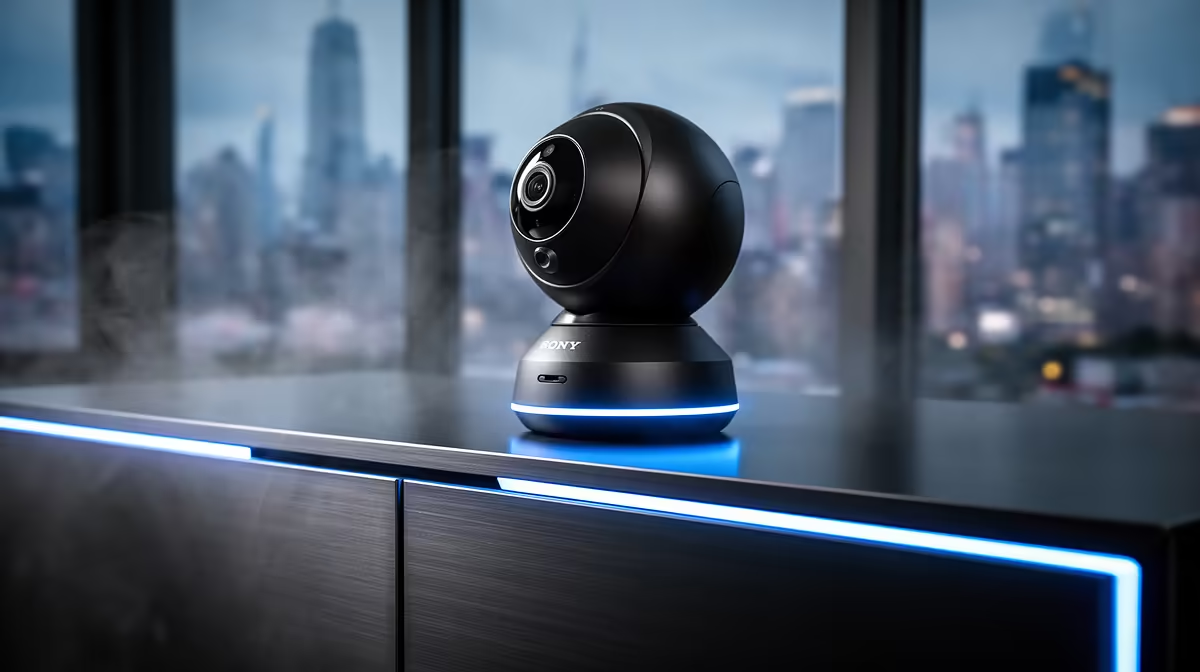
The TP-Link Tapo C212 is a practical verified starting point for an indoor pet camera on a home 5G connection. The camera still depends on stable local Wi-Fi, secure account setup and sensible placement. Mobile-network speed at the router does not guarantee coverage in every room.
Test the camera location
The Tapo C212 pan-and-tilt Wi-Fi camera costs a verified R451. Confirm current recording options, app compatibility, power-cable reach and wireless-band support before purchase. Place it where a pet cannot pull the cable, knock over the unit or reach small mounting parts.
Run a video call from the proposed spot and watch connection stability while another household device uses the 5G service. If the signal drops only in that room, improve router position or local coverage rather than blaming the camera. Check the service plan for data-management rules when viewing remotely.
Protect the household view
Use a unique password, enable available account protection and keep firmware current. Aim away from neighbouring property and private household areas that do not need monitoring. Decide who can view clips and how long recordings should remain stored.
Test live view, alerts and night image with the pet moving normally. The right camera should show the required area without turning the home into an uncontrolled recording space.
Setting up indoor pet monitoring? > Compare Evetech cameras and networking equipment against room coverage and recording needs.