


Black Myth: Wukong 2 Ultrawide Support: 21:9 and 32:9 Setup Guide
Black Myth: Wukong 2 Ultrawide Support: 21:9 and. Clear setup instructions with SA-specific considerations, troubleshooting tips & recommended components.
Read moreIntegrated cable management channels keep your gaming setup clean and safer—without messy tangles. Reduce cable stress, improve airflow, and make future upgrades faster. 🎮✨
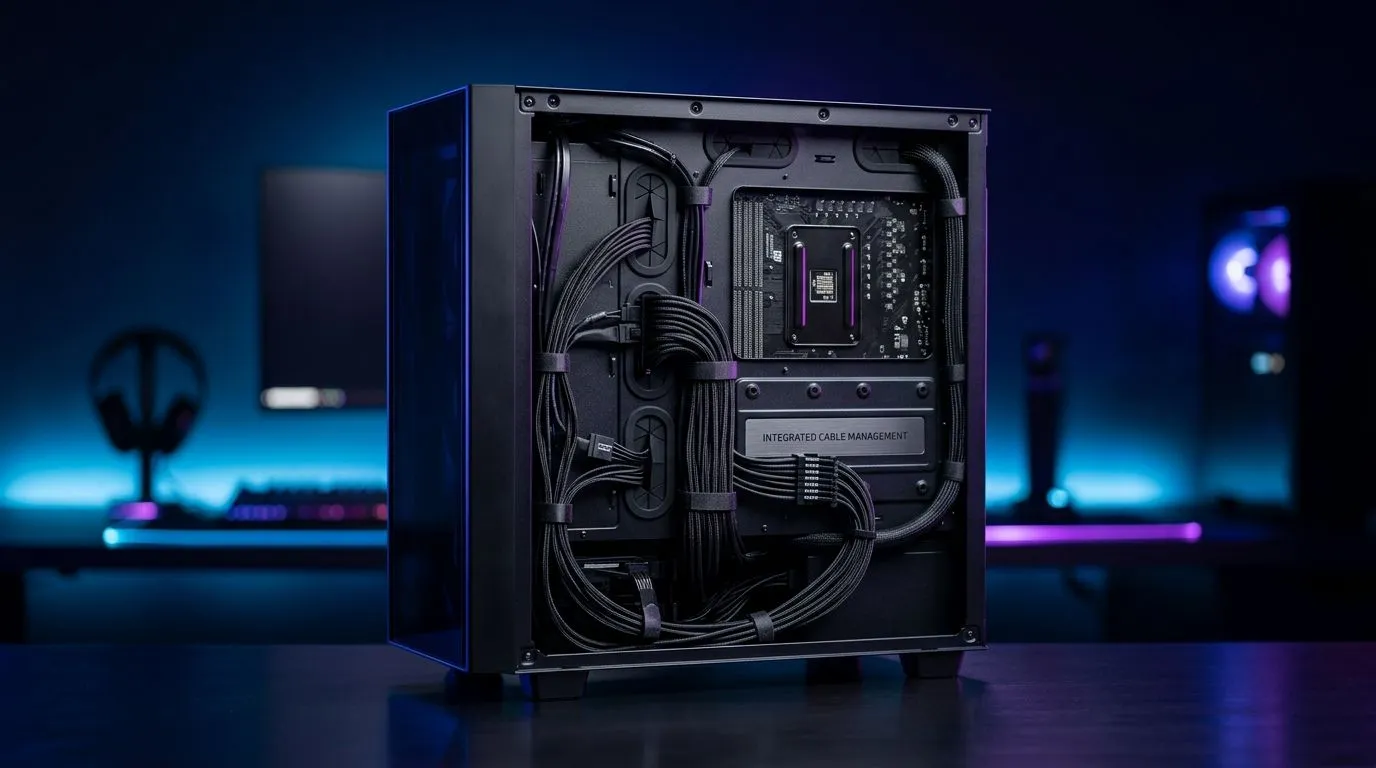
If your gaming space looks like a jungle of tangled cables, you’re not alone. South African gamers know that a clean gaming desk goes beyond aesthetics — it improves airflow, cuts down distractions, and even prolongs your hardware’s lifespan. Integrated cable management channels keep power cords and USB cables neatly tucked away, giving your rig a sleek, professional look with zero fuss. Ready to upgrade your setup? Let’s dive into the how and why. 🔧
Integrated cable management channels are built-in grooves or compartments within desks or PC cases designed to route cables invisibly. These channels help maintain a minimalist environment by bundling cables out of sight and securing them firmly. By reducing clutter, you also improve airflow around components, reducing overheating risks — crucial during marathon gaming sessions.
If you’re eyeing a new gaming desk with these channels included, check out Evetech’s range of gaming desks. They combine durability with smart design tailored for South African gamers who demand functionality and style.
Beyond desks, cases equipped with integrated cable channels like those found in popular models alongside case lighting offer more than just tidiness. Lighting accents tied neatly to cables look stunning without adding chaos. For a vibrant rig, explore the benefits of NZXT case lighting products. Neatly routed cables make your lighting highlights pop.
Also, consider pairing your neat setup with ergonomic gaming chairs to complete the ultimate comfort and style combination. A tidy, comfortable gaming station enhances focus and performance every time you play.
Don’t just rely on built-in channels — add hidden adhesive cable clips to corner spots under your desk for total tidiness.
Looking for specific advice on full setups combining these features? The Arrozi gaming setups collection showcases inspiring examples that balance cable management with aesthetics for South African gamers.
Elevate Your Gaming Setup Today A cleaner, cooler gaming rig is just a click away. Shop now at Evetech and experience how integrated cable management channels can transform your space.
Integrated cable management channels guide and conceal cables along your desk or case, reducing clutter, strain, and making cable routing easier to maintain.
Yes. With cables routed through channels instead of piled behind components, you get less blockage near vents, which supports better airflow and cooling.
Use desk cable raceways or built-in channels to separate power and signal lines, then secure them along the shortest path for a cleaner, safer route.
They make upgrades easier. You can trace cables faster, avoid tangled loops, and swap devices without disturbing the entire setup.
When installed correctly, channels help prevent pinching and friction. Always follow device power guidance and avoid overcrowding that could trap heat.
Most installs require basic measuring, a screwdriver or drill (if needed), and cable ties or clips to secure runs within the integrated cable management system.
Yes. Look for adhesive-backed cable raceways or snap-in cable trays that integrate with your desk surface, letting you keep a clean gaming setup without holes.
They can. Proper channel routing reduces bending stress at connectors and keeps cables from being snagged, helping improve long-term cable durability.
Black Myth: Wukong 2 Ultrawide Support: 21:9 and. Clear setup instructions with SA-specific considerations, troubleshooting tips & recommended components.
Read more
Setting Up HDMI 2.1 Cable. Tested & verified settings for best FPS and visual quality on SA hardware budgets.
Read more
Every spec on PCIe 5.0 explained in plain English. What matters for gaming and creator work in 2026, what's marketing fluff, and how each number translates to real-world performance.

A head-to-head look at WiFi 7: real-world performance, ZAR pricing and which option delivers better value for SA builders. The clear answer — no fluff.

Everything you need to set up and tune PCIe 5.0 properly: the prep work, the settings that actually matter, and the mistakes to skip. Written for SA builders in 2026.

Everything you need to set up and tune X870E Motherboard properly: the prep work, the settings that actually matter, and the mistakes to skip. Written for SA builders in 2026.

Wondering what a 512GB SSD capacity really holds? This guide breaks down how many games, photos, and documents fit on 512GB, with real-world ranges 📦💾

Every spec on vrm explained in plain English. What matters for gaming and creator work in 2026, what's marketing fluff, and how each number translates to real-world performance.

Every spec on motherboard explained in plain English. What matters for gaming and creator work in 2026, what's marketing fluff, and how each number translates to real-world performance.

Premium vs Midrange Motherboards in South Africa: real-world performance, SA pricing, power draw and which one delivers better value for your build for SA buyers. The clear answer — without the fluff.
Wondering what a 512GB SSD capacity really holds? This guide breaks down how many games, photos, and documents fit on 512GB, with real-world ranges 📦💾
Every spec on PCIe 5.0 explained in plain English. What matters for gaming and creator work in 2026, what's marketing fluff, and how each number translates to real-world performance.
A head-to-head look at WiFi 7: real-world performance, ZAR pricing and which option delivers better value for SA builders. The clear answer — no fluff.

Every spec on USB4 explained in plain English. What matters for gaming and creator work in 2026, what's marketing fluff, and how each number translates to real-world performance.