In South Africa, your creativity is your currency. But is your PC bottlenecking your hustle? Laggy timelines, endless render queues, and slow file transfers can kill your flow. While a fast CPU and GPU get all the glory, the unsung hero of a powerful creative rig is the motherboard. Choosing one with the right Intel motherboard features for content creators isn't just an upgrade; it's an investment in getting your time back. Let's dive in.
Essential Intel Motherboard Features for a Seamless Workflow
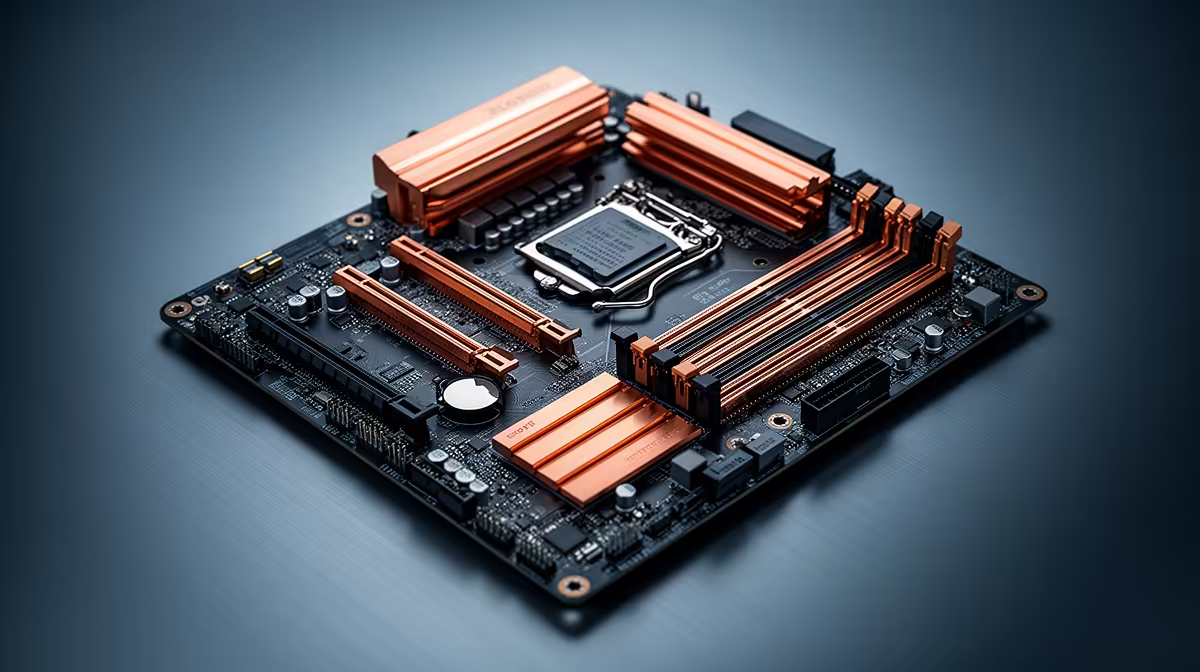
Your motherboard is the central nervous system of your PC. For video editors, 3D artists, and streamers, specific features can dramatically boost productivity. It's about more than just plugging things in; it's about creating a high-speed, stable environment where your ideas can flourish. 🚀
Thunderbolt™ 4: One Port to Rule Them All
Imagine connecting your high-resolution monitor, a lightning-fast external SSD for your 4K footage, and charging your devices... all through a single, reversible USB-C port. That's Thunderbolt 4. With a blazing 40Gbps bandwidth, it's a non-negotiable for creators who constantly move massive files. No more juggling dongles or waiting for slow transfers.
Next-Gen Connectivity: Wi-Fi 6E & 2.5Gb Ethernet
Uploading a huge project file to a client in Johannesburg while you're in Cape Town? A stable, fast connection is crucial. Modern Intel motherboard features include Wi-Fi 6E for less congested wireless speeds and 2.5GbE LAN ports for wired connections that are 2.5 times faster than standard gigabit Ethernet. This means faster cloud backups, smoother high-bitrate streaming, and quicker downloads. This is a key consideration across our entire catalogue of Intel motherboards.
PCIe 5.0: Don't Get Left Behind
Technology moves fast. PCIe 5.0 doubles the bandwidth of the previous generation, unlocking the full potential of next-gen graphics cards and ultra-fast NVMe SSDs. While you might not need the full speed today, choosing a motherboard with PCIe 5.0 support ensures your rig is ready for the creative tools of tomorrow. It's about future-proofing your investment.
BIOS Pro Tip ⚡
When you first build your PC, dive into the BIOS and enable the Extreme Memory Profile (XMP). Most RAM doesn't run at its advertised speed out of the box. A single click to enable XMP can give you a significant performance boost in memory-intensive tasks like video editing and rendering, and it's one of the easiest optimisations you can make!
Decoding Intel Chipsets: Z-series vs. B-series
Not all motherboards are created equal. The chipset (like Z790 or B760) determines many of its capabilities.
- Z-series (e.g., Z790): The top tier. These boards are for professionals who need maximum performance, offering CPU and memory overclocking, the most PCIe lanes, and the best connectivity options. If you're running a top-end Intel Core i9 and want to squeeze every drop of power out of it, this is for you.
- B-series (e.g., B760): The sweet spot. B-series boards offer a fantastic balance of performance and price. You still get essential features like PCIe 5.0 support and great connectivity, but without the premium cost of advanced overclocking. For most content creators, this is the perfect choice, and you can find many cheap Intel and AMD based motherboards in this category that deliver incredible value. ✨
What About Team Red?
It’s always smart to consider all your options. While we're focusing on the best features of Intel motherboards here, it's worth noting that AMD has a strong offering too. Features like PCIe 5.0 and high-speed networking are also prevalent on their platform. The best choice often comes down to specific CPU pairings and your budget. It's always a good idea to see what AMD motherboards are available before making a final decision.
Ultimately, the right motherboard acts as the stable foundation for your entire creative process. By investing in features like Thunderbolt 4, high-speed networking, and future-proof standards, you're not just buying a component; you're buying a smoother, faster, and more enjoyable workflow.
Ready to Build Your Creative Powerhouse?
The right motherboard is the foundation of a frustration-free creative workflow. Stop waiting and start creating. Explore our massive range of Intel motherboards and find the perfect board to bring your vision to life.