


AIO Liquid 240mm Setup and Configuration: Complete Tutorial
AIO Liquid 240mm Setup and Configuration. Clear setup instructions with SA-specific considerations, troubleshooting tips & recommended components.
Read moreIs gaming setups worth the money in 2026? Honest verdict on real performance gains, where it makes sense, and when a cheaper alternative delivers the same outcome.
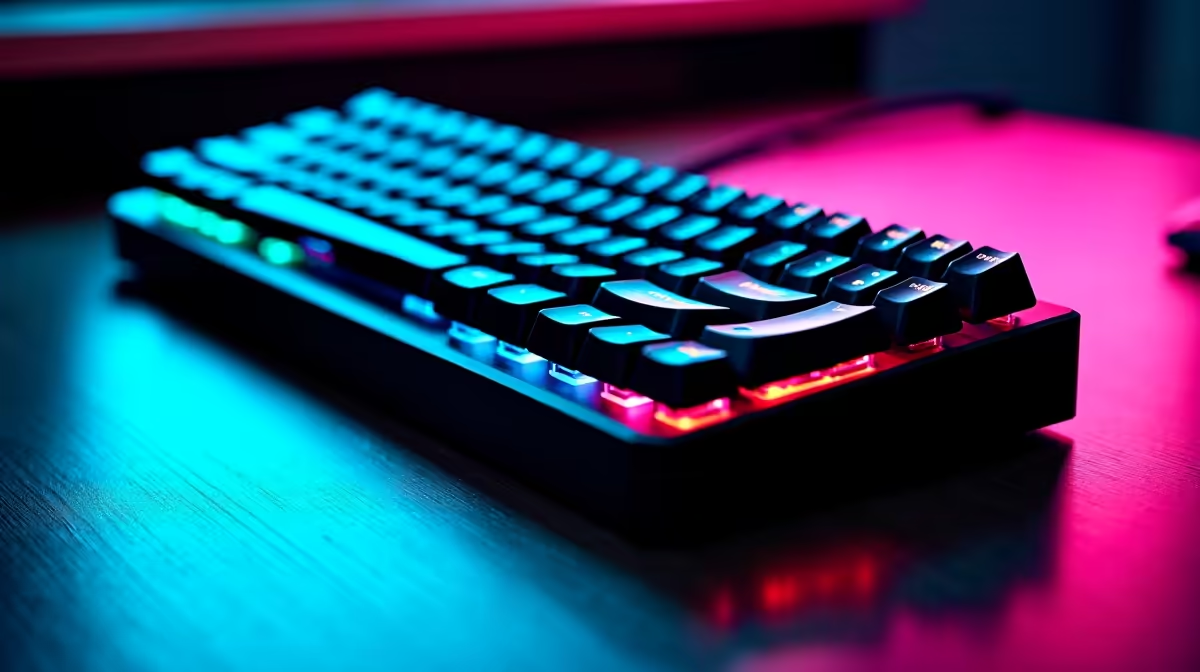
Working from home has completely blurred the line between spreadsheets and boss fights. If your desk is cluttered with two different boards just to switch from your work laptop to your gaming PC, you are probably wasting space. But is a multi-device keyboard worth it for work and gaming setups at home? Let us find out if one piece of tech can truly rule them all.
Juggling multiple devices is a standard reality for South African tech lovers. You might have a corporate laptop for the daily grind and a custom rig for evening raids. Swapping USB cables every afternoon is incredibly tedious. A multi-device keyboard solves this headache by letting you switch connections with a single keystroke.
When browsing standard keyboards in South Africa, you will notice that wireless technology has improved drastically over the last few years. Modern Bluetooth and 2.4GHz dongles now offer seamless transitions between your PC, tablet, and even your smartphone. You can reply to a WhatsApp message on your phone and immediately jump back to your Excel spreadsheet. This level of versatility is unmatched for a modern home office.
The biggest fear for any gamer is input lag. Nobody wants to miss a crucial headshot because their wireless connection stuttered. Fortunately, modern multi-device options are built to perform. Many premium models feature hyper-fast 2.4GHz wireless modes alongside standard Bluetooth functionality. This means you get the convenience of multiple connections without sacrificing your response times.
If you play highly competitive esports titles, you might still prefer dedicated gaming keyboards equipped with ultra-low latency mechanical switches. However... for the average gamer who also needs to type up long corporate reports, a high-quality multi-device board is incredibly capable. You still get satisfying tactile feedback and vibrant RGB lighting to match your rig.
Always use the 2.4GHz USB receiver for your main gaming PC to ensure zero latency. Save the Bluetooth connections for your work laptop or tablet where split-second reaction times are not required.
Let us talk about pure value. Buying two separate high-end boards can easily cost you thousands of Rands. Investing in a single multi-device keyboard saves you money while instantly decluttering your desk. A clean and minimalist workspace has been proven to boost focus and reduce daily stress.
You also save on plug points and USB ports... which is always a massive bonus when setting up your gear to survive load-shedding schedules. Plus... you can channel those extra savings into upgrading other vital parts of your setup like your mouse or headset. Keep an eye on our tech specials to find premium wireless peripherals at unbeatable prices. You truly get the best of both worlds without draining your wallet.
Ready to Upgrade Your Desk Setup? 🚀 Finding the perfect balance between productivity and play is easier than ever. Whether you need a versatile wireless companion or a dedicated mechanical beast, Evetech offers maximum power and choice. Explore our massive range of keyboards and find the perfect match to conquer your workday and your gaming sessions.
The keyboards, tools and accessories referenced in this article are stocked at Evetech.co.za with local SA warranty, ZAR pricing and nationwide delivery.
For specific use cases, yes. The article defines exactly who benefits and who gets equivalent real-world performance from a cheaper alternative.
The guide lists the three buyer profiles that see real value, plus the buyers who'd be overspending for features they won't use.
We name the specific mid-range picks in the SA market that deliver 90% of the performance for a much smaller Rand spend.
Platform longevity, upgrade path and driver/BIOS support are all covered so you know how long this purchase will stay current.
AIO Liquid 240mm Setup and Configuration. Clear setup instructions with SA-specific considerations, troubleshooting tips & recommended components.
Read more
Setting Up DDR5 64GB Kit. Tested & verified settings for best FPS and visual quality on SA hardware budgets.
Read more
Overwatch 2 Setup Guide Gamers. Clear setup instructions with SA-specific considerations, troubleshooting tips & recommended components.
Read more
R and RStudio on Mac: Data Science Setup Guide. Clear setup instructions with SA-specific considerations, troubleshooting tips & recommended components.
Read more
NVIDIA Broadcast Setup with GPU: Streamer Guide. Clear setup instructions with SA-specific considerations, troubleshooting tips & recommended components.
Read more
Core Ultra 7 265K Temperature Guide: Normal Range. Complete product range with SA pricing, key specs & recommendations for different budgets.
Read more
AMD RX 9050 XT: Rumoured Specs, Price & Release. SA-focused analysis with local pricing data, real-world insights & actionable buying advice.

Can RTX 4080 Super Run AI Workloads for SA Developers Detailed answer with SA data, expert analysis & practical recommendations for local buyers.

Can RTX 4090 Run AI Workloads for SA Developers Detailed answer with SA data, expert analysis & practical recommendations for local buyers.

Top Settings for Intel Arc B580 at Ultrawide 1440p picks evaluated on performance, value & SA availability with current Rand pricing from Evetech.

RTX 4060 CS2 Low Settings at 1080p: FPS Results. Real-world benchmark data, FPS numbers & performance analysis. What SA gamers can actually expect.

Visual Artifacts: Possible GPU Issue Issue #1. Diagnosis steps, proven fixes & when to seek professional help. SA-specific support info included.

Can the RTX 4090 Handle 1440p 144Hz Gaming. Performance testing verdict with real data & practical recommendations for SA buyers.

Top ASUS GPU Under R15000 picks evaluated on performance, value & SA availability with current Rand pricing from Evetech.

GTA 6 Max Settings on RTX 5070. Tested & verified settings for best FPS and visual quality on SA hardware budgets.

Cyberpunk 2077 Max Settings on RTX 5080. Tested & verified settings for best FPS and visual quality on SA hardware budgets.

Starfield Max Settings on RTX 5070 Ti. Tested & verified settings for best FPS and visual quality on SA hardware budgets.

Top RTX 5090 Under R5000 picks evaluated on performance, value & SA availability with current Rand pricing from Evetech.