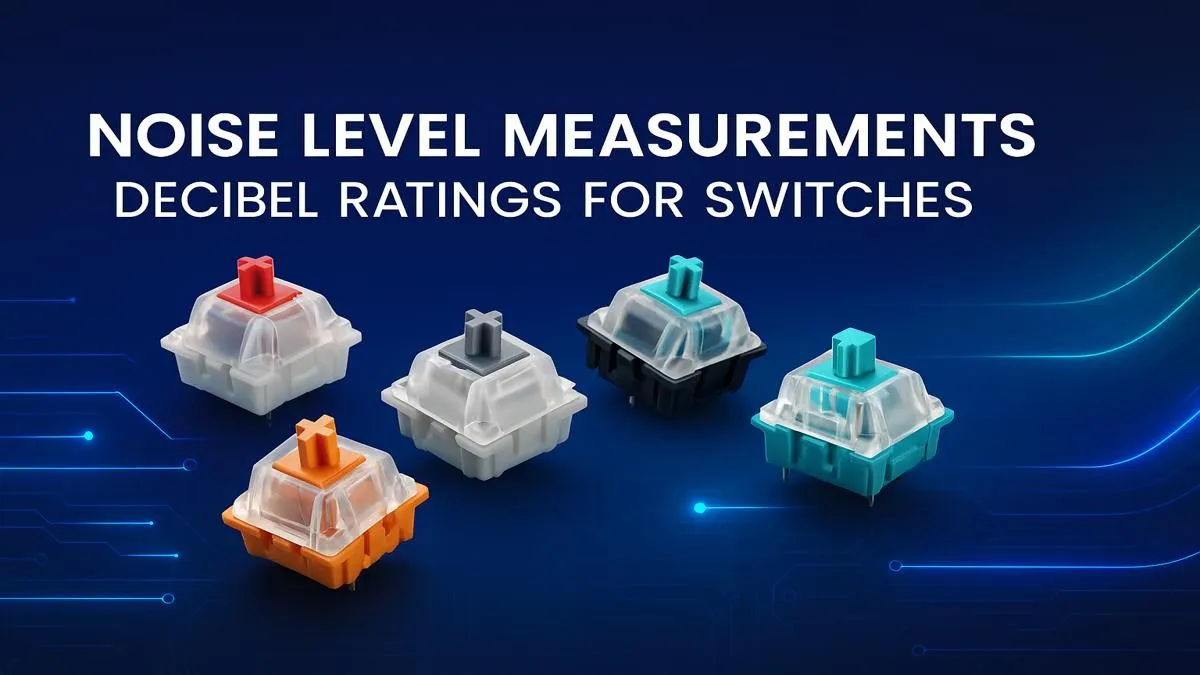
Howzit, fellow gamer! It’s 2 AM, you’re deep in a ranked match... the tension is thick. But the loudest thing in the room is your keyboard, clacking away like a hailstorm on a tin roof and threatening to wake up the whole house. 🎧 Understanding keyboard switch decibel levels isn't just for audio nerds; it's the secret to finding a board that feels amazing to use without getting you into trouble. This guide breaks down keyboard sound levels simply.
Understanding Keyboard Switch Sound Levels
Before we dive into the noisy details, let's talk about what we're measuring. Decibels (dB) are units used to measure sound intensity. For context, a whisper is about 30 dB, a normal conversation is around 60 dB, and a lawnmower is a noisy 90 dB. The differences in keyboard switch decibel levels can be just as distinct, falling anywhere from near-silent to satisfyingly loud.
The sound profile of a keyboard is primarily determined by its mechanical switches. Getting to grips with the various types is your first step to acoustic bliss, so be sure to check out the latest gaming keyboard deals to see the variety on offer.
A Decibel Guide to Common Switch Types
Switches generally fall into three families: linear, tactile, and clicky. Each offers a unique feel and, more importantly, a different sound signature. Knowing the typical noise levels for each type is key to a smart purchase.
🤫 Silent & Linear Switches (The Stealth Operators)
Typical Sound Level: 35-45 dB
Linear switches provide a smooth, consistent keystroke from top to bottom with no bump or click. They are the quietest of the bunch, especially "silent" variants which have built-in dampeners.
- Who are they for? Streamers, late-night gamers, and anyone working in a shared office space. Their low decibel output ensures you're the only one who hears your furious typing. If you're building a custom board, you can explore a massive variety of individual keyboard switches to find your perfect match.
✨ Tactile Switches (The Satisfying Middle Ground)
Typical Sound Level: 45-55 dB
Tactile switches are the all-rounders. They provide a noticeable "bump" on the way down, confirming the keypress without the loud audible click. This makes them a favourite for both typing and gaming, offering great feedback without being disruptive. This balance is why they are a popular choice in many keyboard and mouse combos.
- Who are they for? Gamers and typists who want satisfying feedback but need to keep the noise levels reasonable. They're the perfect compromise.
💥 Clicky Switches (The Unmistakable Classic)
Typical Sound Level: 55-65+ dB
You know a clicky switch when you hear it. These switches produce a sharp, high-pitched "click" sound on actuation, along with a tactile bump. They deliver the most aggressive acoustic feedback, which many typists find incredibly satisfying. The keyboard switch decibel levels here are the highest, so choose wisely!
- Who are they for? Typists who love audible feedback and gamers who aren't worried about noise. They create a powerful, classic typing experience.
Streaming Etiquette ⚡
Love your clicky keyboard? Your audience might not. The sharp sound from clicky switches can be easily picked up by your microphone. Use a noise gate filter in your streaming software (like OBS or Streamlabs) to cut out the keyboard sound when you're not talking.
Beyond the Switch: Other Factors Affecting Keyboard Noise
The switch is the main culprit, but it's not the only thing influencing your keyboard's sound levels. Several other components contribute to the final decibel output.
- Keycaps: The material, thickness, and profile of your keyboard keycaps play a huge role. Thicker PBT plastic keycaps often produce a deeper, more muted sound ("thock") compared to thinner ABS plastic.
- Keyboard Case: An aluminium case will resonate differently than a plastic one, often creating a cleaner but potentially louder sound.
- Typing Style: Do you "bottom out" by pressing keys all the way down with force? This creates more impact noise. Learning a lighter touch can significantly reduce sound, and pairing your keyboard with a good wrist rest can encourage better ergonomics and a lighter touch.
How to Tame Your Keyboard's Decibel Levels 🔧
If your current keyboard is a bit too loud for your liking, don't worry... you have options. Simple modifications can drastically reduce its noise levels.
- Install O-Rings: These tiny rubber rings sit on the stem of your keycaps, cushioning the impact when you bottom out and dampening the sound.
- Lube Your Switches: Applying a thin layer of special lubricant to your switches can make them smoother and quieter.
- Use a Desk Mat: A large fabric desk mat under your keyboard absorbs vibrations that would otherwise travel through your desk, effectively lowering the overall noise.
Sometimes, however, the easiest solution is a fresh start. If your current board is just too loud, it might be time to find a great deal on the cheapest gaming keyboards in South Africa and pick one that suits your acoustic needs from the get-go.
Ready to Find Your Perfect Sound?
From silent assassins to clicky classics, the perfect keyboard is waiting for you. Understanding switch decibel levels is the final step to mastering your setup. Explore our massive range of keyboards and find the perfect board to conquer your world... quietly or not.