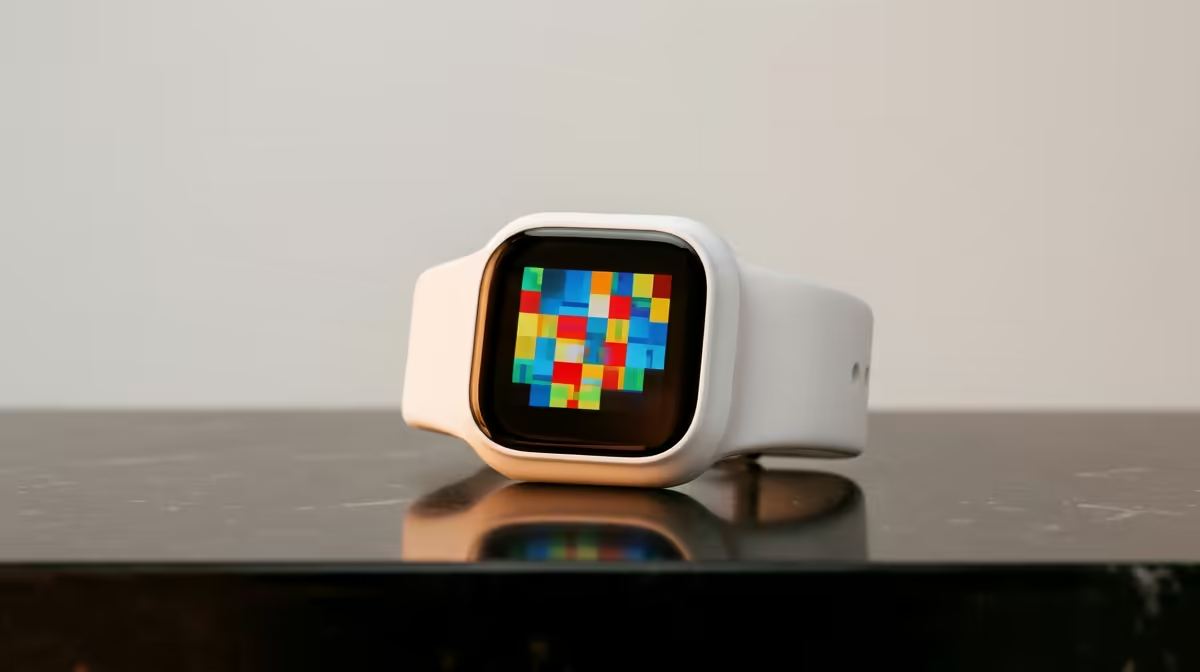
A kids smartwatch is not a first computer. It can provide simple time, activity or approved communication features, while school portals, typing and research still need a supported tablet or laptop. Choose the watch for a narrow family need and the computer from the curriculum.
Separate wearable and study tasks
List what the child must do: join classes, type assignments, browse approved sites or use learning software. A small watch screen cannot perform these jobs well. For the wearable, decide whether the family needs activity tracking, alarms or contact features. Check school rules before allowing any connected watch in class.
The supplied facts do not verify a child-specific smartwatch SKU or price. The KOSPET Tank T3 Ultra 2 is verified at R1,050 as a rugged adult smartwatch reference, not a recommendation for a child. Buyers must verify account, size, privacy and communication features. The ASUS ExpertBook P1503 is verified at R9,858 as a Windows laptop option for study, subject to the required school software.
Protect the child account
Use parent-managed credentials, restrict app permissions and avoid exposing location or contact data to unnecessary services. Set clear charging and screen rules. Test the learning portal on the intended computer with a child account and confirm an adult can recover it. Back up assignments to an approved family location.
Buy a wearable only for its defined family function. A laptop or suitable tablet remains the device for sustained schoolwork.
Choosing a first study computer? > Ask Evetech to compare supported laptops for the school applications.