


Complete Guide: Setting Up AIO Liquid 420mm
Setting Up AIO Liquid 420mm. Tested & verified settings for best FPS and visual quality on SA hardware budgets.
Read moreUnderstanding L3 cache gaming performance is crucial for smooth gameplay. This hidden spec dictates frame rates more than clock speed in modern titles. 🚀 Learn why AMD's 3D V-Cache and Intel's Smart Cache are game changers for your next rig. 🎮
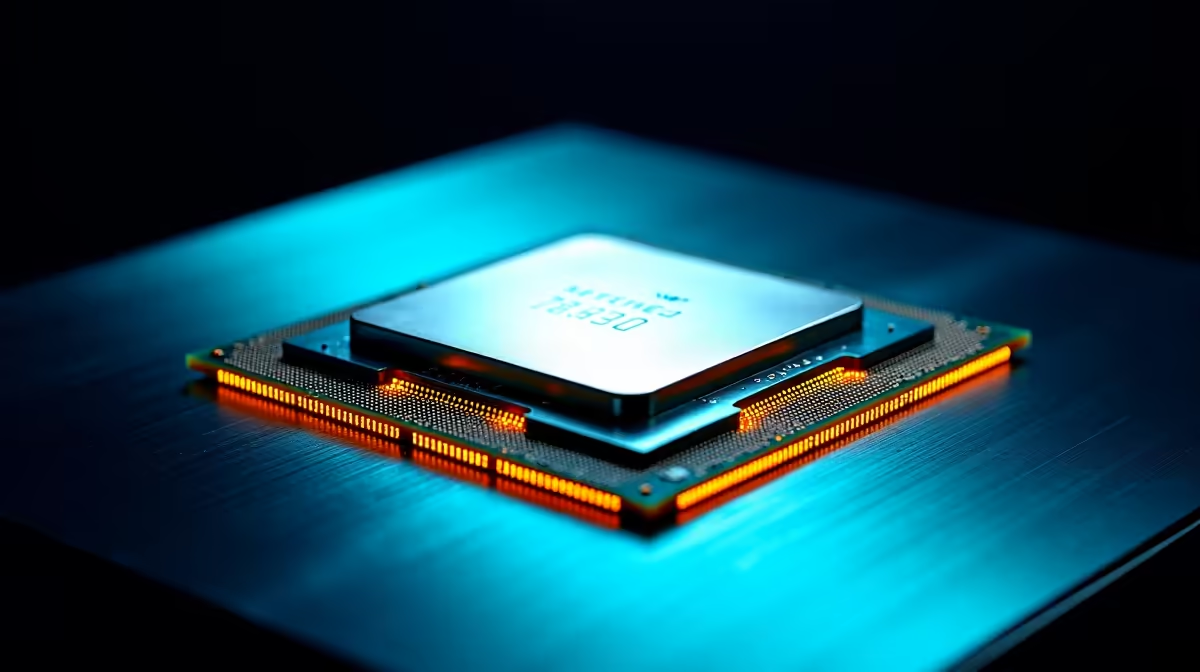
Clock speeds? Core counts? We've all been there, staring at CPU specs trying to figure out what truly matters for gaming in South Africa. But what if the most powerful stat for boosting your FPS isn't the one everyone talks about? Enter L3 cache. This often-overlooked number is the secret weapon behind smoother frame rates and a more responsive gaming experience. Understanding its impact is critical for your next PC build or upgrade.
Think of your PC's memory like a workshop. Your super-fast RAM is the main storeroom, but it's a bit of a walk away for your CPU (the master craftsman). To work faster, your CPU has its own toolkits right beside it.
For gaming, this is where the magic happens. The better the L3 cache gaming performance, the less time your CPU wastes "walking" to the RAM storeroom to fetch critical data like enemy locations, textures, and physics info.
So, how does a bigger workbench translate to more wins in Apex Legends or smoother exploration in Starfield? It's all about reducing latency.
When your CPU can find the data it needs in the L3 cache, the entire process is accelerated. This leads to several tangible benefits:
Essentially, a robust L3 cache ensures your powerful processor isn't left waiting around, allowing it to perform at its peak potential. When you're choosing the right CPU, looking beyond just the GHz number is essential.
Curious about your current CPU's L3 cache? The easiest way is to download a free tool like CPU-Z. It gives you a detailed breakdown of your processor's specs, including the size of its L1, L2, and L3 caches right on the main tab. No installation needed!
The conversation around L3 cache gaming performance exploded when AMD introduced its 3D V-Cache technology. By stacking a massive chunk of L3 cache directly on top of the processor, they created CPUs specifically optimised for gaming. This innovation is a core feature in some of their most popular gaming chips. You can see this tech in action in powerhouse chips like the AMD Ryzen 9 series, which often top gaming benchmark charts thanks to this design.
Intel, on the other hand, focuses on a more balanced approach. While they might not have a direct equivalent to 3D V-Cache, their high-end processors, like Intel's top-tier Core Ultra 9 processors, combine blistering clock speeds with a very healthy amount of L3 cache (often called "Intel Smart Cache").
Both AMD's lineup and the latest Intel CPUs offer fantastic options. The key takeaway is that both manufacturers recognise that a substantial L3 cache is no longer a luxury... it's a fundamental component for elite gaming performance. 🎮
Ready to Unleash Your True Gaming Potential? The heart of any world-class gaming rig is a CPU that won't hold you back. Now that you know the critical role L3 cache plays, you're ready to make a smarter choice. Browse our massive range of CPU deals and find the perfect processor to dominate the competition.
L3 cache is a large memory pool shared by all cores to store frequently accessed data, reducing latency and boosting speed significantly.
Yes, higher L3 cache gaming performance reduces frame time spikes and micro-stutters, especially in complex open-world titles.
For gaming, a large L3 cache often yields better results than raw clock speed by keeping critical game data closer to the cores.
It is a vertical stacking technology that triples the L3 cache size, significantly boosting FPS in CPU-bound games like MMOs and sims.
Aim for at least 32MB for modern gaming, though X3D chips with 96MB or more offer the best elite-tier performance available.
L2 is smaller and faster per core, while L3 is larger, slower, and shared across all cores to manage heavy data loads efficiently.
Setting Up AIO Liquid 420mm. Tested & verified settings for best FPS and visual quality on SA hardware budgets.
Read more
Intel XTU Download & Setup Guide: Intel CPU. Clear setup instructions with SA-specific considerations, troubleshooting tips & recommended components.
Read more
Cyberpunk 2077 Max Settings on RTX 4090. Tested & verified settings for best FPS and visual quality on SA hardware budgets.
Read more
The Complete Guide to GPU. Everything you need to know with SA pricing, step-by-step instructions & expert recommendations.
Read more
NVCleanstall Download & Setup Guide: NVIDIA. Clear setup instructions with SA-specific considerations, troubleshooting tips & recommended components.
Read more
to Driver Installation for Beginners. Everything you need to know with SA pricing, step-by-step instructions & expert recommendations.
Read more
AMD RX 9050 XT: Rumoured Specs, Price & Release. SA-focused analysis with local pricing data, real-world insights & actionable buying advice.

Can RTX 4080 Super Run AI Workloads for SA Developers Detailed answer with SA data, expert analysis & practical recommendations for local buyers.

Can RTX 4090 Run AI Workloads for SA Developers Detailed answer with SA data, expert analysis & practical recommendations for local buyers.

Top Settings for Intel Arc B580 at Ultrawide 1440p picks evaluated on performance, value & SA availability with current Rand pricing from Evetech.

RTX 4060 CS2 Low Settings at 1080p: FPS Results. Real-world benchmark data, FPS numbers & performance analysis. What SA gamers can actually expect.

Visual Artifacts: Possible GPU Issue Issue #1. Diagnosis steps, proven fixes & when to seek professional help. SA-specific support info included.

Can the RTX 4090 Handle 1440p 144Hz Gaming. Performance testing verdict with real data & practical recommendations for SA buyers.

Top ASUS GPU Under R15000 picks evaluated on performance, value & SA availability with current Rand pricing from Evetech.

GTA 6 Max Settings on RTX 5070. Tested & verified settings for best FPS and visual quality on SA hardware budgets.

Cyberpunk 2077 Max Settings on RTX 5080. Tested & verified settings for best FPS and visual quality on SA hardware budgets.

Starfield Max Settings on RTX 5070 Ti. Tested & verified settings for best FPS and visual quality on SA hardware budgets.

Top RTX 5090 Under R5000 picks evaluated on performance, value & SA availability with current Rand pricing from Evetech.