Ever explored a dark cave in Baldur's Gate 3 or navigated the shadowy streets of Night City, only for the "black" on your screen to look more like a washed-out grey? You're not alone. This frustrating issue plagues many standard displays, robbing scenes of their depth and drama. The solution lies in better HDR, and the secret weapon behind truly stunning HDR is a technology called local dimming zones. It's what separates a good monitor from a great one.
What Are Local Dimming Zones, Exactly? 💡
Think of a standard monitor's backlight as a single, big lightbulb that’s always on. It can get brighter or dimmer, but the entire screen is lit uniformly. This is why dark areas often appear greyish… light is still bleeding through the pixels.
Local dimming zones change this entirely. Instead of one big light, the backlight is divided into a grid of smaller, independently controlled segments or "zones". This allows the monitor to dim or completely switch off the lights behind dark parts of an image while keeping the lights on for bright parts. The result? Deeper, inkier blacks right next to brilliant, punchy highlights. It’s the foundation of high-contrast, immersive visuals on modern PC monitors.
Why the Number of Dimming Zones Matters
So, you see a monitor advertised with "local dimming". Job done? Not quite. The number of zones is crucial. A monitor with only 16 edge-lit zones offers very basic control, and you might notice "blooming" or a halo effect around bright objects on a dark background (like subtitles).
Now, imagine a monitor with hundreds or even thousands of zones. This is where things get exciting.
- More Zones = More Precision: With more zones, the monitor can more accurately map the light to the image on screen. This drastically reduces blooming and creates a much cleaner, more realistic picture.
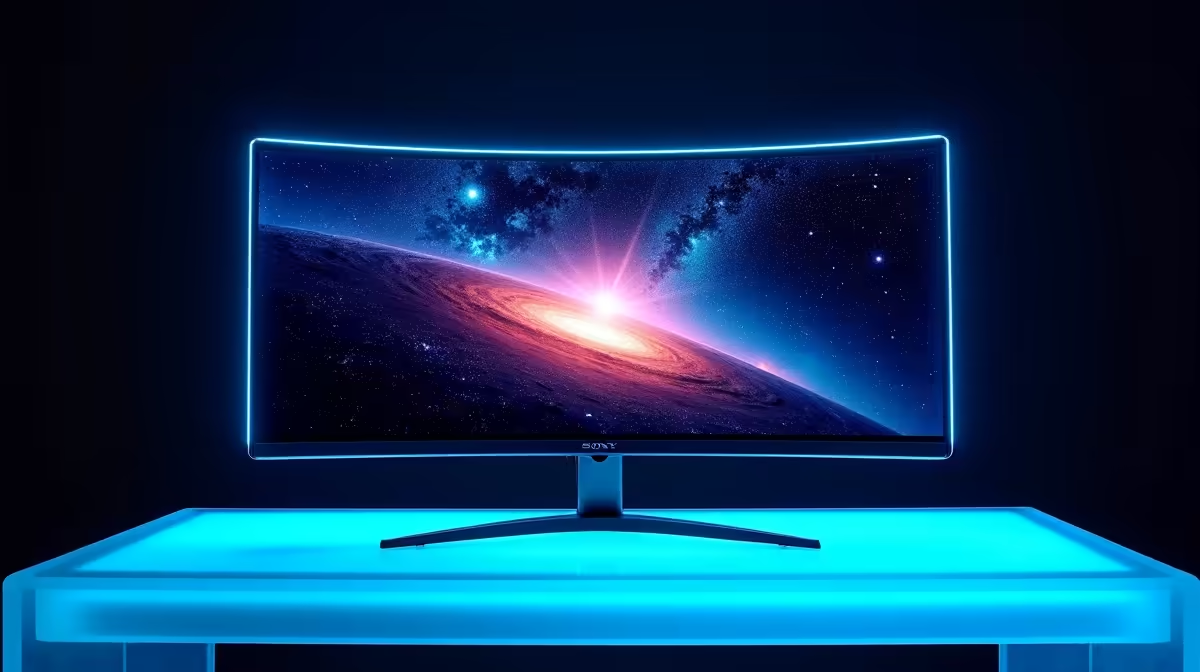
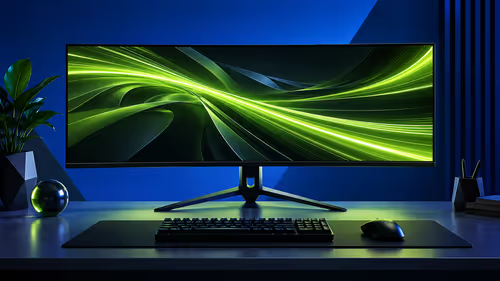
- Impact on Detail: On high-resolution 4K monitors, this precision is vital for resolving fine details in shadows and highlights. The difference is especially noticeable on large or immersive curved monitors where you're filling your field of view.
Essentially, a higher number of local dimming zones gets you closer to the perfect, per-pixel light control of an OLED panel, but with the brightness advantages of LED technology.
The Different Types of Local Dimming Technology ✨
When you're browsing for a new screen, you'll encounter a few key terms related to how these zones are implemented. Here’s a quick breakdown:
Full-Array Local Dimming (FALD)
This is the gold standard for high-end LCDs. FALD places a grid of LEDs directly behind the screen, giving it excellent control over contrast across the entire panel. This technology is a cornerstone of the best gaming monitors on the market today.
Mini-LED
Think of Mini-LED as FALD on steroids. It uses thousands of much smaller LEDs in its backlight grid. This massive increase in the number of dimming zones allows for incredibly fine-tuned light control, pushing contrast and HDR performance to near-OLED levels.
Calibrate for a Killer Picture 🔧
Once you have your new HDR monitor, don't just plug it in and play! Use the "Windows HDR Calibration" app from the Microsoft Store. This free tool helps you set the perfect black levels and peak brightness for your specific display, ensuring you get the stunning visual experience you paid for. It makes a massive difference.
Is a Monitor with Local Dimming Worth the ZAR?
Let's be direct: a monitor with a high number of local dimming zones typically costs more. So, is the investment worth it for a South African gamer?
For cinematic, story-driven games like Starfield or Cyberpunk 2077, the difference is night and day. The improved contrast and vibrant HDR make virtual worlds feel vastly more real and immersive. For content creators working with video or photography, the colour accuracy and detail are invaluable.
While a competitive esports player might prioritise refresh rate over everything else, the good news is you no longer have to choose. High-refresh-rate panels with excellent local dimming are becoming more common. Even some high-end portable monitors are adopting this tech for gaming on the go.
Ultimately, understanding what local dimming does empowers you to make a smarter choice. It's the key specification that unlocks the true potential of HDR content. Once you've experienced it, it's very, very hard to go back. Don't forget to grab the right monitor accessories like a quality VESA mount to complete your dream setup.