


Complete Guide: Setting Up AIO Liquid 420mm
Setting Up AIO Liquid 420mm. Tested & verified settings for best FPS and visual quality on SA hardware budgets.
Read more• Compare security & latency • Choose the right pairing • Verify compatibility quickly Logi Bolt vs USB Receiver explained: how Bolt's encrypted pairing, low-latency wireless, and device limits impact work and gaming 🔒🎮
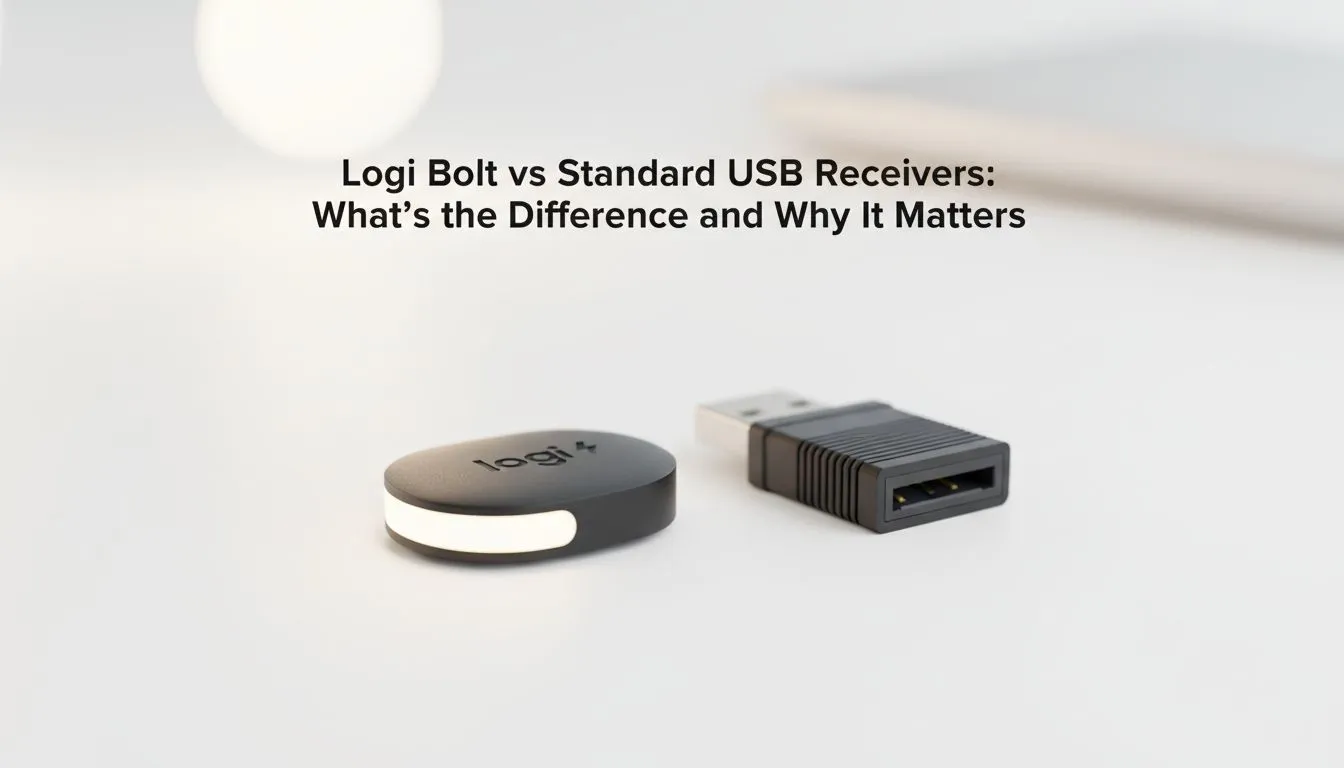
Tired of your mouse lagging during a crucial ranked match? Or perhaps your wireless keyboard keeps dropping connection in a busy office? Understanding the tech behind your peripherals is vital. When looking at Logi Bolt vs USB Receiver options, the choice affects your security and stability. It is more than just a simple plastic dongle. It is about how your gear communicates with your PC.
Logitech has two primary wireless standards today. The older "Unifying Receiver" uses a proprietary 2.4GHz signal. It has served us well for over a decade. However, the newer Logi Bolt standard is built on Bluetooth Low Energy. If you are hunting for the best gaming keyboard deals in South Africa, you need to know which one your device supports. They are not cross-compatible. You cannot pair a Bolt mouse with a Unifying receiver... it simply will not work. 🔧
Finding the cheapest gaming keyboard in South Africa often means sticking with the older Unifying standard. It is reliable for home use. But Logi Bolt was designed for crowded spaces. It handles "noisy" wireless environments much better than the older tech.
Why does Logi Bolt exist? The main reason is security. It meets FIPS (Federal Information Processing Standards) requirements. This is a big deal for corporate environments in Sandton or Cape Town. Standard USB receivers are more vulnerable to signal interception. Bolt encrypts the connection more effectively. ⚡
Many professionals prefer a keyboard mouse combo for a cleaner desk. If you work in an office with dozens of wireless devices, the Logi Bolt vs USB Receiver debate ends quickly. Bolt offers a stronger link with less interference. This means no more stuttering cursors during important presentations.
Always check the bottom of your Logitech device for the logo. A teal bolt icon means it uses Logi Bolt. An orange star means it uses the Unifying Receiver. Knowing this prevents you from buying the wrong replacement dongle and wasting your Rands.
While some purists still swear by a Wired connection for zero latency... modern wireless tech is incredibly fast. Logi Bolt provides a very low-latency experience. It is perfect for both spreadsheets and casual gaming. 🚀
However, the freedom of Wireless peripherals is hard to ignore. If you are using a newer MacBook or a high-end laptop, Logi Bolt is often easier to set up. It works better with modern operating systems. Just remember that the Logi Bolt vs USB Receiver choice is usually made for you by the hardware you buy.
Check your specs carefully. Ensure your next upgrade matches your existing setup to avoid a drawer full of useless dongles. ✨
Ready to Find Your Perfect Match? The Logi Bolt vs USB Receiver choice depends on your hardware, but your performance should never be compromised. Whether you need the security of Bolt or the classic reliability of a standard receiver, we have you covered. Explore our massive range of keyboard and mouse specials and find the perfect gear to upgrade your setup today.
Logi Bolt is Logitech's encrypted wireless protocol designed for enterprise use. It adds stronger pairing and encryption compared with many standard USB receivers.
Yes. Logi Bolt uses encrypted pairing and enterprise-grade protections, lowering interception risk versus many standard USB receivers.
Some Logi Bolt and standard receivers support multiple device pairing, but supported device limits and compatibility depend on the specific model.
Logi Bolt delivers low-latency wireless for everyday use, but dedicated gaming dongles or specialized protocols may still offer slightly lower latency for competitive play.
No. Logi Bolt is a separate protocol and generally won't pair with older Unifying receivers; you need Bolt-compatible hardware.
Check product specs or Logitech documentation for 'Logi Bolt' compatibility, pairing instructions, or receiver model numbers to confirm which protocol is used.
Choose Logi Bolt for enterprise-grade security and managed devices; opt for standard receivers if you need broad legacy compatibility or simple multi-device pairing.
Setting Up AIO Liquid 420mm. Tested & verified settings for best FPS and visual quality on SA hardware budgets.
Read more
Intel XTU Download & Setup Guide: Intel CPU. Clear setup instructions with SA-specific considerations, troubleshooting tips & recommended components.
Read more
Cyberpunk 2077 Max Settings on RTX 4090. Tested & verified settings for best FPS and visual quality on SA hardware budgets.
Read more
The Complete Guide to GPU. Everything you need to know with SA pricing, step-by-step instructions & expert recommendations.
Read more
NVCleanstall Download & Setup Guide: NVIDIA. Clear setup instructions with SA-specific considerations, troubleshooting tips & recommended components.
Read more
to Driver Installation for Beginners. Everything you need to know with SA pricing, step-by-step instructions & expert recommendations.
Read more
AMD RX 9050 XT: Rumoured Specs, Price & Release. SA-focused analysis with local pricing data, real-world insights & actionable buying advice.

Can RTX 4080 Super Run AI Workloads for SA Developers Detailed answer with SA data, expert analysis & practical recommendations for local buyers.

Can RTX 4090 Run AI Workloads for SA Developers Detailed answer with SA data, expert analysis & practical recommendations for local buyers.

Top Settings for Intel Arc B580 at Ultrawide 1440p picks evaluated on performance, value & SA availability with current Rand pricing from Evetech.

RTX 4060 CS2 Low Settings at 1080p: FPS Results. Real-world benchmark data, FPS numbers & performance analysis. What SA gamers can actually expect.

Visual Artifacts: Possible GPU Issue Issue #1. Diagnosis steps, proven fixes & when to seek professional help. SA-specific support info included.

Can the RTX 4090 Handle 1440p 144Hz Gaming. Performance testing verdict with real data & practical recommendations for SA buyers.

Top ASUS GPU Under R15000 picks evaluated on performance, value & SA availability with current Rand pricing from Evetech.

GTA 6 Max Settings on RTX 5070. Tested & verified settings for best FPS and visual quality on SA hardware budgets.

Cyberpunk 2077 Max Settings on RTX 5080. Tested & verified settings for best FPS and visual quality on SA hardware budgets.

Starfield Max Settings on RTX 5070 Ti. Tested & verified settings for best FPS and visual quality on SA hardware budgets.

Top RTX 5090 Under R5000 picks evaluated on performance, value & SA availability with current Rand pricing from Evetech.