

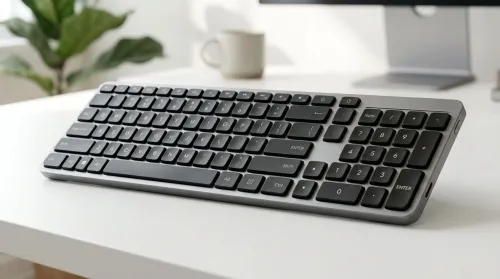
Compact Keyboard with Dedicated Numeric Keypad: Ultimate Guide
Looking for a compact keyboard with dedicated numeric keypad? This guide helps you pick the best layout, switches, connectivity, and key feel for faster spreadsheets. ✅⌨️
Read more- Explain Logitech H390 noise-cancelling mic capabilities and limits - Show real-world use cases and tweaks - Answer common setup and fix questions 🎧🎙️ Logitech H390 noise-cancelling mic explained: quick guide to what it removes, where it fails, and simple fixes to improve call clarity.
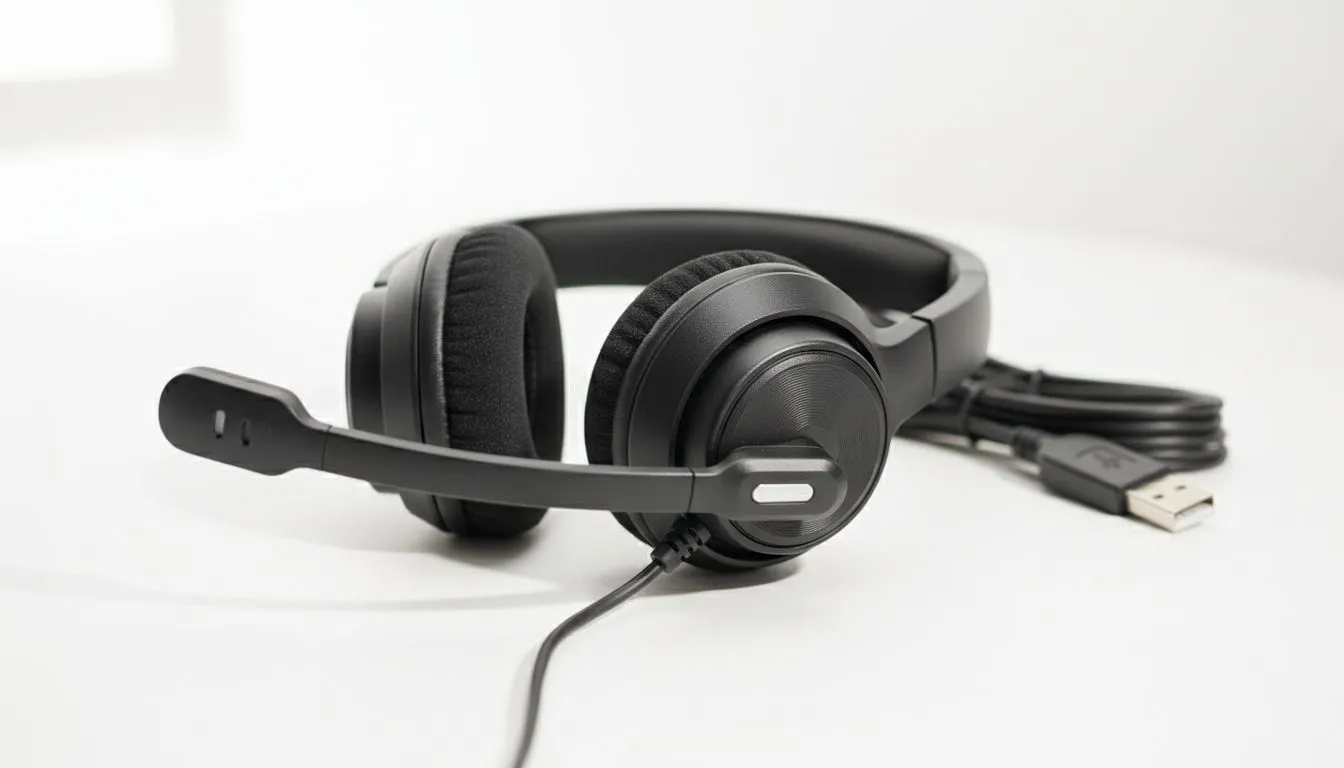
Whether you are dodging load shedding schedules or just trying to sound professional in a Zoom call, your audio matters. The Logitech H390 noise-cancelling mic has become a staple in South African home offices for its simplicity. It promises to filter out the background chaos of barking dogs or distant traffic... but does it actually deliver on that promise for local users? 🔧
The Logitech H390 noise-cancelling mic uses a basic unidirectional pattern. This means it is designed to pick up sound primarily from the front. By positioning the microphone boom correctly, it naturally ignores sounds coming from the sides or back. It is a hardware-based solution that works without complex software. This makes it incredibly reliable for plug-and-play users who do not want to fiddle with settings.
The primary strength of this headset is clarity during voice calls. It excels at isolating your voice from consistent hums... like a desk fan or a PC whirring away. For a budget-friendly price in ZAR, it offers a significant upgrade over built-in laptop microphones. The inline controls allow you to mute yourself instantly... a vital feature during unexpected household interruptions.
If you need something more versatile for gaming and music, the Razer Barracuda X Chroma Wireless Headset Phantom White offers a massive step up in audio fidelity. While the H390 is a workhorse, it lacks the immersive depth required for modern gaming. For those who prefer a more aggressive aesthetic, browsing the Razer headphones and headsets section might reveal a better fit for your setup. ⚡
To get the best results from your Logitech H390 noise-cancelling mic, place the boom about two fingers' width away from the corner of your mouth. This prevents 'plosives'—those annoying popping sounds on letters like P and B—while ensuring the noise-cancelling hardware can clearly distinguish your voice from the room's ambient noise.
It is important to manage expectations. This is not "Active Noise Cancelling" (ANC) like you find in premium travel headphones. It will not silence a loud TV in the next room or a shouting neighbour. The noise-cancelling refers specifically to what the microphone hears... not what you hear through the earcups.
The earcups themselves are on-ear, meaning they do not provide much passive isolation. You will still hear everything happening around you. If you are working in a noisy environment, you might find yourself turning the volume up too high. You can always explore our full headphone and headset collection to compare different brands and price points that offer better ear isolation. ✨
Furthermore, the H390 uses a USB-A connection. While this is great for digital clarity, it means you cannot use it with mobile phones or devices that only have 3.5mm jacks without an adapter. It is a tethered experience... perfect for a desk, but less ideal for the mobile professional. 🚀
Ready to Find Your Perfect Match? The Logitech H390 is a classic, but your needs might require more power or wireless freedom. Explore our massive range of headset specials and find the perfect gear to upgrade your audio experience today.
No. The H390 reduces steady ambient noise (fans, hums) but won't eliminate sudden loud sounds or distant chatter.
No. The H390 uses passive design and mic-level noise reduction, not active noise cancellation like ANC headphones.
Position the boom near your mouth, enable software noise reduction, lower system gain, and reduce background sources for clearer voice.
Yes. The H390 is a plug-and-play USB headset compatible with Windows and Mac without extra drivers.
Software can help (EQ, denoise filters), but it can't add hardware ANC—expect better results with audio processing tools.
Yes for calls and casual streaming. It offers clear voice pickup but lacks high-end studio fidelity and advanced noise suppression.
H390 is simpler and cheaper; active-mic solutions handle variable noises better but cost more and may need extra processing.
Looking for a compact keyboard with dedicated numeric keypad? This guide helps you pick the best layout, switches, connectivity, and key feel for faster spreadsheets. ✅⌨️
Read more
Choosing between 96-key vs 104-key layouts? Compare desk space, key coverage, and usability so you can pick the best balance of function and comfort. ⌨️📏
Read more
Learn how to clean and maintain double-injection keycaps safely for long-lasting shine and smooth typing. Avoid common damage mistakes and keep legends crisp. 🧼✨
Read more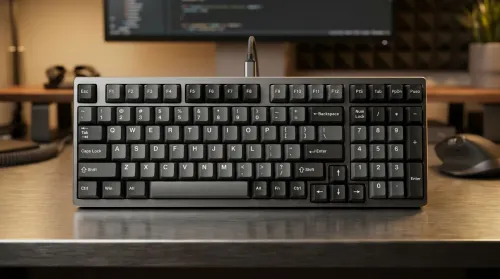
Want a 96-key mechanical keyboard layout with numpad that feels fast and tidy on your desk? Learn key placement habits, layer tips, and layout choices to maximize efficiency ⚡🧠.
Read more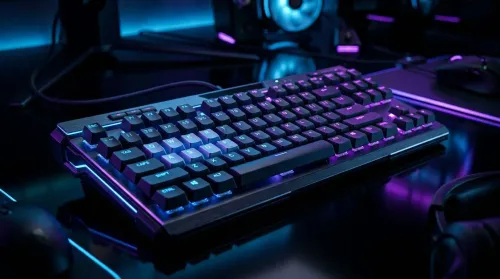
Wondering if full-key anti-ghosting improves gaming accuracy? We break down how full-key anti-ghosting works, real-world latency and input behavior, and when it matters—🎮✅
Read more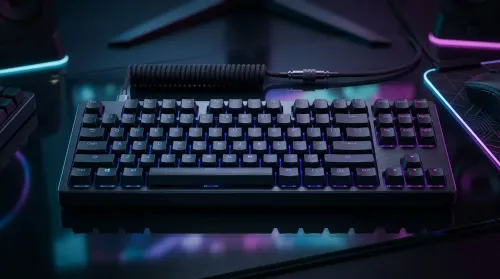
Choosing between wired vs wireless mechanical keyboards in South Africa? Compare latency, battery life, and real value in ZAR, with practical picks for gaming and work. Faster response, less hassle ⚡🔋
Read more
Is a Ultra Short Throw Projector Good for Gaming?. Diagnosis steps, proven fixes & when to seek professional help. SA-specific support info included.

Is a Short Throw Projector Good for Gaming? Input. Diagnosis steps, proven fixes & when to seek professional help. SA-specific support info included.

Top Mouse Settings for Competitive FPS: Sensitivity picks evaluated on performance, value & SA availability with current Rand pricing from Evetech.

Top Speakers for MacBook Desk Setup picks evaluated on performance, value & SA availability with current Rand pricing from Evetech.

Is a Ergonomic Chair Better Than a Standard Office Chair for Gaming Detailed answer with SA data, expert analysis & practical recommendations for local buyers.

Use Spotlight Search Like a Pro on macOS. Step-by-step instructions with SA-specific tips, common pitfalls to avoid & expert recommendations.

wireless keyboard Fan Noise Too Loud: Quiet. Everything you need to know with SA pricing, step-by-step instructions & expert recommendations.

Connection Timeout: Troubleshooting Guide #2. Diagnosis steps, proven fixes & when to seek professional help. SA-specific support info included.

Gaming PC Question: Is my power supply dying Detailed answer with SA data, expert analysis & practical recommendations for local buyers.

Projector Throw Ratio Calculator: Perfect. SA-focused analysis with local pricing data, real-world insights & actionable buying advice.

Monitor Stock Levels in Nelspruit: July Report. Current stock data & price tracking for SA buyers. See what is available and where prices are heading.

CS2 Low FPS: Power Supply Bottleneck. Real-world benchmark data, FPS numbers & performance analysis. What SA gamers can actually expect.