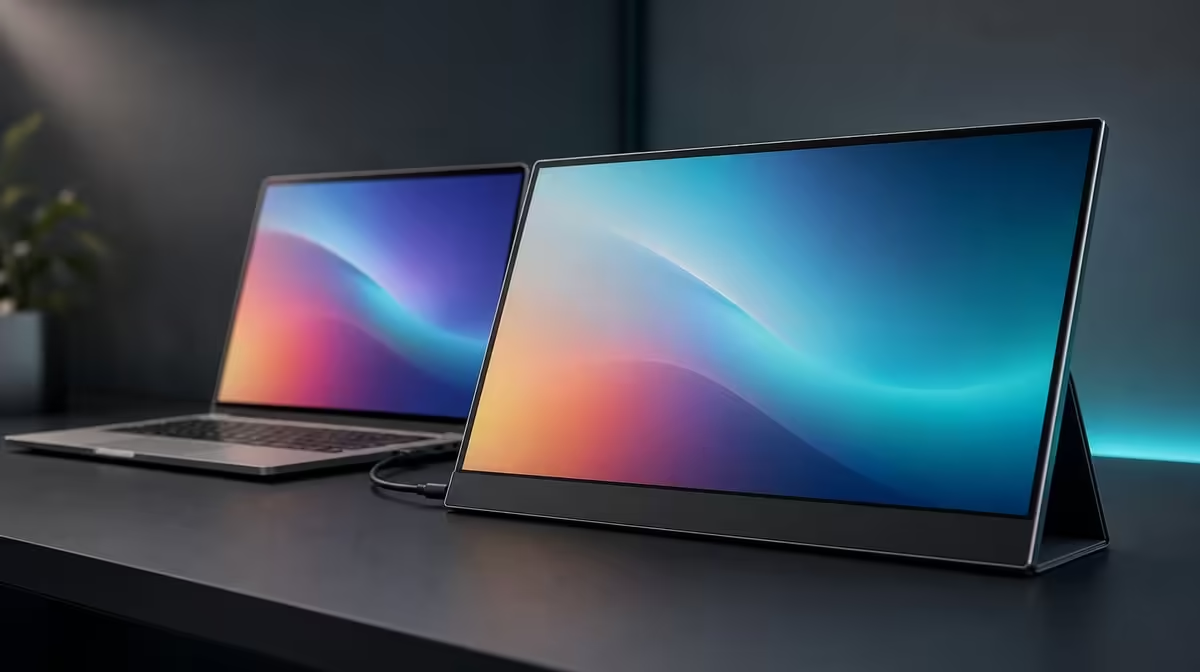
A 4K label is only the beginning of a portable-screen decision. The right 4K portable monitor must pair native resolution with enough brightness, proven source connections, practical size, readable scaling, and a stand or mount arrangement that survives the places where it will be used.
Quick Answer
Look for a native 3840 x 2160 panel, brightness suited to the intended rooms, inputs that match the source, and a support method that works for travel or a fixed desk. At R5,999, the UPERFECT UColor J5 combines 17.3-inch 4K IPS, 400cd/m2 output, 1000:1 contrast, HDMI, USB-C, VESA support, FreeSync, a 10ms response figure, and Low Blue Light.
🔍 Confirm the panel and readable workspace
A real 4K setup should report 3840 x 2160 from the source. Confirm that native resolution before judging detail. A mismatched output can make text or edges look soft and may hide the benefit that justified the higher pixel count.
On a 17.3-inch screen, scaling matters as much as resolution. Native 4K can render fine type and detailed images, but menus may be physically small. Increase operating-system scaling and application zoom before reducing output resolution. This preserves pixel detail while making controls usable.
Screen size determines physical viewing area, not sharpness by itself. A 17.3-inch format offers room for documents, timelines, entertainment, and side-by-side windows, yet it also needs more bag and desk space than a smaller portable panel. Mark its approximate footprint on the intended surface and rehearse the travel load.
Evetech's portable monitor range gives buyers a current place to compare native resolution, diagonal size, and portability as separate factors.
☀️ Read brightness and contrast together
The UColor J5 is rated at 400cd/m2. This provides useful headroom in brighter indoor spaces, but it is not a command to operate at maximum. Set output against ambient light and reduce reflections by moving the panel or light source before increasing luminance.
A 1000:1 contrast ratio describes measured separation between bright and dark output under test conditions. It does not prove colour accuracy or guarantee deep-looking dark scenes in a reflective room. Brightness, glare, viewing angle, content, and the picture settings all affect the perceived result.
Use a familiar white page and a dark video scene when adjusting. The white area should not dominate the room, and shadow detail should remain visible without raising brightness purely to overcome a reflection.
Low Blue Light provides a warmer option for extended reading. Compare it with the standard image before colour-sensitive work. Eye comfort also depends on scaling, viewing distance, posture, room light, and breaks.
🔌 Match inputs to sources and power
HDMI supplies a dedicated video path from many laptops, desktops, and consoles. USB-C can simplify the arrangement where the source port and cable carry display video, but the connector alone is not proof of capability. Power needs must be planned for the exact route.
Before buying, list every source and its confirmed output. Decide which cable and input will serve each one. On setup day, test one path at a time: power, selected input, source support, cable function, host detection, native resolution, and scaling.
The presence of both HDMI and USB-C improves flexibility because a source with uncertain USB-C video can use a proven HDMI output where appropriate. It does not guarantee that every device can supply 4K or power the screen in the same manner.
Evetech's broader monitor selection helps compare portable dual-input screens with fixed displays when travel is not a regular need.
🎮 Evaluate extras by the task
FreeSync can reduce tearing on a compatible gaming path by coordinating display presentation with suitable graphics output. The 10ms response time describes pixel transition behaviour instead. One feature does not convert the other into a different figure, and neither promises elite competitive performance.
VESA support can move the large portable panel into a stable home-office or studio position. Confirm pattern, load rating, fasteners, and cable slack before selecting an arm. The mount can improve height and free surface space without making the screen physically smaller for travel.
The best value test removes unused features. If 4K detail, 400cd/m2 headroom, both inputs, or mounting solves a weekly problem, the R5,999 package has a clear role. If the screen will show one simple window from one fixed source, a different current option may be more efficient.
Evetech's monitor best sellers provide another current reference. Confirm price and availability when purchasing, then judge every candidate through the same source, room, desk, and travel plan.
Create a buyer scorecard that follows the order of failure. Compatibility is first because an unsupported source stops the setup. Readable native detail follows, then room visibility, physical fit, and optional features. A screen should not recover points for FreeSync if the primary laptop cannot provide a proven picture route.
Run one controlled comparison with the intended source. Open a dense document, a detailed image, a dark video, and a familiar game scene. Keep the panel at native 4K, set comfortable scaling, adjust brightness to the room, and note which feature changes the result.
Next, pack or mount the display exactly as planned. Travel buyers should include protection, power, and cables. Desk buyers should verify arm mechanics and connection slack. This physical rehearsal often reveals more than another specification comparison.
Finally, write a one-sentence reason for buying the J5. It should name the device, task, and feature that solves a repeated problem. If the reason remains "because it is 4K", return to the source, scaling, and workload checks until the practical advantage is clear.
Turn the shortlist into a source-by-source table before comparing prices. Put the laptop, desktop, console, or other device in the first column; its confirmed video output in the second; the intended cable in the third; and the power plan in the fourth. A blank cell is a question to answer before purchase. This catches the common situation where a monitor has the desired connector but the source cannot send video through its matching port.
Next, test whether 4K changes the work rather than merely improving a specification row. Detailed documents, dense timelines, fine interface elements, and side-by-side windows may benefit from the 3840 x 2160 canvas. A simpler secondary screen used for chat or a single reference page may not. Scaling belongs in this decision because more pixels do not automatically create more comfortable space on a 17.3-inch panel.
Finally, score the physical routine. Measure the intended desk area, note where the stand or VESA arm would sit, and trace the cable path without sharp bends. Repeat the exercise for the bag or room where the display will travel. The UColor J5 makes the strongest case when its larger portable canvas, 400cd/m2 headroom, and two input choices solve recurring problems in both the digital and physical setup.
Frequently Asked Questions
What resolution should the source report?
Use 3840 x 2160 to operate the J5 at its native 4K resolution, then adjust scaling for readability.
Is 400cd/m2 enough for direct sunlight?
It offers bright-room headroom, but reflections and direct light can still overwhelm the image. Shade and angle remain important.
Why do both HDMI and USB-C matter?
They give different source routes, allowing buyers to match confirmed output and cable capabilities rather than rely on one connector.
Does VESA support make a monitor less portable?
It creates a fixed-use option. The display can still travel, but the removal and cable routine should suit the owner.
How should FreeSync and 10ms be interpreted?
FreeSync targets tearing on a compatible path; 10ms describes panel response behaviour. They address different aspects of gaming.
Ready to choose 4K portability as a complete system?
Explore Evetech's portable monitor category and compare native detail, brightness, inputs, size, and mounting against the places you will actually use the screen.