Generating images with Stable Diffusion or Flux on your own machine forces a real hardware fork in the road, and Mac vs PC for local AI art is where it gets decided. A Mac with plenty of Apple unified memory will happily load big models, but when you press generate, an NVIDIA RTX card finishes the image several times faster at the same memory tier. The split is loading capacity on one side, raw generation speed on the other.
Quick Answer
For local AI art, a Windows PC with an NVIDIA RTX GPU generates images roughly three to five times faster than an equivalent Apple Silicon Mac, because CUDA and Tensor cores accelerate diffusion in ways Apple's Metal backend does not. A Mac can load and run Stable Diffusion and Flux thanks to large unified memory, but for serious throughput per rand, the NVIDIA PC wins clearly.
The Speed Gap In Real Numbers
The performance difference is not subtle. Across recent testing, Apple Silicon runs diffusion roughly three to five times slower than comparable NVIDIA hardware. A high-end Mac might render an SDXL image in around 15 to 20 seconds where a strong RTX card does the same in about 4 to 5 seconds. On the heavier Flux models the gap is even more pronounced: a Mac Mini M4 generating a Flux image can take 50 seconds or more, where a high-end RTX card does it in under 10 seconds.
The reason is software depth. NVIDIA's CUDA platform and its Tensor cores have years of optimisation behind them, and the major tools, ComfyUI, Stable Diffusion front-ends and Flux, are tuned for it first. Apple runs through the Metal Performance Shaders backend, which works but consistently trails CUDA by a wide margin on the same class of model.
Where Apple Silicon Genuinely Wins
Unified memory capacity
This is the Mac's real strength. Because Apple Silicon shares one memory pool between CPU and GPU, a Mac configured with 64GB or 128GB of unified memory can load very large models that simply will not fit in a typical consumer GPU's VRAM. A Mac Studio with 128GB can technically run heavy Flux work that a mid-range graphics card cannot hold at all. If your priority is loading the biggest models without juggling VRAM limits, the Mac has a clear edge.
Optimised apps for Mac
On Apple Silicon the best tool is not always ComfyUI. Draw Things is a native Mac app that runs Stable Diffusion models directly and typically runs 20 percent or more faster than the PyTorch MPS backend that ComfyUI uses on Mac. For someone generating on a Mac they already own, choosing the right app closes some of the gap with NVIDIA, even if it does not close it fully.
Quiet, low-power, all-in-one
A Mac sips power and runs near silent, which suits occasional generation on a desk where a roaring tower would be unwelcome. For someone who makes a handful of images a day rather than running batches for hours, that quiet efficiency is a genuine benefit.
The VRAM Reality On The PC Side
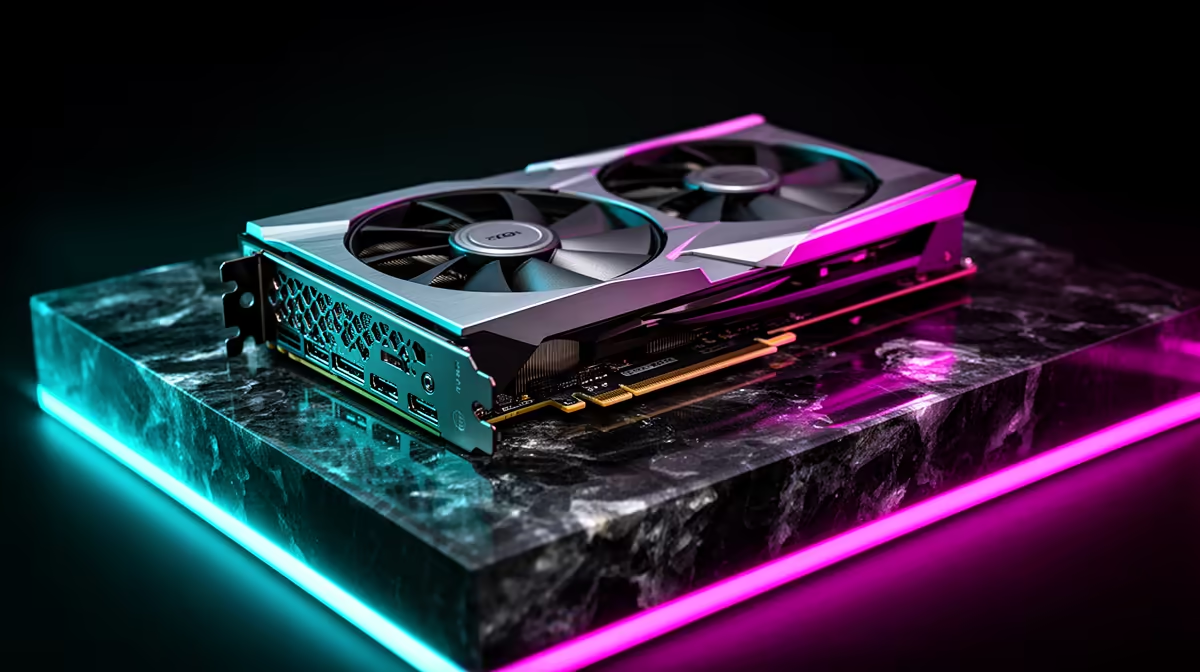
The PC counter-argument is that VRAM has been climbing. Modern RTX cards offer enough memory to handle SD 1.5, SDXL and Flux at FP8 comfortably, and the newest cards add FP8 Tensor support that the Flux generation is specifically optimised for. The practical floor for comfortable work is around 16GB of VRAM, where lighter Flux and SDXL images land in the 10-to-40-second range; step up to 24GB or more and heavier Flux and high-resolution work drops to roughly 5 to 25 seconds per image.
So the honest framing is a set of trade-offs, not a blowout. The Mac loads more in one pool; the PC generates each image faster and is cheaper to scale on speed. For a producer turning out volume, the graphics card range at Evetech and the AI-focused machines there are the route to throughput per rand. To see which GPUs SA buyers are actually pairing with AI work, the top-selling graphics cards at Evetech give a clear read on where the value sits.
What This Means for SA Buyers
The rand matters here. A Mac configured with 64GB of unified memory costs substantially more than a Windows PC with a 16GB RTX card, yet the cheaper PC generates images several times faster. For someone building from scratch specifically for AI art, the NVIDIA route delivers more output per rand spent. For someone who already owns a capable Mac and generates occasionally, the case for switching is weaker: use Draw Things, accept the slower speed, and only reconsider if volume becomes the priority.
Who Should Buy Which
Buy the NVIDIA PC if AI art is real work: you generate often, value speed, and want the cheapest path to fast results, picking a card with enough VRAM for your models. Choose a high-memory Mac if you already own one, generate occasionally, or specifically need to load very large models in a quiet, low-power machine and can accept the slower per-image times. For most people building a machine specifically for AI art in 2026, the NVIDIA route is the more sensible spend.
Frequently Asked Questions
Is a Mac or PC faster for Stable Diffusion?
A Windows PC with an NVIDIA RTX GPU is faster, typically three to five times quicker than an equivalent Apple Silicon Mac, because CUDA and Tensor cores accelerate diffusion far better than Apple's Metal backend.
Why is NVIDIA faster than Apple for AI image generation?
NVIDIA's CUDA platform and Tensor cores have years of optimisation, and the main tools are tuned for them first. Apple runs through Metal Performance Shaders, which works but consistently trails CUDA on the same models.
Can a Mac run Flux and large AI models?
Yes. A Mac with large unified memory, such as 64GB or 128GB, can load very big models that will not fit in a typical consumer GPU's VRAM. It just generates each image more slowly than an NVIDIA card.
How much VRAM do I need on a PC for AI art?
Around 16GB is the comfortable floor for SDXL and lighter Flux, giving images in roughly 10 to 40 seconds. With 24GB or more, heavier Flux and high-resolution work drops to about 5 to 25 seconds per image.
Which is better value for serious AI art?
The NVIDIA PC. It delivers more generation throughput per rand and is cheaper to scale on speed, making it the stronger choice for anyone producing AI art in volume rather than occasionally.