


Storage Specs Explained for Beginners
Storage Specs Explained for Beginners. Plain-English explanation of what it means, why it matters & how it affects your buying decisions in SA.
Read moreEvery spec on gpus explained in plain English. What matters for gaming and creator work in 2026, what's marketing fluff, and how each number translates to real-world performance.
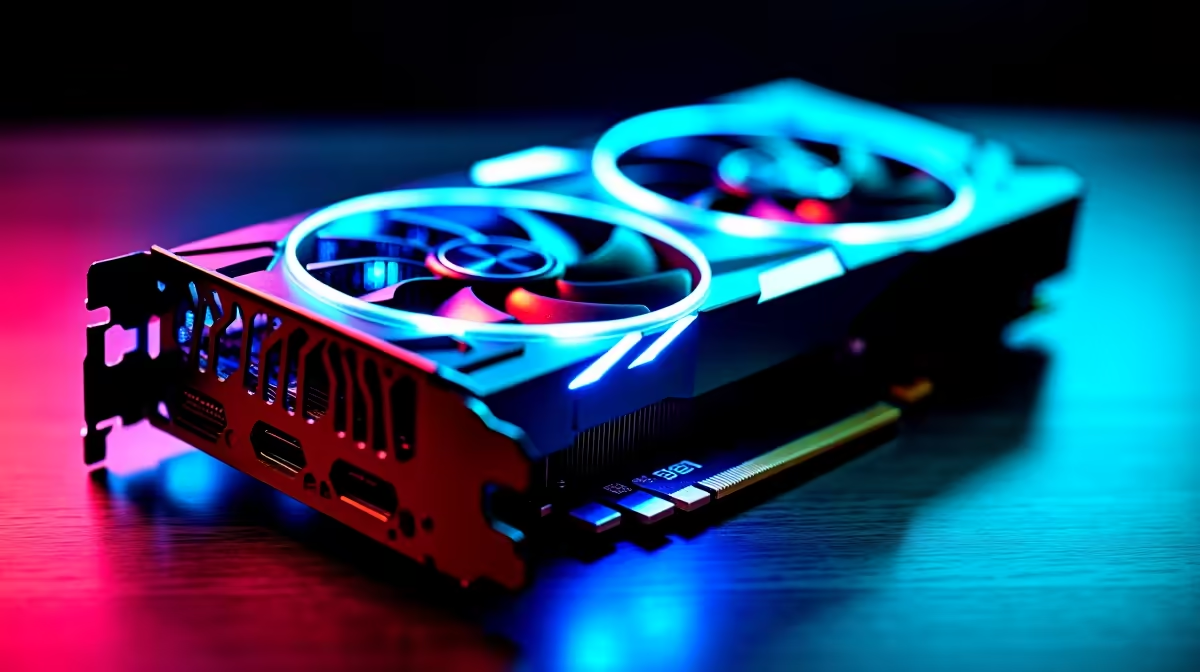
Summer in South Africa is brutal on gaming rigs. Add a bit of fine dust from the dry highveld into the mix... and your hardware is suddenly screaming for help. If you want to keep those frame rates high, maintaining axial-tech fan airflow and ball bearing longevity in high-performance GPUs is absolutely vital. Let us look at how you can protect your investment and keep your system running ice cold.
Modern cooling solutions are engineering marvels. When you browse modern graphics cards, you will immediately notice the massive, intricate coolers attached to them. Axial-tech fans are specifically designed with a smaller central hub... which allows for longer blades... and a barrier ring that drastically increases downward air pressure.
This focused airflow pushes heat away from the massive aluminium heatsinks efficiently. However, when dust settles on these blades, it disrupts the carefully calculated aerodynamics. The fans then have to spin much faster to achieve the exact same cooling... leading to unwanted noise and severe thermal throttling during your gaming sessions.
Most premium GPU coolers utilise dual ball bearing designs. These bearings are incredibly durable and can last up to twice as long as traditional sleeve bearing designs. Even if you are rocking a reliable, older workhorse from our NVIDIA GeForce GTX range, keeping those bearings free of debris extends their lifespan significantly.
When grit enters the bearing housing, it creates microscopic friction. Friction generates heat and wear... eventually leading to a loud rattling noise that no gamer ever wants to hear. Regular maintenance ensures your fans spin smoothly for years, saving you from spending unnecessary ZAR on premature replacements.
Dust is the ultimate enemy of PC components. If your current cooler sounds like a commercial jet taking off, you are actively losing out on performance. Sometimes, a dying fan means it is finally time to check out the best graphics card deals for a modern replacement.
But before you upgrade, try a proper deep clean. Switch off your PC completely and unplug it from the wall. Take your chassis outside to avoid blowing fine dust right back into your gaming room.
Never let your fans spin freely when using compressed air. The high speeds can actually burn out the fan motor or permanently damage the ball bearings. Always hold the fan blades gently in place with your finger while blowing out the dust.
Ambient case temperature plays a massive role in GPU cooling. If your entire system is suffocating in a solid glass box, your graphics card fans will work overtime regardless of how clean they are. Upgrading your chassis airflow is just as important... which is why our best gaming PC deals feature cases with highly optimised mesh fronts.
Maintaining your hardware is the best way to protect your investment. However, if your card is several generations old and struggling to push modern titles at 1080p, no amount of cleaning will fix a lack of raw processing power. Keep an eye on our latest tech specials to find the perfect upgrade path when maintenance is simply no longer enough.
Ready to Maximise Your Frame Rates? Keeping your rig cool is essential, but sometimes you just need more raw power. For maximum performance and unbeatable value in South Africa, Evetech has you covered. Explore our massive range of graphics card deals and find the perfect GPU to conquer your favourite games.
The graphics cards, tools and accessories referenced in this article are stocked at Evetech.co.za with local SA warranty, ZAR pricing and nationwide delivery.
The article breaks down the real-world impact on gaming FPS, creator workflows and everyday responsiveness — not just raw spec numbers.
Only a handful of specs meaningfully change your experience. The guide ranks them by real impact so you spend on what counts.
We cover upgrade headroom, platform longevity and the specific features worth paying extra for if you plan to keep this build for several years.
The article includes a clear generational uplift summary so you can judge whether upgrading from your current hardware is worthwhile.
Storage Specs Explained for Beginners. Plain-English explanation of what it means, why it matters & how it affects your buying decisions in SA.
Read more
Will RDNA 5 Use the Same Silicon as the Next. Plain-English explanation of what it means, why it matters & how it affects your buying decisions in SA.
Read more
Google Workspace on Mac: Drive, Docs, Sheets and. Everything you need to know with SA pricing, step-by-step instructions & expert recommendations.
Read more
Back-to-School Parent Guide: Storages. Everything you need to know with SA pricing, step-by-step instructions & expert recommendations.
Read more
to Esports Tournaments. Everything you need to know with SA pricing, step-by-step instructions & expert recommendations.
Read more
Easter Storage Buying Guide. Hand-picked gift ideas at every budget tier. SA pricing & Evetech availability included.
Read more
AMD RX 9050 XT: Rumoured Specs, Price & Release. SA-focused analysis with local pricing data, real-world insights & actionable buying advice.

Can RTX 4080 Super Run AI Workloads for SA Developers Detailed answer with SA data, expert analysis & practical recommendations for local buyers.

Can RTX 4090 Run AI Workloads for SA Developers Detailed answer with SA data, expert analysis & practical recommendations for local buyers.

Top Settings for Intel Arc B580 at Ultrawide 1440p picks evaluated on performance, value & SA availability with current Rand pricing from Evetech.

RTX 4060 CS2 Low Settings at 1080p: FPS Results. Real-world benchmark data, FPS numbers & performance analysis. What SA gamers can actually expect.

Visual Artifacts: Possible GPU Issue Issue #1. Diagnosis steps, proven fixes & when to seek professional help. SA-specific support info included.

Can the RTX 4090 Handle 1440p 144Hz Gaming. Performance testing verdict with real data & practical recommendations for SA buyers.

Top ASUS GPU Under R15000 picks evaluated on performance, value & SA availability with current Rand pricing from Evetech.

GTA 6 Max Settings on RTX 5070. Tested & verified settings for best FPS and visual quality on SA hardware budgets.

Cyberpunk 2077 Max Settings on RTX 5080. Tested & verified settings for best FPS and visual quality on SA hardware budgets.

Starfield Max Settings on RTX 5070 Ti. Tested & verified settings for best FPS and visual quality on SA hardware budgets.

Top RTX 5090 Under R5000 picks evaluated on performance, value & SA availability with current Rand pricing from Evetech.