


Complete Guide: Setting Up AIO Liquid 420mm
Setting Up AIO Liquid 420mm. Tested & verified settings for best FPS and visual quality on SA hardware budgets.
Read moreChoosing between matte vs glossy screens? 🎨✨ Find your ideal monitor style today with our expert breakdown on clarity, lighting, and visual needs. 🌟
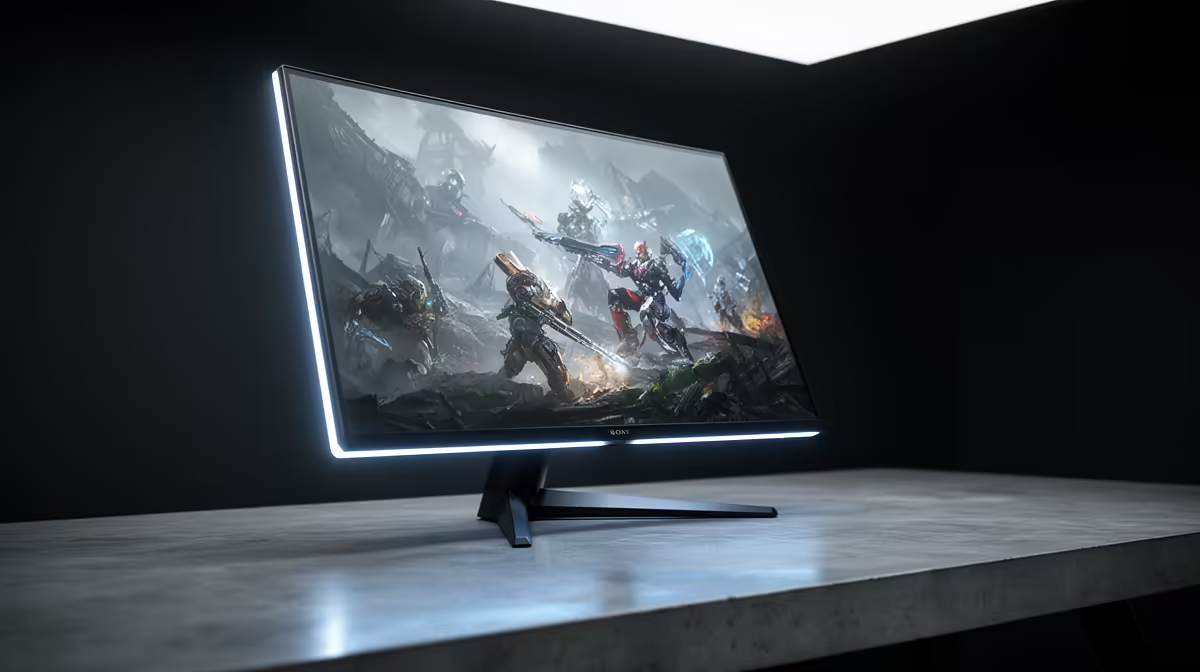
You’ve just dropped some serious ZAR on a new rig. The sun is streaming through your window in classic SA fashion, but instead of enjoying the view, you're staring at your own reflection. Sound familiar? The age-old battle of matte vs glossy monitors is more than just a spec—it’s about your daily experience. It’s a choice that can make or break your immersion.
Let's cut through the glare and find the perfect screen for your setup.
Ever tried gaming in a bright room? You’ll know the struggle. Matte displays are the undisputed champions here. They feature an anti-glare coating, a micro-textured layer that diffuses ambient light instead of reflecting it straight back at you. This means fewer distractions and less eye strain during those long sessions trying to clutch a win in Warzone.
The main benefit is clear: you can place your desk almost anywhere without worrying about that pesky window or overhead light. The trade-off? Some users feel this coating can make colours appear slightly less vibrant and blacks a little less deep compared to their glossy counterparts. But for many South African gamers, winning the war against glare is the top priority. 🛡️
Pairing a versatile matte monitor with a powerful portable machine is a popular choice, allowing you to create an ergonomic battle station anywhere. Powering it all with one of the best gaming laptop deals available makes for a killer setup.
Now, let's talk about glossy screens. In a controlled, dimly lit environment, nothing beats the visual punch they deliver. ✨ A glossy monitor has a smooth, reflective outer layer that allows light from the pixels to pass through directly, resulting in colours that pop and blacks that look incredibly deep and inky.
Images and videos appear sharper and more vibrant, creating a more immersive experience… provided you can control the lighting. The downside is that they essentially act like a mirror. Every light source, every movement behind you, will be reflected on the screen. For a dedicated movie-watching or gaming cave, the stunning picture quality of a glossy display is hard to resist.
The incredible colour reproduction of a glossy screen is a perfect match for the powerful graphics capabilities found in modern laptops, especially when driven by the latest tech in today's AMD laptops on special.
No matter your choice, spend 5 minutes calibrating your monitor's brightness and contrast. Use Windows' built-in "Calibrate display color" tool. It’s a free, simple way to ensure you're getting the best possible picture from your new screen.
So, how do you choose? The matte vs glossy monitor decision ultimately comes down to your environment and primary use case. There's no single "better" option, only what's better for you.
Think about where your PC or laptop is located. Is it near a window? Do you have bright overhead lights you can't control? If yes, go for matte. If you have a dedicated space where you can draw the curtains and dim the lights for serious gaming or movie sessions, a glossy screen will reward you with a stunning visual experience. 🚀
This choice becomes even more important when you're creating a dual-screen setup, perhaps docking one of today's powerful Intel laptops on special for a mix of work and play. Consistency is key, but so is choosing the right tool for the job.
Ultimately, the best screen finish is the one you don't notice—because it just works perfectly for your needs.
Ready to Upgrade Your View? Now that you know the difference, you can choose the perfect monitor to complete your dream rig. Explore our full range of tech and find incredible value with our current laptop specials for sale in South Africa to build a setup that truly performs.
Matte monitors reduce glare, ideal for bright environments and comfortable for prolonged usage.
Glossy screens offer more vivid colors and deeper blacks, enhancing visuals for competitive gaming.
They can look vibrant but may reflect light, affecting comfort during extended office tasks.
Matte finishes lower glare, minimizing eye strain in varied lighting conditions.
Evaluate lighting, usage, and preferred visual clarity when selecting your screen type.
Durability is similar, but matte screens tend to hide fingerprints and scratches better.
No direct impact, but backlight adjustments for glare may affect laptop battery longevity.
Setting Up AIO Liquid 420mm. Tested & verified settings for best FPS and visual quality on SA hardware budgets.
Read more
Intel XTU Download & Setup Guide: Intel CPU. Clear setup instructions with SA-specific considerations, troubleshooting tips & recommended components.
Read more
Cyberpunk 2077 Max Settings on RTX 4090. Tested & verified settings for best FPS and visual quality on SA hardware budgets.
Read more
The Complete Guide to GPU. Everything you need to know with SA pricing, step-by-step instructions & expert recommendations.
Read more
NVCleanstall Download & Setup Guide: NVIDIA. Clear setup instructions with SA-specific considerations, troubleshooting tips & recommended components.
Read more
to Driver Installation for Beginners. Everything you need to know with SA pricing, step-by-step instructions & expert recommendations.
Read more
AMD RX 9050 XT: Rumoured Specs, Price & Release. SA-focused analysis with local pricing data, real-world insights & actionable buying advice.

Can RTX 4080 Super Run AI Workloads for SA Developers Detailed answer with SA data, expert analysis & practical recommendations for local buyers.

Can RTX 4090 Run AI Workloads for SA Developers Detailed answer with SA data, expert analysis & practical recommendations for local buyers.

Top Settings for Intel Arc B580 at Ultrawide 1440p picks evaluated on performance, value & SA availability with current Rand pricing from Evetech.

RTX 4060 CS2 Low Settings at 1080p: FPS Results. Real-world benchmark data, FPS numbers & performance analysis. What SA gamers can actually expect.

Visual Artifacts: Possible GPU Issue Issue #1. Diagnosis steps, proven fixes & when to seek professional help. SA-specific support info included.

Can the RTX 4090 Handle 1440p 144Hz Gaming. Performance testing verdict with real data & practical recommendations for SA buyers.

Top ASUS GPU Under R15000 picks evaluated on performance, value & SA availability with current Rand pricing from Evetech.

GTA 6 Max Settings on RTX 5070. Tested & verified settings for best FPS and visual quality on SA hardware budgets.

Cyberpunk 2077 Max Settings on RTX 5080. Tested & verified settings for best FPS and visual quality on SA hardware budgets.

Starfield Max Settings on RTX 5070 Ti. Tested & verified settings for best FPS and visual quality on SA hardware budgets.

Top RTX 5090 Under R5000 picks evaluated on performance, value & SA availability with current Rand pricing from Evetech.