


Complete Guide: Setting Up AIO Liquid 420mm
Setting Up AIO Liquid 420mm. Tested & verified settings for best FPS and visual quality on SA hardware budgets.
Read moreMechanical keyboard for beginners — learn essential features, switch types, layouts, and budget tips to confidently buy your first keyboard. 🛒⌨️
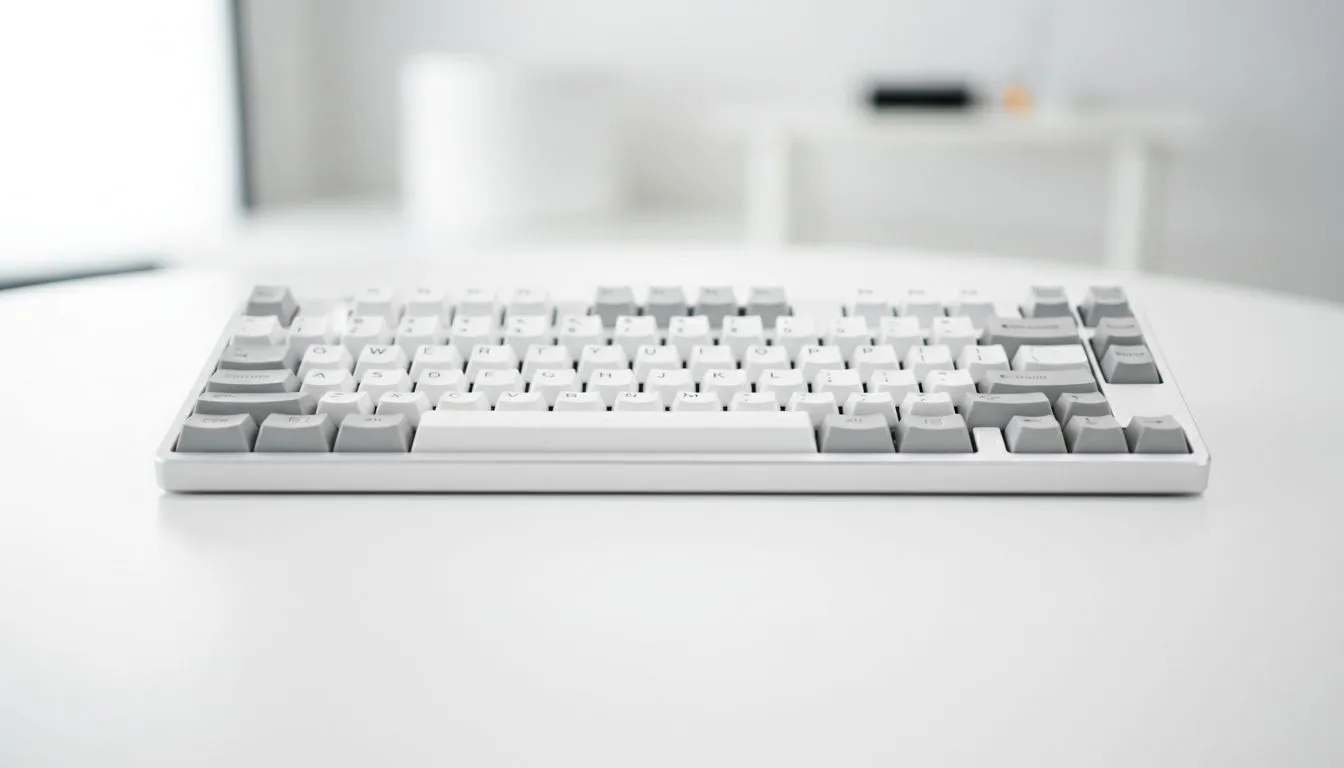
Mechanical keyboard for beginners: What to look for — ready to upgrade from rubber domes? South African gamers, this quick guide trims the noise. You’ll learn how switches affect aim, what layout actually matters, and whether wireless saves your desk or ruins your latency. By the end you'll know enough to test keyboards in-store, compare prices in ZAR, and buy with confidence. 🔧
Start with switches. Linear, tactile or clicky switches change how you game and type. Try them in-person where possible; a short test will tell you more than specs. For brand-specific options, Evetech lists budget-friendly choices if you’re watching ZAR — check their list of cheapest gaming keyboards for local prices and entry models. https://www.evetech.co.za/components/buy-cheapest-gaming-keyboard-in-south-africa-52
When you want familiar ecosystems, Razer and Glorious both sell approachable beginner models. Razer offers plug-and-play familiarity and RGB software support. See their Razer range for local stock. https://www.evetech.co.za/components/buy-cheapest-gaming-keyboard-in-south-africa-52?category=Razer+Gaming+Keyboard And Glorious appeals if you want hot-swap kits later on. https://www.evetech.co.za/components/buy-cheapest-gaming-keyboard-in-south-africa-52?category=Glorious+Keyboards
Size matters. Full-size, TKL (tenkeyless) or 60% layouts change desk space and key learning curve. If you use number-pad macros, a full-size helps; if you need mouse room for big flicks, TKL or 60% may be better. Try before you buy if possible — and note that compact keyboards can cost more for the same build quality.
Decide wired or wireless early. Wireless gives a tidy desk; wired often keeps latency tiny. Evetech separates wireless options if you want battery-backed freedom. https://www.evetech.co.za/components/buy-cheapest-gaming-keyboard-in-south-africa-52?attributes-connectivity=Wireless For steady pro play, browse wired models too. https://www.evetech.co.za/components/buy-cheapest-gaming-keyboard-in-south-africa-52?attributes-connectivity=Wired ⚡
Look for hot-swap sockets, detachable cables, and solid keycap material. These features stretch value and make future upgrades painless. If you plan a full desk setup, pair your keyboard with a good mouse. Evetech’s gaming mice section helps you pick a match. https://www.evetech.co.za/components/gaming-mouse-117.aspx
Hunt for bundle savings or deals on peripherals. Their current mouse deals page can shave ZAR off popular combos. https://www.evetech.co.za/best-gaming-mouse-deals/x/054.aspx Consider wireless mice for a clutter-free desk. https://www.evetech.co.za/buy-wireless-mouse/x/1597.aspx Or stick with wired mice for consistent low-latency performance. https://www.evetech.co.za/buy-wired-mouse/x/1596.aspx Don’t forget mouse accessories — grips and pads can improve tracking more than you expect. https://www.evetech.co.za/buy-mouse-accessories/x/1595.aspx
When trying switches in-store, bring a short aim drill or type a paragraph. If a switch feels fatiguing after ten minutes, you won’t love it after a full session. Focus on travel distance, actuation force, and sound.
Ready to Find Your Perfect Match? The Mac vs Windows debate is complex, but for maximum power, choice, and value in South Africa, Windows is hard to beat. Explore our massive range of laptop specials and find the perfect machine to conquer your world.
Start with tactile or linear switches like Cherry MX Brown or Red; they balance feedback and ease. Try sample switch testers before buying.
Wired offers lowest latency for gaming; wireless is ideal for clean desks and portability. Consider a wireless mechanical keyboard for beginners if mobility matters.
Yes. Hot-swappable keyboards let you change switches without soldering, making experimentation easy for new users.
Choose tenkeyless for desk space and ergonomics; pick full-size if you need the numeric keypad regularly. Think about your workflow.
Budget models start around $50–$80; quality mid-range options run $80–$150. Look for reliable switches and build quality when comparing budget mechanical keyboards for beginners.
Stock keycaps are fine to start. Upgrade to PBT or textured keycaps later for durability and feel if you want a personalized typing experience.
Prioritize switch type, key rollover, stabilizers, and build quality. For gaming, low latency and customizable macros help performance.
Setting Up AIO Liquid 420mm. Tested & verified settings for best FPS and visual quality on SA hardware budgets.
Read more
Intel XTU Download & Setup Guide: Intel CPU. Clear setup instructions with SA-specific considerations, troubleshooting tips & recommended components.
Read more
Cyberpunk 2077 Max Settings on RTX 4090. Tested & verified settings for best FPS and visual quality on SA hardware budgets.
Read more
The Complete Guide to GPU. Everything you need to know with SA pricing, step-by-step instructions & expert recommendations.
Read more
NVCleanstall Download & Setup Guide: NVIDIA. Clear setup instructions with SA-specific considerations, troubleshooting tips & recommended components.
Read more
to Driver Installation for Beginners. Everything you need to know with SA pricing, step-by-step instructions & expert recommendations.
Read more
AMD RX 9050 XT: Rumoured Specs, Price & Release. SA-focused analysis with local pricing data, real-world insights & actionable buying advice.

Can RTX 4080 Super Run AI Workloads for SA Developers Detailed answer with SA data, expert analysis & practical recommendations for local buyers.

Can RTX 4090 Run AI Workloads for SA Developers Detailed answer with SA data, expert analysis & practical recommendations for local buyers.

Top Settings for Intel Arc B580 at Ultrawide 1440p picks evaluated on performance, value & SA availability with current Rand pricing from Evetech.

RTX 4060 CS2 Low Settings at 1080p: FPS Results. Real-world benchmark data, FPS numbers & performance analysis. What SA gamers can actually expect.

Visual Artifacts: Possible GPU Issue Issue #1. Diagnosis steps, proven fixes & when to seek professional help. SA-specific support info included.

Can the RTX 4090 Handle 1440p 144Hz Gaming. Performance testing verdict with real data & practical recommendations for SA buyers.

Top ASUS GPU Under R15000 picks evaluated on performance, value & SA availability with current Rand pricing from Evetech.

GTA 6 Max Settings on RTX 5070. Tested & verified settings for best FPS and visual quality on SA hardware budgets.

Cyberpunk 2077 Max Settings on RTX 5080. Tested & verified settings for best FPS and visual quality on SA hardware budgets.

Starfield Max Settings on RTX 5070 Ti. Tested & verified settings for best FPS and visual quality on SA hardware budgets.

Top RTX 5090 Under R5000 picks evaluated on performance, value & SA availability with current Rand pricing from Evetech.