


Complete Guide: Setting Up AIO Liquid 420mm
Setting Up AIO Liquid 420mm. Tested & verified settings for best FPS and visual quality on SA hardware budgets.
Read moreMesh WiFi removes dead zones by creating a unified, multi-node network that extends strong coverage across your home. Learn how mesh systems work, placement tips, and buying advice. 🏠📶
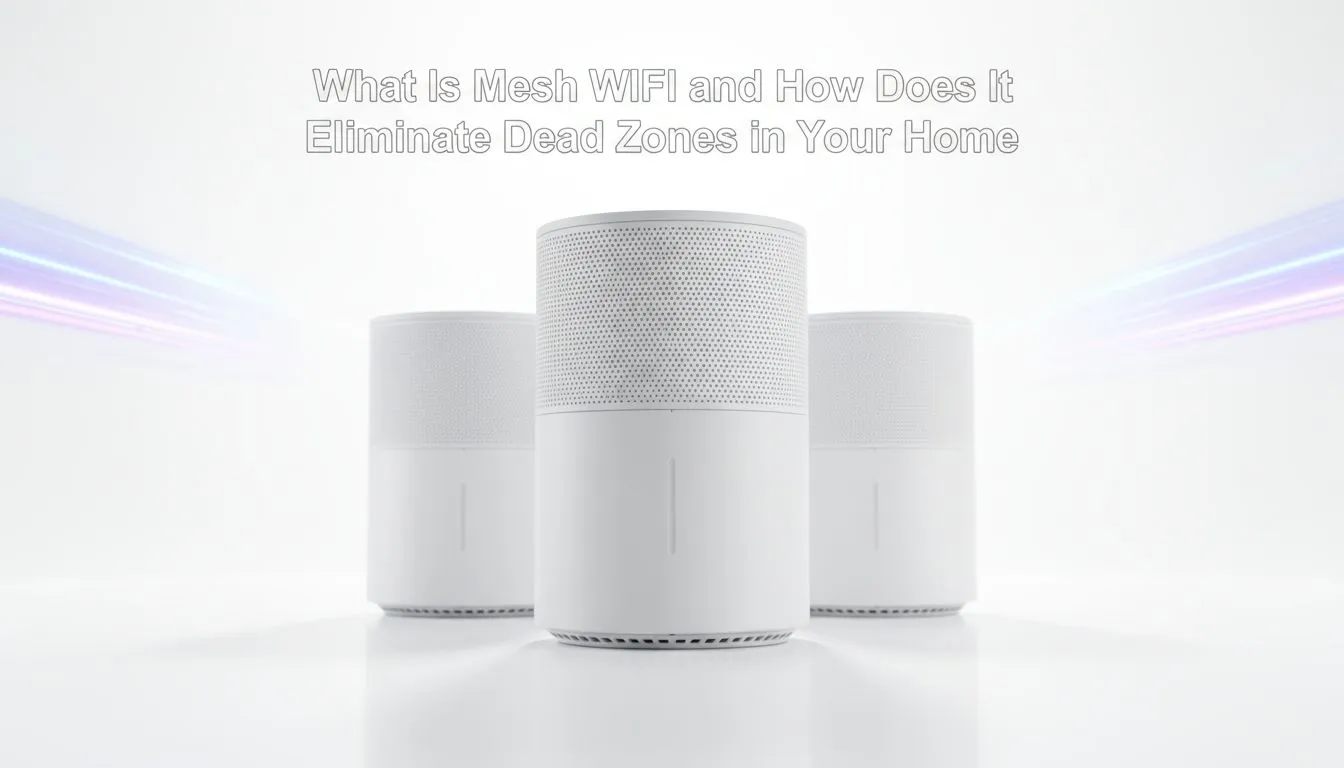
Tired of your Netflix stream buffering the moment you step into the bedroom? In South Africa, our sturdy brick-and-mortar homes are notorious for swallowing WiFi signals. If you are struggling with lag or dropped calls in certain rooms, understanding how Mesh WiFi eliminates dead zones in your home is the first step toward a frustration-free digital life. ⚡
Most of us start with the standard wireless routers provided by our internet service providers. These devices are often placed in a corner of the house, forced to push signals through multiple thick walls and heavy furniture. By the time the signal reaches your home office or upstairs bedroom, it is often weak and unstable.
This is where the concept of Mesh WiFi: How It Eliminates Dead Zones in Your Home becomes a reality. Unlike a single router trying to do all the heavy lifting, a mesh system uses multiple nodes to pass the signal along like a relay race. This ensures that every corner of your property receives a strong, consistent connection.
In the past, many South Africans relied on wireless range extenders to fill the gaps in their coverage. While these are budget-friendly, they often create separate network names (SSIDs). This means your phone might stay connected to the weak kitchen signal even when you are standing right next to the bedroom extender.
Mesh systems are different... they create a single, unified network throughout your entire home. As you move from the lounge to the patio, your device automatically connects to the strongest node without a second of downtime. 🚀
the best results, place your mesh nodes in open areas rather than inside cupboards or behind TVs. Try to keep them at head height and ensure each node has a clear 'line of sight' to the next one. This reduces interference and ensures that Mesh WiFi: How It Eliminates Dead Zones in Your Home works exactly as advertised.
To truly benefit from a mesh system, your end-user devices need to be up to the task. If you are gaming on a desktop or working on a high-end workstation, investing in modern wireless adapters can ensure you are actually receiving the high speeds your mesh nodes are broadcasting.
A complete wireless networking overhaul might seem like a big step, but the stability it brings to your lifestyle is worth every cent. Whether you are streaming 4K content or competing in ranked matches, dead zones are the enemy of productivity and fun. By switching to a mesh system, you are not just boosting your signal... you are future-proofing your home connectivity for the years to come. ✨
Ready to Kill the Dead Zones for Good? Don't let poor signal strength hold you back from peak performance. Whether you need a full mesh system or a high-gain adapter to catch every bit of data, we have you covered. Explore our massive range of networking specials and enjoy seamless connectivity across your entire home.
Mesh WiFi uses multiple nodes to form one seamless network, unlike a single router. This boosts coverage and reduces dead zones for better mesh WiFi coverage.
By placing nodes around the house, mesh systems extend signal reach and hand off devices smoothly, eliminating dead zones and improving whole-home coverage.
Mesh WiFi offers unified coverage and seamless roaming, while extenders create separate networks. For consistent performance choose mesh WiFi over extenders.
Most homes need 2–4 nodes depending on size and layout. Use mesh WiFi placement guide tips to position nodes for optimal coverage and speed.
Start with a central primary node, update firmware, name the network, and place satellites high and unobstructed. These mesh WiFi setup tips boost performance.
Yes. Tri-band mesh WiFi often dedicates a backhaul band for node-to-node traffic, increasing speeds and stability across the network.
Mesh systems can improve speeds by shortening device distance to nodes and optimizing traffic, so they address both dead zones and slow performance.
Setting Up AIO Liquid 420mm. Tested & verified settings for best FPS and visual quality on SA hardware budgets.
Read more
Intel XTU Download & Setup Guide: Intel CPU. Clear setup instructions with SA-specific considerations, troubleshooting tips & recommended components.
Read more
Cyberpunk 2077 Max Settings on RTX 4090. Tested & verified settings for best FPS and visual quality on SA hardware budgets.
Read more
The Complete Guide to GPU. Everything you need to know with SA pricing, step-by-step instructions & expert recommendations.
Read more
NVCleanstall Download & Setup Guide: NVIDIA. Clear setup instructions with SA-specific considerations, troubleshooting tips & recommended components.
Read more
to Driver Installation for Beginners. Everything you need to know with SA pricing, step-by-step instructions & expert recommendations.
Read more
AMD RX 9050 XT: Rumoured Specs, Price & Release. SA-focused analysis with local pricing data, real-world insights & actionable buying advice.

Can RTX 4080 Super Run AI Workloads for SA Developers Detailed answer with SA data, expert analysis & practical recommendations for local buyers.

Can RTX 4090 Run AI Workloads for SA Developers Detailed answer with SA data, expert analysis & practical recommendations for local buyers.

Top Settings for Intel Arc B580 at Ultrawide 1440p picks evaluated on performance, value & SA availability with current Rand pricing from Evetech.

RTX 4060 CS2 Low Settings at 1080p: FPS Results. Real-world benchmark data, FPS numbers & performance analysis. What SA gamers can actually expect.

Visual Artifacts: Possible GPU Issue Issue #1. Diagnosis steps, proven fixes & when to seek professional help. SA-specific support info included.

Can the RTX 4090 Handle 1440p 144Hz Gaming. Performance testing verdict with real data & practical recommendations for SA buyers.

Top ASUS GPU Under R15000 picks evaluated on performance, value & SA availability with current Rand pricing from Evetech.

GTA 6 Max Settings on RTX 5070. Tested & verified settings for best FPS and visual quality on SA hardware budgets.

Cyberpunk 2077 Max Settings on RTX 5080. Tested & verified settings for best FPS and visual quality on SA hardware budgets.

Starfield Max Settings on RTX 5070 Ti. Tested & verified settings for best FPS and visual quality on SA hardware budgets.

Top RTX 5090 Under R5000 picks evaluated on performance, value & SA availability with current Rand pricing from Evetech.