Quick Answer
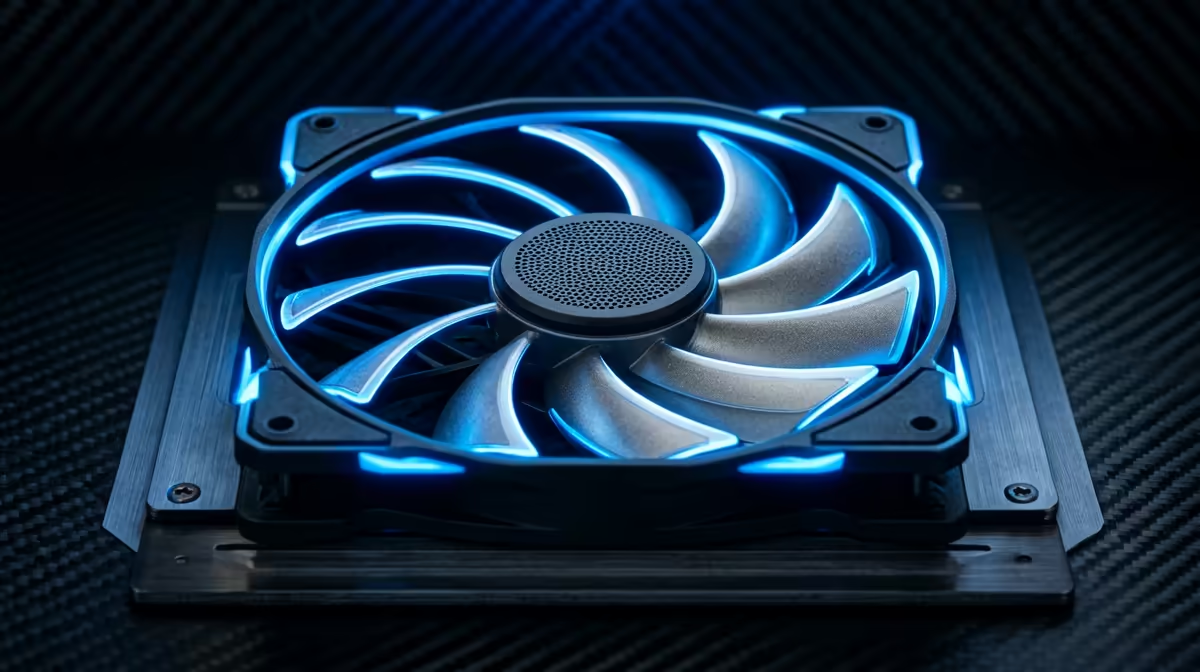
Plastic fans dominate PC cooling because they are lighter, easier to mould into aerodynamically optimised blade profiles, and resist resonance vibration better than metal at typical PC fan speeds. Metal fans offer superior durability in harsh industrial environments but bring more weight and potential harmonic noise into a desktop PC chassis.
Why Fan Blade Material Affects Airflow and Noise 🌬️
The blade profile, not purely the material, determines how efficiently a fan moves air at a given RPM. High-quality polycarbonate and ABS plastic blades can be injection-moulded into complex twisted geometries that thin metal stamping cannot reliably replicate, which is why premium PC fans like the Noctua NF-A12x25 or be quiet! Silent Wings 4 use engineering-grade plastics rather than metal. A 120mm plastic fan running at 1,200 RPM moves air more quietly than a metal fan of the same diameter at the same speed because the smoother blade surface reduces turbulence noise. Metal fans used in industrial settings prioritise longevity at extreme duty cycles, not acoustic performance.
Stability Under Vibration and High-Speed Operation 🔩
Metal fan blades add rotational mass, which increases gyroscopic forces at higher RPM and creates stronger vibration pulses at the blade-pass frequency. In a PC case, these vibrations transmit through the fan frame to the chassis panels, which can resonate and produce an audible low-frequency hum. Plastic blades, being lighter, generate weaker vibration pulses that are more easily absorbed by the rubber anti-vibration mounts included with fans like the Arctic P12 PWM or Noctua NF-F12.
Longevity and Use Case Comparison 🔧
In the context of PC cooling, the expected lifespan of a fan is determined far more by its bearing type than its blade material. A dual-ball bearing plastic fan outlasts a sleeve-bearing metal fan by several years under continuous operation. Metal blades resist physical impacts better if the case is frequently moved or transported, which is relevant for a LAN gaming setup carried between venues regularly. For a static home build running 8 to 12 hours per day, plastic fans with quality bearings rated at 150,000 hours MTTF are the more practical and quieter choice.
Test Fan Resonance Before Final Assembly ⚡
Attach your fans to the case before mounting the motherboard and run them at 100% speed using a fan controller or BIOS. Listen for any panel resonance and address it with foam gasket tape behind the fan frame before the build is complete. It is far harder to fix a resonating panel after the GPU and cables are installed.
FAQ
Are there any PC cases that use metal fan blades today?
Virtually no consumer-focused PC case fans use metal blades. Metal impellers appear in industrial blowers, server rack fans, and specialty HVAC components where durability at extreme RPM outweighs acoustic and weight considerations. Consumer PC fans in 2026 use engineered plastics exclusively.
Does a heavier fan frame help reduce vibration in a PC case?
A heavier frame can lower the resonant frequency of the fan assembly, which sometimes moves the vibration frequency outside the audible range. However, anti-vibration mounts paired with a standard weight plastic fan achieve the same result more reliably. Prioritise fans that include rubber corner mounts in the box.
Should I replace stock case fans immediately in a new build?
Stock case fans bundled with budget cases are often sleeve-bearing fans with limited static pressure and high noise at speed. If your build includes a high-wattage GPU or a 65W-plus CPU running under sustained load, upgrading to quality 120mm or 140mm fans rated for static pressure can reduce thermal build-up by 3 to 6 degrees Celsius and lower noise simultaneously.
Ready to upgrade your case fans?
Browse the case fan range at Evetech to find quality bearing options that improve noise and airflow in your build.