

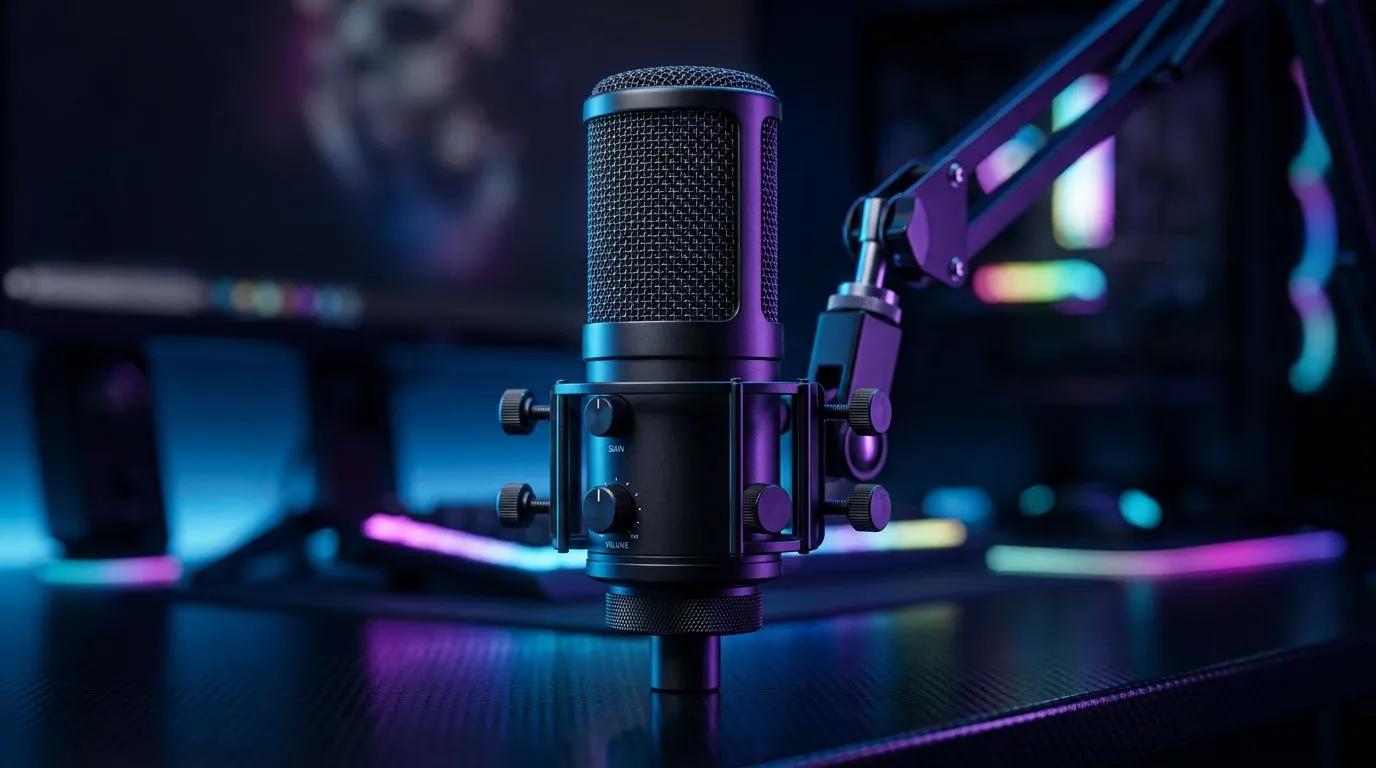
Echo effect essentials for streamers 🎙️
Hook: Want to add depth, humour or drama to your livestreams in Cape Town, Joburg or anywhere in South Africa? The Microphone Echo Effect for Streaming: 12 Creative Uses is your quick cheat sheet to craft moments that stick — without buying a dozen plugins. Read on for practical setups, creative prompts and local-first tips that actually work on a budget.
Why the microphone echo effect matters for streaming
An echo can be subtle ambience or full-on call‑and‑response. Use it to separate character voices, create transitions, or sell a punchline. If you’re upgrading your stream kit, start with Evetech’s streaming essentials to find gear that handles effects with low latency and clean preamps — see their streaming essentials page for curated options.
12 creative uses of mic echo in live streams
Below are practical, testable ideas you can try in one session. Each use includes a quick how-to and the emotion it adds.
- Character intro: quick slapback echo to make a masked persona feel larger-than-life.
- Victory stinger: short, bright echo on a clip when you win a round.
- Haunted narration: long, decaying echo for spooky story segments.
- Emphasis echo: subtle repeat after a key phrase to underline a punchline.
- Spatial trick: echo panned left or right to imply distance on a roleplay map.
- Fan callouts: echo donors’ names lightly for celebratory flair.
- Delay duet: split your voice with a delayed copy for chorus effects.
- POV shift: apply echo when switching characters to signal viewpoint change.
- Sound design beds: layer echo with ambience tracks for cinematic intros.
- Glitch effect: short, chopped echoes combined with pitch shifts for cyberpunk mood.
- Low‑band echo: EQ the echo to low mids for radio or bunker voice.
- Comedic echo: exaggerate repeat with fast decay for comic timing.
For compact hardware and software workflows, consider browsing Evetech’s Corsair selections for reliable streaming peripherals and compatible audio interfaces.
How to set up your microphone echo effect — simple tools
You don’t need a pro studio. Use a hardware mixer with send/return or a DAW/live‑stream tool like OBS or Voicemeeter. For end‑to‑end setups, check out the range of webcams and audio gear Evetech stocks to match mic latency with your camera sync. Their webcams collection helps you pair the right camera so your echo lines up visually on stream.
Setup Pro Tip ⚡
Use a short delay (20–60 ms) for slapback or rhythm echoes. Longer delays (120–300 ms) create ambience. Keep wet dry balance under 30% for dialogue; push higher for effects and skits. Test on stream with a solo recording to avoid live surprises.
Practical recording tips and local considerations ✨
- Optimise your room: a few soft furnishings cut muddiness and make echoes clearer.
- Monitor in headphones: avoid feedback loops.
- Label presets: save echo settings for different stream segments.
If you want a quick, curated kit to start experimenting today, Evetech’s streaming essentials collection is a practical place to begin. For brand‑focused setups, explore Corsair options they stock for streaming-specific controllers and mics. If you like RGB atmospheres alongside usable audio, Cololight accessories on Evetech add ambience without fuss.
Final inspiration and next steps
Think of echo as a storytelling tool, not just a sonic toy. Try two new uses from the list each week and keep a short clip library for highlights. When you’ve dialled in the sound, pair it with a solid webcam for expression and timing — Evetech’s webcams page lists options that pair well with low‑latency audio rigs.
Ready to Find Your Perfect Match? The Mac vs Windows debate is complex, but for maximum power, choice, and value in South Africa, Windows is hard to beat. Explore our massive range of laptop specials and find the perfect machine to conquer your world.










