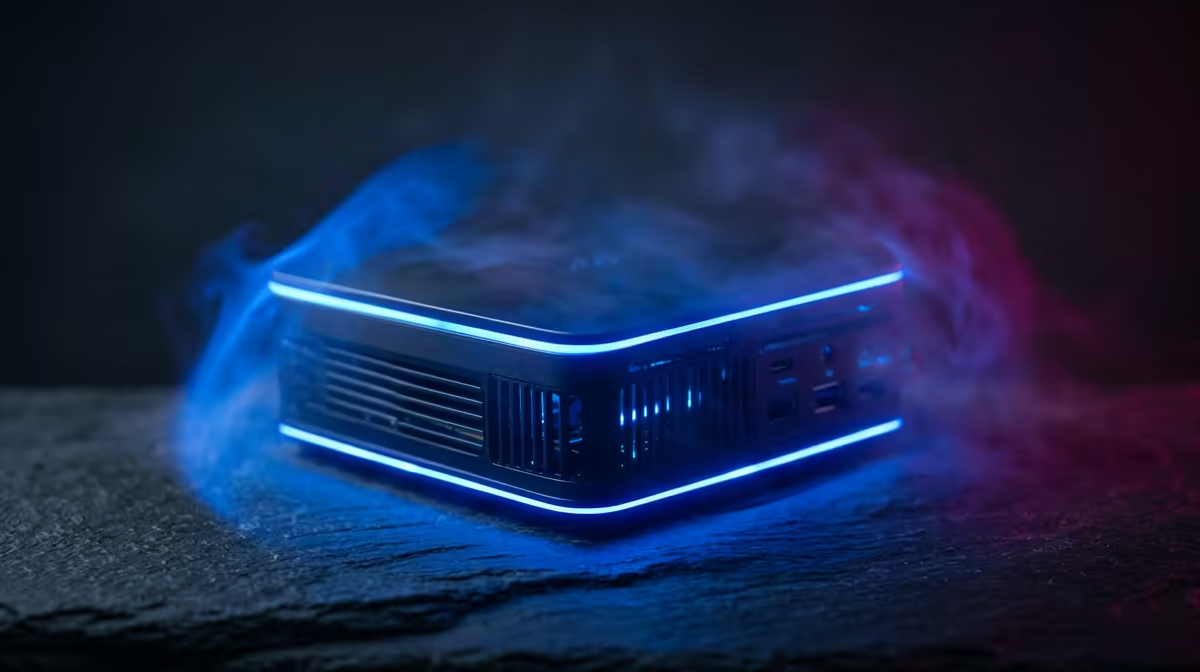
Yes, the UM750L 16GB/1TB at R4,600 suits an SA buyer who wants a compact mini pc for lighter games after work without turning the desk into a full tower setup. It gives you enough memory for everyday multitasking, a 1TB drive for a sensible game library, and a price that keeps the upgrade decision grounded.
Why the UM750L makes sense first
The Minisforum NAB6 Lite i5 8GB/512GB at R4,150 is the budget-friendly starting point. Its 8GB memory and 512GB storage are better suited to browser work, streaming, older titles, and lighter gaming sessions where you are not expecting high settings or huge installs.
The NINKEAR M7 16GB/512GB at R4,650 is close in price to the UM750L, but the storage tradeoff matters. You still get 16GB memory, yet the 512GB drive can fill quickly once Windows, launchers, and a few larger games are installed, so it suits a tidier, more selective library.
The NINKEAR M8 16GB/1TB at R8,350 costs more, but its 16GB memory and 1TB storage make sense if the machine will also handle media, study tabs, and office work. The NINKEAR L12 PRO i9 at R8,150 is another higher-end option when CPU headroom matters more than simply buying the cheapest box.
After-work gaming on a lounge TV unit
For a lounge TV unit or shared desk setup, the GEEKOM A8 Max 32GB/1TB at R12,900 is the stronger long-term pick. Its 32GB memory gives more breathing room for heavier multitasking, while the 1TB drive keeps more installed without constant cleanup.
Ready to choose the right mini pc?
Put Minisforum NAB6 Lite i5 8GB/512GB at R4,150 beside the gaming room plan, then use its listed spec as the deciding detail.