


Complete Guide: Setting Up AIO Liquid 420mm
Setting Up AIO Liquid 420mm. Tested & verified settings for best FPS and visual quality on SA hardware budgets.
Read moreOur mini PC warranty guide helps you navigate the process when your compact powerhouse has a problem. Don't panic! Learn the essential steps to diagnose issues, understand your coverage, and successfully file a claim to get your machine back up and running. 🛠️💻
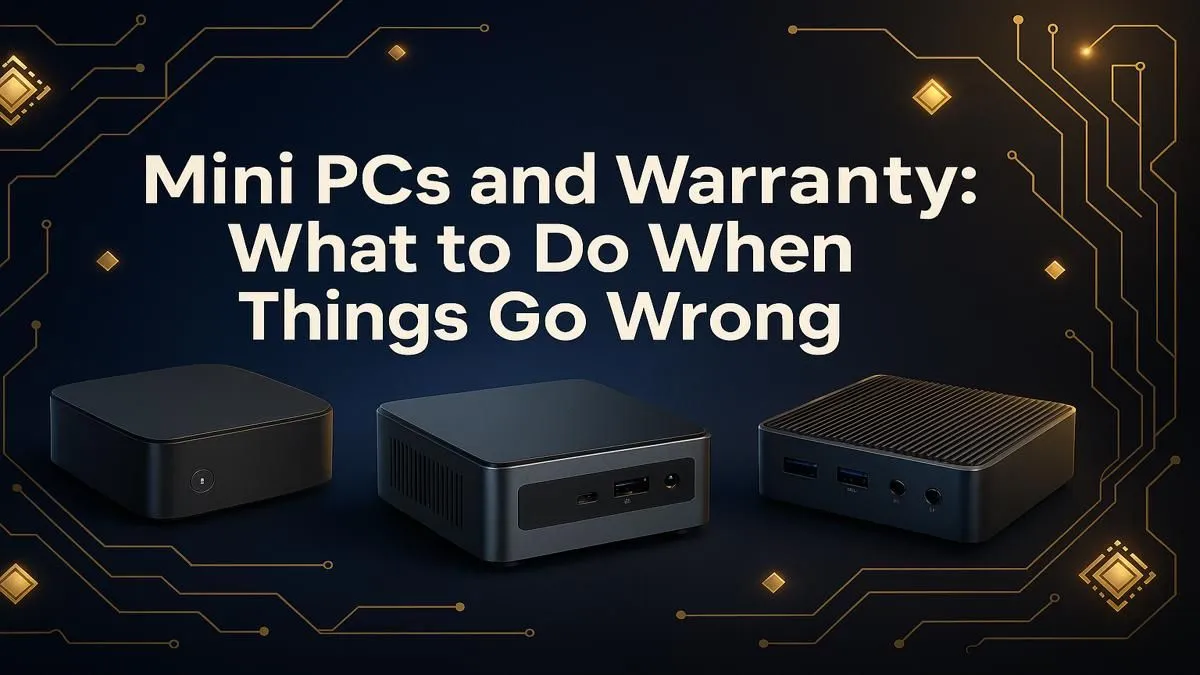
So, your shiny new Mini PC has decided to... take an unscheduled break. One moment you're dominating in Apex, the next you're staring at a black screen. Don't panic! That compact powerhouse is an investment, and its warranty is your safety net. But navigating the process can feel like a tricky side quest. This Mini PC warranty guide is your ultimate cheat sheet for getting your gear sorted, fast and fuss-free.
Before you declare your machine faulty, let's run a quick diagnostic. Many issues that seem like hardware failures are actually simple software glitches or connection problems. A proper Mini PC warranty is for hardware defects, not software conflicts.
Here’s a quick checklist to run through:
If you've tried all this and the problem persists, it's time to look at your warranty options.
Not all warranties are created equal, but most cover the same core things: hardware failure due to manufacturing defects. This means if a component like the RAM, SSD, or motherboard fails on its own, you're covered.
What’s usually not covered?
Knowing what your warranty entails is the first step. Most of the powerful and compact Mini PCs available in South Africa come with a solid one- to three-year warranty, giving you excellent peace of mind.
Before you pack up your PC, use your phone to take a quick video of the problem. Show the device not turning on, the error message on screen, or any strange noises. This visual proof is incredibly helpful for the support team and can speed up your warranty claim process significantly.
So, you've confirmed it's a hardware issue. Here’s a straightforward guide to initiating your Mini PC warranty claim with a retailer like Evetech.
Find your original invoice or order confirmation email. This contains your proof of purchase and the product's serial number, which are essential for any claim. Can't find it? Log into your Evetech account—your order history will be there.
Navigate to the supplier's support or contact page. Clearly and concisely explain the problem and the troubleshooting steps you've already taken. Provide your order number and the product's serial number upfront. This shows you've done your homework and helps the support team get straight to the solution.
The support team will guide you through the next steps. This usually involves booking the unit in for assessment. They will provide a reference number (keep this safe!) and instructions on how to package and send the device. Whether you're using one of the latest models or browsing our full range of Mini PCs, the process is designed to be as smooth as possible.
The best warranty is one you never have to use. A little proactive care can prevent common hardware failures. Ensure your Mini PC has good ventilation and isn't choked by clutter. Every few months, give the vents a gentle clean with compressed air to remove dust buildup, which can cause overheating. Starting with a quality unit is also key; even affordable Mini PCs under R22,000 are built with reliable components that last.
A little care goes a long way in keeping your compact rig running smoothly for years to come.
Ready for a Powerful Upgrade? A solid warranty provides peace of mind, but starting with the right gear is even better. Explore our incredible range of Mini PCs and find a compact powerhouse built to last.
Most mini PC warranties cover hardware defects in materials and workmanship. This includes components like the motherboard, RAM, SSD, and power supply for a specified period.
To start a claim, you'll typically need your proof of purchase and the device's serial number. Contact the manufacturer or retailer (like Evetech) to initiate the process.
First, check the power cable and outlet. Ensure all connections are secure. If it still won't power on, it could be a hardware issue covered by your warranty.
Standard warranties usually do not cover accidental damage like drops or spills. Some brands offer extended protection plans that may include this coverage for an extra cost.
It depends on the manufacturer. Upgrading user-accessible parts like RAM or storage is often allowed, but check your warranty terms first to be sure you don't void it.
The process can vary, but it often takes 1-3 weeks from when the manufacturer receives your device. This includes diagnosis, repair, and return shipping.
You will need the original invoice or receipt from your purchase. This document confirms the date of sale and that you are the original owner of the mini PC.
Setting Up AIO Liquid 420mm. Tested & verified settings for best FPS and visual quality on SA hardware budgets.
Read more
Intel XTU Download & Setup Guide: Intel CPU. Clear setup instructions with SA-specific considerations, troubleshooting tips & recommended components.
Read more
Cyberpunk 2077 Max Settings on RTX 4090. Tested & verified settings for best FPS and visual quality on SA hardware budgets.
Read more
The Complete Guide to GPU. Everything you need to know with SA pricing, step-by-step instructions & expert recommendations.
Read more
NVCleanstall Download & Setup Guide: NVIDIA. Clear setup instructions with SA-specific considerations, troubleshooting tips & recommended components.
Read more
to Driver Installation for Beginners. Everything you need to know with SA pricing, step-by-step instructions & expert recommendations.
Read more
AMD RX 9050 XT: Rumoured Specs, Price & Release. SA-focused analysis with local pricing data, real-world insights & actionable buying advice.

Can RTX 4080 Super Run AI Workloads for SA Developers Detailed answer with SA data, expert analysis & practical recommendations for local buyers.

Can RTX 4090 Run AI Workloads for SA Developers Detailed answer with SA data, expert analysis & practical recommendations for local buyers.

Top Settings for Intel Arc B580 at Ultrawide 1440p picks evaluated on performance, value & SA availability with current Rand pricing from Evetech.

RTX 4060 CS2 Low Settings at 1080p: FPS Results. Real-world benchmark data, FPS numbers & performance analysis. What SA gamers can actually expect.

Visual Artifacts: Possible GPU Issue Issue #1. Diagnosis steps, proven fixes & when to seek professional help. SA-specific support info included.

Can the RTX 4090 Handle 1440p 144Hz Gaming. Performance testing verdict with real data & practical recommendations for SA buyers.

Top ASUS GPU Under R15000 picks evaluated on performance, value & SA availability with current Rand pricing from Evetech.

GTA 6 Max Settings on RTX 5070. Tested & verified settings for best FPS and visual quality on SA hardware budgets.

Cyberpunk 2077 Max Settings on RTX 5080. Tested & verified settings for best FPS and visual quality on SA hardware budgets.

Starfield Max Settings on RTX 5070 Ti. Tested & verified settings for best FPS and visual quality on SA hardware budgets.

Top RTX 5090 Under R5000 picks evaluated on performance, value & SA availability with current Rand pricing from Evetech.