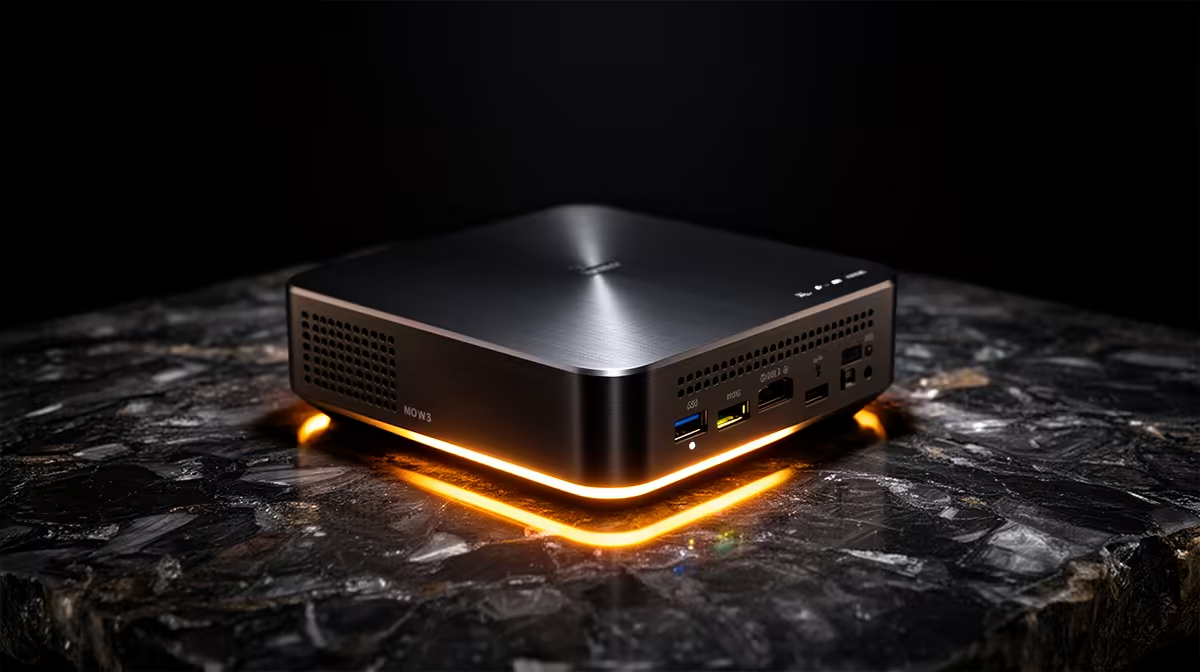
Running an always-on home server used to mean a noisy tower drinking electricity around the clock. A mini PC changes that maths completely. An N100-based mini PC idles at just 6 to 8W and peaks at under 15W under load, which makes a 24/7 server genuinely practical in a South African home without a meaningful dent in your electricity bill. For a Plex box, a small NAS, or a Pi-hole, these tiny machines are the sensible hub.
Quick Answer
N100 mini PCs are ideal SA home servers because they idle at 6 to 8W and stay under 15W at load, so the always-on cost is tiny. One small box can run Plex, a network-attached storage setup, Pi-hole ad blocking, and home automation at once. For most homes, a single N100 mini PC replaces several power-hungry devices and pays for itself in convenience.
Why Low Power Changes Everything
The whole case for a mini PC home server rests on its power draw. Any machine running without interruption around the clock is judged by its idle wattage, not its peak. An N100 sipping 6 to 8W at idle costs almost nothing to leave on permanently, which is exactly what a home server needs to do. By comparison, repurposing an old desktop as an always-on server can pull ten times the power for the same light workload, and you feel that on the bill. The N100's efficiency is what makes 24/7 operation a non-issue rather than a guilty indulgence.
That efficiency also means less heat and less noise. A low-wattage chip can often run fanless or near-silent, so the server can live in a lounge, a study, or on a shelf without an audible hum. The range of compact machines suited to this sits in the mini PC selection at Evetech, and the N100-class models are the ones to look at for a server role.
What You Can Actually Run
Media Server (Plex or Jellyfin)
An N100 handles Plex or Jellyfin comfortably for direct play and light transcoding thanks to its integrated GPU with hardware video decoding. Stream your library to a TV, phone, or tablet across the house. If everyone watches in the original format, the load stays trivial. Heavy simultaneous transcoding to multiple devices is where you would want to test limits, but for a typical household the N100 copes well.
Network Storage (NAS)
Pair the mini PC with external or internal drives and software like TrueNAS or a simple Samba share, and you have central storage for backups, documents, and media. The low power draw means your files stay available around the clock without a dedicated NAS appliance. Just plan your storage separately, since the mini PC's internal space is usually modest and meant for the operating system.
Pi-hole and Home Automation
Pi-hole network-wide ad blocking barely registers on an N100, leaving plenty of headroom to also run Home Assistant for smart-home control. Running these on the same always-on box means one device quietly handles ad filtering and automation for the whole house, instead of several gadgets each drawing their own power.
A Note on Operating Systems
How you run these services is part of the decision. Some people install a lightweight Linux distribution and run each service in a container, which keeps things tidy and easy to back up. Others prefer a dedicated NAS operating system like TrueNAS that bundles storage and apps together. A Windows mini PC works too if you would rather stay in familiar territory. The N100 has the headroom for any of these approaches, so pick the one you are most comfortable maintaining, since a server you understand is a server you will actually keep running.
Specs That Matter for a Server
For a server role, prioritise differently than you would for a desktop. RAM is your friend: 8GB covers basic duty and 16GB keeps things comfortable when you stack several services together. Storage planning matters more than raw CPU, since a server is about availability, not benchmark speed. Look for enough USB and SATA connectivity to attach the drives you need, and a wired Ethernet port, since a stable network link beats Wi-Fi for a machine that other devices depend on. The N100's modest core count is plenty for these background workloads.
SA-Specific Considerations
Two local realities shape the choice. First, electricity is a real cost, which is precisely why the sub-15W draw matters so much here; an efficient server is one you will actually leave running. Second, a wired connection to your router keeps the server reachable and fast for streaming and backups across the home. Plan the drives, set a fixed local IP, and the box becomes the quiet hub everything else leans on.
It is also worth thinking about backups and recovery. A home server becomes the place your family photos, documents, and downloads live, so the data on it deserves a second copy. Keep a backup drive that you sync to periodically, ideally stored separately, so a single drive failure does not wipe out everything at once. The mini PC itself is easy to replace; the data on it is not, and a simple backup routine turns a potential disaster into a minor inconvenience. For broader build inspiration, the best-selling PC list at Evetech shows what local buyers are choosing, though for a server the mini PC route stays the most power-sensible.
Frequently Asked Questions
How much power does an N100 mini PC use as a server?
An N100 mini PC idles at roughly 6 to 8W and peaks at under 15W under load. That low draw is what makes leaving it on 24/7 practical in a South African home without a noticeable impact on your electricity bill.
Can a mini PC run Plex and a NAS at the same time?
Yes. An N100 handles Plex media streaming and network storage together for a typical household, and can usually add Pi-hole and home automation on top. Heavy simultaneous video transcoding to many devices is the main thing to test against your needs.
How much RAM should a home server mini PC have?
8GB covers the basics, and 16GB keeps things comfortable when several services run side by side. RAM matters more than raw CPU speed for a server juggling Plex, storage, and automation in the background.
Should I connect the server with Wi-Fi or Ethernet?
Use wired Ethernet where possible. A stable, fast wired link is better for streaming and backups and keeps the server reliably reachable by the other devices that depend on it. Reserve Wi-Fi only for placements where a cable is impractical.
Is a mini PC quiet enough for a living space?
Generally yes. The low power draw produces little heat, so many N100 mini PCs run fanless or near-silent. That lets the server live on a shelf in a lounge or study without an audible hum.