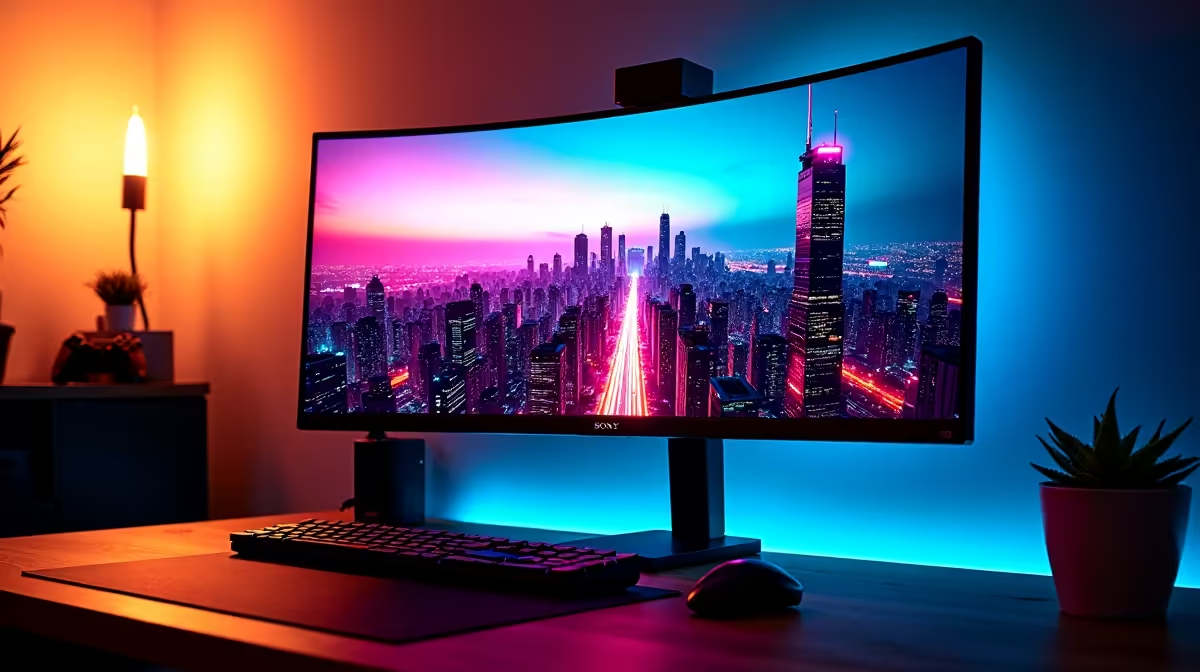
It's after midnight in Cape Town. But your eyes are burning. That epic new display, so vibrant during the day, now feels like staring into a car's headlights. Sound familiar? Getting the right monitor brightness for dark rooms isn't just about comfort; it's about performance and accuracy. The secret often lies in a surprisingly low number: 120 cd/m².
Understanding Monitor Brightness for Dark Rooms
Why does a bright screen feel so harsh at night? It’s all about contrast with your surroundings. During the day, your room is bright, so your monitor needs to be brighter to compete. At night, your pupils are dilated to let in more light. A screen blasting out 300-400 nits (a unit identical to cd/m²) is overwhelming, causing eye strain, headaches, and washing out black levels, ruining the atmosphere in games like Alan Wake 2.
The goal is to match your screen's white level to a piece of white paper under your room's ambient light. This creates a balanced, comfortable viewing experience. Achieving the perfect monitor brightness for dark rooms is the first step to longer, more comfortable gaming sessions.
The Magic Number: Why 120 cd/m² is the Pro Standard
So, where does 120 cd/m² come from? It's not a random number. For years, it has been the industry standard for calibrating displays for sRGB content—the colour space used by virtually every game, website, and app.
When developers master the colour for their games, they're often working on professionally calibrated screens set to this exact brightness. By targeting 120 cd/m², you're not just saving your eyes; you're seeing the game's colours exactly as the artists intended. ✨ This ensures that subtle shadow details in a horror game aren't crushed into a black blob and vibrant fantasy worlds don't look oversaturated. While many modern PC monitors boast high peak brightness for HDR, their ability to maintain colour accuracy at lower levels is just as crucial.
Quick Calibration Check 🔧
Most monitors have brightness settings from 0 to 100. As a starting point, try setting yours to around 20-30. Then, open a blank white document. Hold a piece of white printer paper next to the screen. Adjust the brightness until the screen's white is as bright as the paper. This simple trick gets you surprisingly close to the ideal monitor brightness for your specific room conditions.
Setting Your Brightness for Peak Performance
Calibrating your screen is easier than you think. While professional tools like a colorimeter are the best way, you can get great results manually.
- Start with Presets: Many displays have "sRGB," "Cinema," or "Reading" modes. These often lower the brightness to a more comfortable level. Test them out.
- Manual Adjustment: Go into your monitor's On-Screen Display (OSD) and find the brightness slider. Aim for that 20-30% mark as a starting point.
- Consider Bias Lighting: A fantastic way to reduce perceived glare and eye strain is to place a soft, neutral light source (like an LED strip) behind your monitor. This raises the average ambient light in your room, making the screen's brightness less jarring. You can find plenty of options among various monitor accessories.
This principle of matching screen to environment applies across the board, whether you're using immersive curved monitors for that wrap-around feeling or even compact portable monitors for a LAN party.
It's Not Just Brightness, It's the Whole Package
Achieving the perfect monitor brightness for dark rooms is a huge win, but it's only one part of the puzzle. A monitor's ability to display deep blacks (its contrast ratio) is what makes a dimly lit screen still look punchy and detailed. This is especially true on high-resolution 4K and 5K screens, where detail in the shadows is paramount.
Ultimately, a quality panel makes all the difference. When you check out the best PC monitor deals, look for reviews that mention minimum brightness levels and contrast performance. Some screens can dim much lower than others without losing colour fidelity, making them superior for those late-night sessions. Whether you're a competitive esports player or a single-player story enthusiast, the right display transforms the experience. 🚀
Ready to Find Your Perfect Night-Time Display?
Eye strain doesn't have to be part of your gaming grind. Finding a monitor with excellent contrast and brightness control is key. Explore all our gaming monitors and find the perfect screen to conquer the night in comfort and clarity.