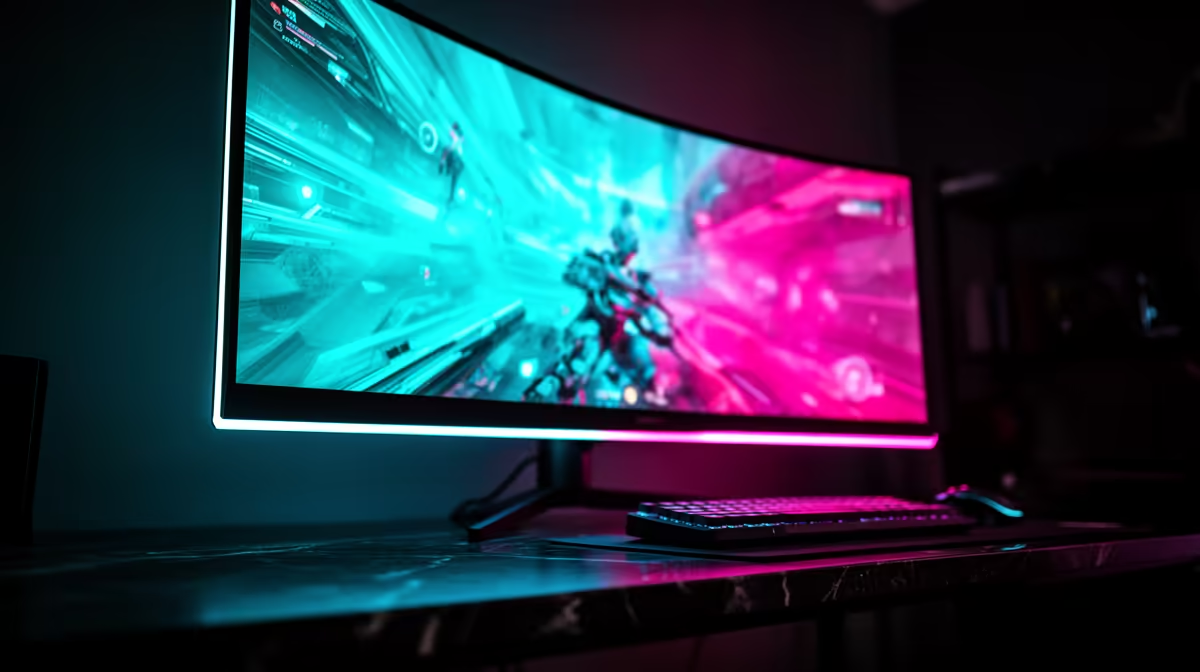
The RTX 5080 lands in a useful monitor sweet spot: 4K looks worthwhile, 144Hz is reachable often enough to matter, and variable refresh covers the demanding games that sit below it. Spend on panel quality before paying a large premium for a 240Hz badge your library may rarely fill.
Quick Answer
For most RTX 5080 owners, a 27-inch or 32-inch 4K monitor at 144Hz to 165Hz is the balanced choice. OLED brings the best dark-scene contrast and motion; mini-LED suits bright HDR and mixed desktop use; fast IPS offers the simpler value route. Choose 4K 240Hz when you also play high-frame-rate shooters or plan to keep the screen beyond this GPU. R4,499 was the median in Evetech's July 2026 in-stock gaming-monitor data, a broad market marker rather than a quote for premium 4K glass.
4️⃣ Give the RTX 5080 a 4K canvas
At 4K, fine geometry, distant detail and modern texture work become easier to see. The GPU has enough performance to make the resolution a realistic daily target, though the heaviest ray-traced games will still ask for tuned settings, upscaling or a lower frame goal.
A 144Hz ceiling gives competitive and older games room to move while keeping demanding single-player play smooth under variable refresh. The jump to 240Hz adds value when a meaningful part of your library can run well above 144fps.
Browse Evetech's monitor category by resolution and refresh, then compare the exact panel and input specifications.
📐 Pick 27 or 32 inches from viewing distance
At 27 inches, 4K produces very fine pixels and often needs Windows scaling for comfortable text. It suits a shallow desk where a larger screen would dominate your view. At 32 inches, the same resolution gives games more physical presence and provides a generous workspace without looking coarse.
Measure the distance from your eyes to the screen. A monitor arm can recover desk depth and make 32 inches easier to position. Check stand footprint if you keep speakers or a large mouse mat near the base.
Check height adjustment as carefully as diagonal size. Your eyes should meet the upper part of the panel without your neck tilting upward. A stand that places a 32-inch screen too high can become the feature you notice long after its refresh rate feels normal.
Ultrawide 3440x1440 is another credible route. It carries fewer pixels than 4K, giving the RTX 5080 more frame-rate headroom and a wider field in supported games. It sacrifices the vertical detail and universal 16:9 compatibility of 4K.
🖤 Decide how you feel about OLED ownership
OLED gives rapid pixel response and dark blacks without backlight blooming. Horror games, space scenes and HDR highlights gain a depth that an ordinary IPS panel struggles to match. Motion stays clean at lower refresh as well as at the headline ceiling.
If the same monitor spends all day showing spreadsheets, browser chrome or editing controls, use its pixel-shift, dimming and refresh routines. Check text rendering on the subpixel layout and read the warranty terms. Those details matter more than a showroom demo loop.
Mini-LED can deliver stronger full-screen brightness and avoids organic-pixel wear concerns. Its local dimming may bloom around bright objects on black. Fast IPS costs less in many ranges and handles mixed work cleanly, with weaker dark-room contrast.
🎚️ Plan around base performance before frame generation
Set the game's native or upscaled base frame rate to a level that already feels responsive. Frame generation can make motion look smoother and use more of a 144Hz or 240Hz panel, but it does not replace the input response of genuine base frames.
For a controller-led single-player game, a stable base near 60fps with generated output above it can look excellent. For a competitive mouse game, prioritise the real frame rate and latency path. The monitor choice should support both without forcing one recipe on every title.
Use a frame cap just below the variable-refresh ceiling when the game and display setup benefit from it. Watch frame time as well as the FPS counter.
Evetech's monitor best-sellers show current local options while you map them to the output your games sustain.
🔄 Treat VRR as essential at 4K
4K workload changes sharply between a quiet room and a crowded fight. Variable refresh lets the monitor follow those changes without the tearing of an uncapped fixed refresh or the repeated cadence of a missed V-Sync target.
Confirm Adaptive-Sync support, the usable range and behaviour with HDR. Read model-level testing for flicker, overdrive and input switching. A certification logo is useful, though it cannot describe every dark scene or firmware version.
🔌 Verify the maximum mode on one cable
The RTX 5080 supports modern DisplayPort and HDMI output. The monitor specification tells you which port accepts 4K at its full rate and whether the path uses Display Stream Compression. Check colour depth and HDR at the same time; a menu showing 240Hz does not prove every other setting remained unchanged.
Use a cable rated for the selected standard. Set up one screen first, choose native resolution and refresh in Windows, then enable VRR and HDR. Add a dock, capture device or second monitor once the main link is stable.
The RTX 5080 category at Evetech gives you card-level context while the monitor remains a longer-lived purchase.
Frequently Asked Questions
What refresh rate suits the RTX 5080 at 4K?
144Hz to 165Hz is the balanced range. A 240Hz panel suits high-frame-rate games and a long monitor ownership plan.
Do I need OLED for the RTX 5080?
No. OLED excels in contrast and motion, while mini-LED and fast IPS can fit bright rooms, work and lower budgets better.
Is 4K 240Hz worth it for the RTX 5080?
It can be when esports and lighter games share the screen with AAA titles. Many demanding games will run below the ceiling.
Should I consider 1440p ultrawide instead?
Yes if wider immersion and higher frame rates matter more than 4K pixel density and universal 16:9 support.
Does the RTX 5080 support HDR well?
The GPU can output HDR, while the monitor's brightness, contrast, dimming and calibration determine how good it looks.
Is VRR support important for this pairing?
Yes. It smooths the frame-rate movement common in demanding 4K games.
Does Evetech stock 4K 144Hz monitors in South Africa?
Evetech's monitor range includes 4K and high-refresh options. Check the exact panel's dated availability and price when choosing.
Pairing an RTX 5080 with a screen you plan to keep?
Compare 4K high-refresh monitors at Evetech, then spend on the panel behaviour your games and work will reveal every day.