


Complete Guide: Setting Up AIO Liquid 420mm
Setting Up AIO Liquid 420mm. Tested & verified settings for best FPS and visual quality on SA hardware budgets.
Read moreLearn all about monitor uniformity compensation, a key feature for perfect color and brightness across your screen. Ever notice uneven patches or backlight bleed on your display? This guide explains how uniformity compensation technology works to fix those issues, ensuring a flawless viewing experience for gaming and creative work. Get the consistent, accurate picture you deserve! 🖥️✨
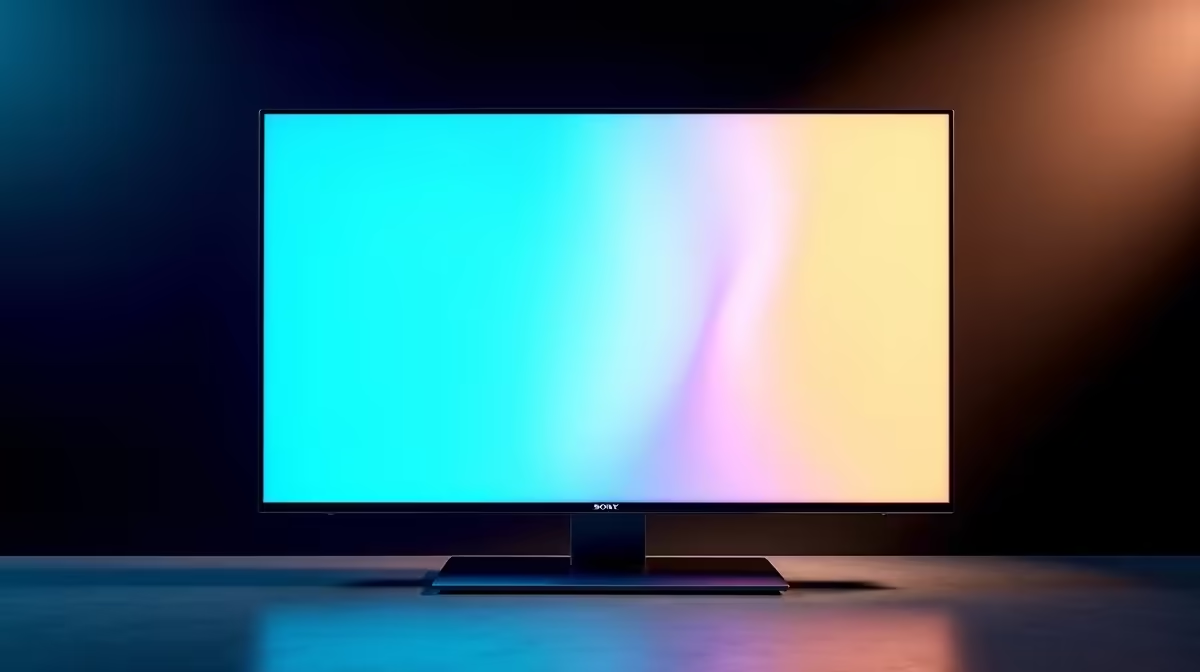
Ever noticed that one corner of your screen is slightly brighter, or that colours look a bit off near the edges during a late-night gaming session? It’s a common issue that can pull you right out of the action. This inconsistency is called poor screen uniformity, and it’s a bigger deal than you think. Luckily, there’s a high-tech solution built into many premium displays: Monitor Uniformity Compensation. Let’s break down what it is.
At its core, screen uniformity is about consistency. It’s a measure of how evenly a monitor can display a single, solid colour and brightness level across its entire surface. In a perfect world, a white screen would be perfectly white everywhere, and a black screen would be perfectly black. But in reality, variations in the backlight and panel construction can create brighter spots, darker patches, or subtle colour shifts. This is a fundamental challenge for all types of PC monitors, from standard flat panels to immersive ultrawides.
These imperfections can manifest as:
For casual browsing, this might not be a big deal. But for gaming and professional work… it’s a different story.
Monitor Uniformity Compensation (often called Digital Uniformity Equalizer or similar brand names) is a built-in feature that actively corrects these inconsistencies. Think of it as a smart, internal calibration system. ⚙️
The monitor’s internal processor has a map of its own screen’s imperfections. When you enable the feature, it analyses the image in real-time and adjusts the brightness and colour of individual zones or pixels. It slightly dims the overly bright spots and tweaks colours to create a much more even and consistent picture from edge to edge. This processing ensures that what you see in the centre of the screen is precisely what you see in the corners.
So, why should you care about achieving perfect screen uniformity? It directly impacts performance and accuracy in ways you might not expect.
In a competitive shooter like Valorant or Warzone, spotting an enemy hiding in a shadowy corner can be the difference between winning and losing. If your screen has poor uniformity, that dark corner might be washed out by backlight bleed, making the opponent invisible. A display with excellent monitor uniformity compensation ensures that dark scenes are consistently dark, giving you the visual clarity you need. This is especially important across the wide surface area of today's best all gaming monitors, where consistency is key to immersion. The technology is also a huge benefit for curved monitors, which can sometimes face unique uniformity challenges due to their shape.
For photographers, video editors, and graphic designers in South Africa, colour accuracy is everything. If you’re editing a photo and the colour blue on the left side of your monitor looks different from the blue on the right, you can’t trust your work. Uniformity compensation is vital for ensuring that your edits are precise and will translate correctly to other devices and print. It’s a feature you’ll often find on premium 5K & 4K monitors designed specifically for creative workflows where every shade matters.
Want to test your current screen? Find a full-screen grey image (search for '50% grey test image') and display it in a dark room. Look closely at the edges and corners. Do you see brighter patches (backlight bleed) or subtle colour shifts? This quick check reveals your monitor's uniformity performance.
While monitor uniformity compensation is a powerful feature, it’s not always essential for every user. It’s typically found on higher-end professional and gaming displays. If your primary use is general office work, browsing, or casual content consumption, you may not notice minor uniformity issues.
The trade-off is often a slight reduction in peak brightness or contrast when the feature is enabled, as it works by bringing the brightest parts of the screen down to match the dimmest. However, for its target audience, the gain in consistency is well worth it. For users on the go, the priority for portable monitors might be connectivity and weight over perfect uniformity.
Ultimately, understanding what monitor uniformity compensation does helps you make a smarter buying decision. While it's a premium feature, you can also improve any monitor's performance with the right setup and calibration tools found in our range of monitor accessories.
Ready for a Flawless View? From competitive gaming to professional design, a uniform display makes all the difference. Stop letting screen inconsistencies hold you back. Explore our best PC monitor deals and find the perfect panel to upgrade your setup today.
It is a feature in high-end monitors that digitally adjusts brightness and color across the screen to correct inconsistencies, ensuring a uniform image from edge to edge.
Display a full-screen solid color, like white or grey, in a dimly lit room. Look for any brighter spots (clouding), color shifts, or light leaking from the edges.
It's highly beneficial for players of dark, atmospheric games. It reduces distracting backlight bleed and IPS glow, leading to a more consistent and immersive experience.
It's typically caused by minor imperfections in the backlight panel and the layers that diffuse light, resulting in common issues like backlight bleed or clouding.
Hardware-level issues cannot be fixed. However, using a monitor's built-in uniformity compensation feature or simply lowering the brightness can significantly reduce its visibility.
Backlight bleed is light leaking from the panel's edges, visible on dark screens. IPS glow is a faint haze seen from an angle, which is an inherent trait of IPS technology.
Nearly all IPS panels show some minor non-uniformity, but the severity varies. Premium models use features like screen uniformity compensation to minimize these effects.
Professional monitors for photo and video editing, often from brands like Eizo, Dell (UltraSharp), and BenQ (SW series), typically have the best uniformity compensation features.
Setting Up AIO Liquid 420mm. Tested & verified settings for best FPS and visual quality on SA hardware budgets.
Read more
Intel XTU Download & Setup Guide: Intel CPU. Clear setup instructions with SA-specific considerations, troubleshooting tips & recommended components.
Read more
Cyberpunk 2077 Max Settings on RTX 4090. Tested & verified settings for best FPS and visual quality on SA hardware budgets.
Read more
The Complete Guide to GPU. Everything you need to know with SA pricing, step-by-step instructions & expert recommendations.
Read more
NVCleanstall Download & Setup Guide: NVIDIA. Clear setup instructions with SA-specific considerations, troubleshooting tips & recommended components.
Read more
to Driver Installation for Beginners. Everything you need to know with SA pricing, step-by-step instructions & expert recommendations.
Read more
AMD RX 9050 XT: Rumoured Specs, Price & Release. SA-focused analysis with local pricing data, real-world insights & actionable buying advice.

Can RTX 4080 Super Run AI Workloads for SA Developers Detailed answer with SA data, expert analysis & practical recommendations for local buyers.

Can RTX 4090 Run AI Workloads for SA Developers Detailed answer with SA data, expert analysis & practical recommendations for local buyers.

Top Settings for Intel Arc B580 at Ultrawide 1440p picks evaluated on performance, value & SA availability with current Rand pricing from Evetech.

RTX 4060 CS2 Low Settings at 1080p: FPS Results. Real-world benchmark data, FPS numbers & performance analysis. What SA gamers can actually expect.

Visual Artifacts: Possible GPU Issue Issue #1. Diagnosis steps, proven fixes & when to seek professional help. SA-specific support info included.

Can the RTX 4090 Handle 1440p 144Hz Gaming. Performance testing verdict with real data & practical recommendations for SA buyers.

Top ASUS GPU Under R15000 picks evaluated on performance, value & SA availability with current Rand pricing from Evetech.

GTA 6 Max Settings on RTX 5070. Tested & verified settings for best FPS and visual quality on SA hardware budgets.

Cyberpunk 2077 Max Settings on RTX 5080. Tested & verified settings for best FPS and visual quality on SA hardware budgets.

Starfield Max Settings on RTX 5070 Ti. Tested & verified settings for best FPS and visual quality on SA hardware budgets.

Top RTX 5090 Under R5000 picks evaluated on performance, value & SA availability with current Rand pricing from Evetech.