

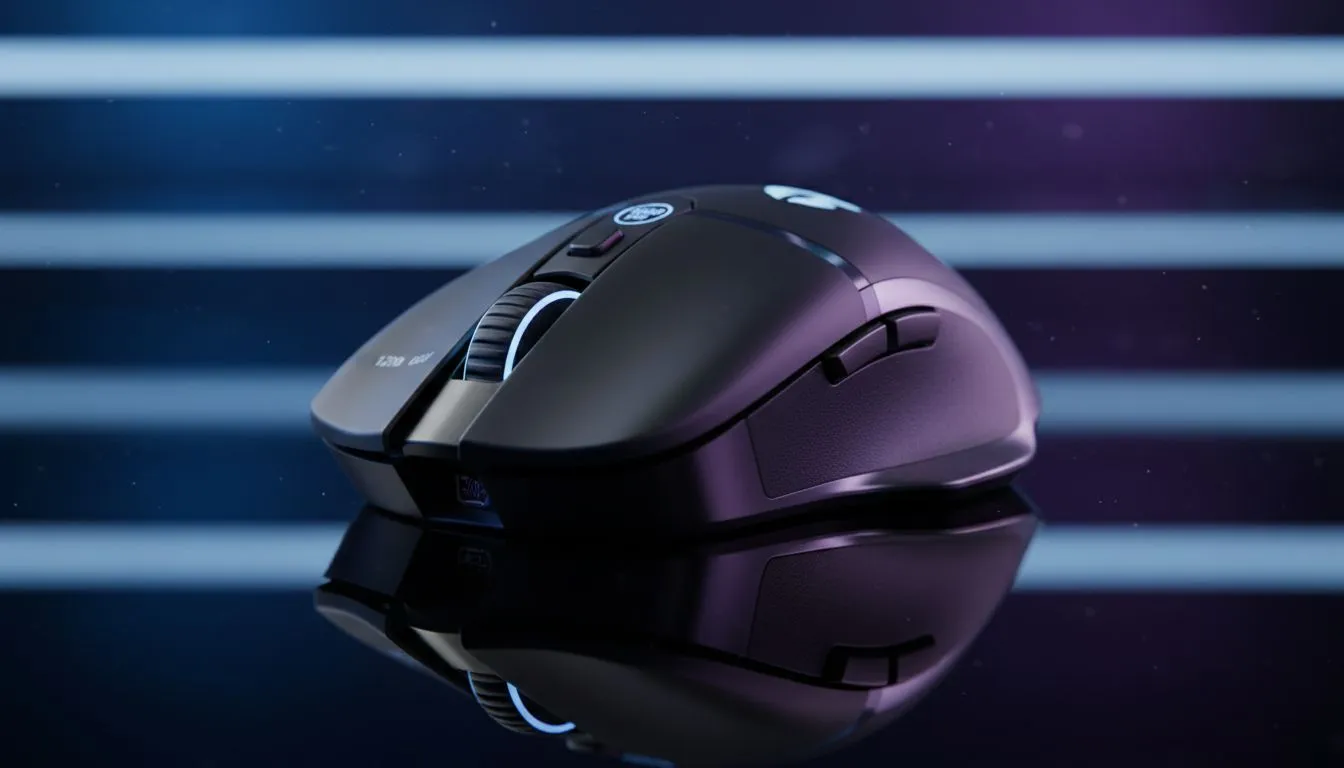
Ever felt like your cursor is fighting you? Getting your mouse DPI: Choosing 800, 1200, 1600 for Work, Design & Casual Gaming right is the fastest way to improve your PC experience. Whether you are navigating a massive Excel sheet or lining up a sniper shot in Apex Legends, your sensitivity dictates your success. In South Africa, where every millisecond counts in competitive play, understanding these numbers is vital. ✨
Understanding Mouse Sensitivity and Precision
DPI stands for dots per linear inch. It measures how far your cursor moves on the screen relative to the physical movement of your hand. If you are using a generic office mouse, you might be missing out on the granular control offered by a dedicated gaming mouse from our latest collection. High DPI is not always better... it is all about the context of your task.
The Sweet Spot: 800 DPI for Precision
Many professional FPS players and graphic designers swear by 800 DPI. It offers a level of control that higher settings simply cannot match. When you are masking out a subject in Photoshop or holding a tight angle in Valorant, lower sensitivity prevents jittery movements. You do not need to spend thousands of ZAR to get a high-quality sensor. Check out our best gaming mouse deals to find premium tech at affordable prices. 🔧
Precision Pro Tip ⚡
Always disable "Enhance pointer precision" in your Windows mouse settings. This feature adds artificial acceleration... it makes your cursor move further based on speed rather than distance. Turning it off ensures your muscle memory remains consistent across every session.
Balanced Performance: 1200 DPI for Productivity
For those using standard 1080p monitors, 1200 DPI is often the "Goldilocks" zone. It is fast enough to navigate a desktop without excessive arm movement but slow enough for accurate clicking. This setting is perfect for casual gaming and general office work. For those who hate cable clutter, a modern wireless mouse now offers latency that rivals traditional setups at this sensitivity level. 🚀
Speed and Agility: 1600 DPI for High-Res Screens
If you have moved up to a 1440p or 4K monitor, 1600 DPI is likely your best starting point. Because there are more pixels to cover, a lower DPI can feel sluggish. At 1600, you can zip across the screen with flick-of-the-wrist movements. Traditionalists often prefer a reliable wired mouse to ensure zero interference during intense high-speed sessions.
Optimising Your Setup
Your hardware is only half the battle. Even the best sensor fails on a bad surface. Investing in quality mouse accessories like a smooth cloth pad is essential for consistency. A good pad ensures that your 800 or 1600 DPI setting feels the same every single day. Experiment with these three tiers to find what suits your hand movement style best.
Ready to Find Your Perfect Match? Finding the right DPI is easier when you have the right hardware in your hand. Whether you need a high-speed sensor for gaming or ergonomic comfort for the office, we have you covered. Explore our massive range of gaming mice and find the perfect tool to conquer your world.











