

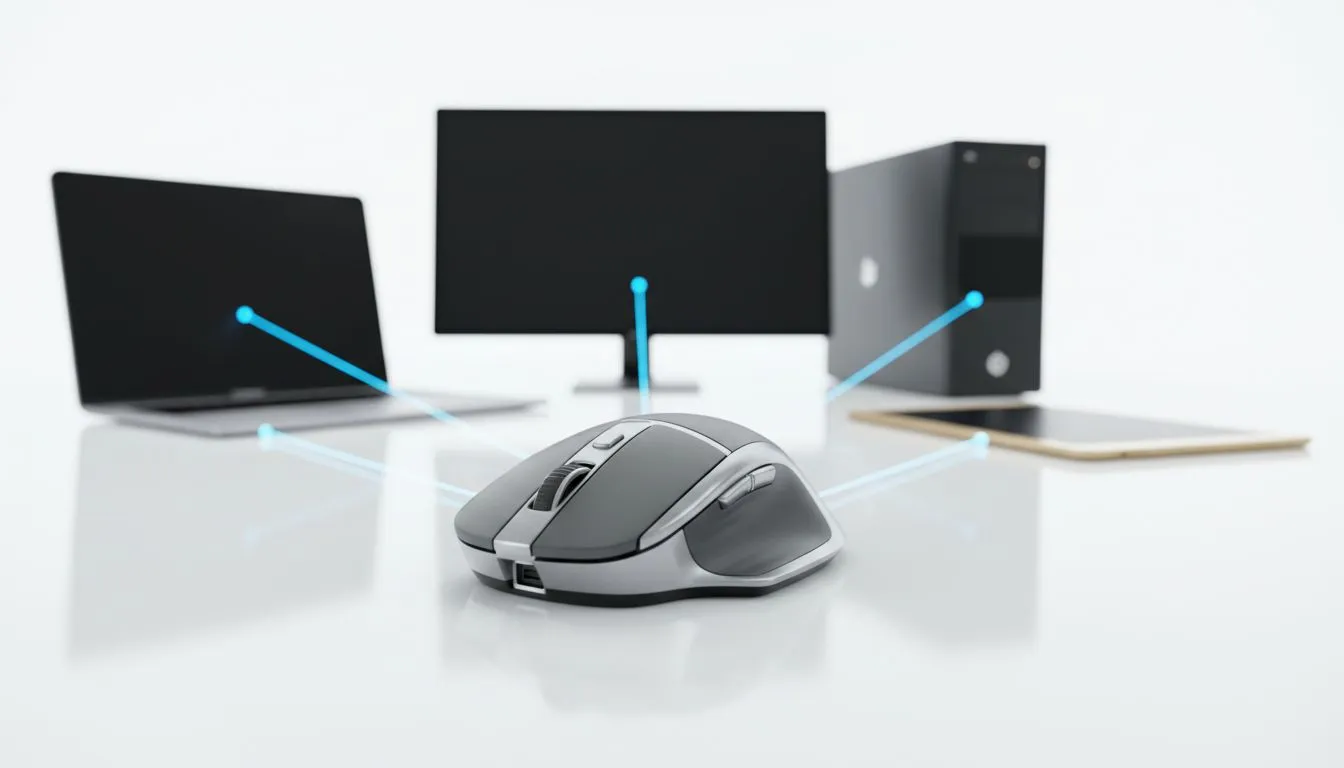
Managing three different mice on one desk is a nightmare. Whether you are editing on a Mac, gaming on a PC, or responding to emails on an Android tablet, the clutter is real. A proper Multi-Device Mouse Setup: One Mouse for PC, Mac & Android simplifies your life. It is time to reclaim your desk space and boost your productivity... all while keeping your budget in check. 🔧
Why a Multi-Device Mouse Setup is Essential
Modern setups often require switching between operating systems. You might have a high-end Windows rig for gaming and a MacBook for work. Instead of swapping cables, you can use a high-quality gaming mouse that supports multiple profiles. Most premium models today offer a toggle switch on the bottom... this lets you jump from your PC to your Mac in a second. It is about working smarter, not harder.
Connecting One Mouse to PC and Mac
Most users think they need a different peripheral for every OS. That is simply not true anymore. By choosing a versatile wireless mouse, you can connect via a 2.4GHz USB dongle on your PC for zero latency... then switch to Bluetooth for your Mac. This dual-connectivity approach ensures that you have the speed you need for gaming and the convenience you need for creative work. ✨
Productivity Pro Tip ⚡
If you are using a Logitech or Razer mouse, look for software like Flow or Smart Switch. These tools allow your cursor to move across different screens on different computers as if they were one big monitor. You can even copy and paste files between a PC and a Mac just by moving your mouse to the edge of the screen!
Using Your Mouse with Android Devices
Android support for external peripherals has improved drastically. You can now use scroll wheels and right-click functions just like on a desktop. If you prefer a more stable connection, using a wired mouse via a USB-C OTG adapter is a great shout. It is perfect for those long sessions where you do not want to worry about battery life or pairing issues. 🚀
Essential Extras for Your Setup
If you are constantly on the move between the office and home, do not forget to grab the right mouse accessories. A protective carry case or a high-quality mouse pad can make a massive difference in how your sensor tracks across different surfaces. Keeping your gear clean and protected ensures that your multi-device mouse setup stays functional for years to come.
Finding the Best Gaming Mouse Deals in South Africa
We know that tech prices can be steep in ZAR. That is why hunting for the best gaming mouse deals is essential. You can often find flagship multi-device mice for under R1,500 if you keep an eye on our latest stock. Investing in one versatile tool is far cheaper than buying three separate entry-level peripherals. It is the ultimate way to optimise your desk without overspending. ⚡
Ready to Find Your Perfect Match? The Multi-Device Mouse Setup: One Mouse for PC, Mac & Android debate is simple: efficiency wins every time. Explore our massive range of gaming mouse deals and find the perfect machine to conquer your world.











