


AIO Liquid 240mm Setup and Configuration: Complete Tutorial
AIO Liquid 240mm Setup and Configuration. Clear setup instructions with SA-specific considerations, troubleshooting tips & recommended components.
Read moreMaster OLED burn-in prevention with our essential guide for South African PC users. Learn how to protect your investment with simple tips, from pixel shifting to managing static images, ensuring your display stays pristine and vibrant for years to come. ✨🖥️ #TechTips
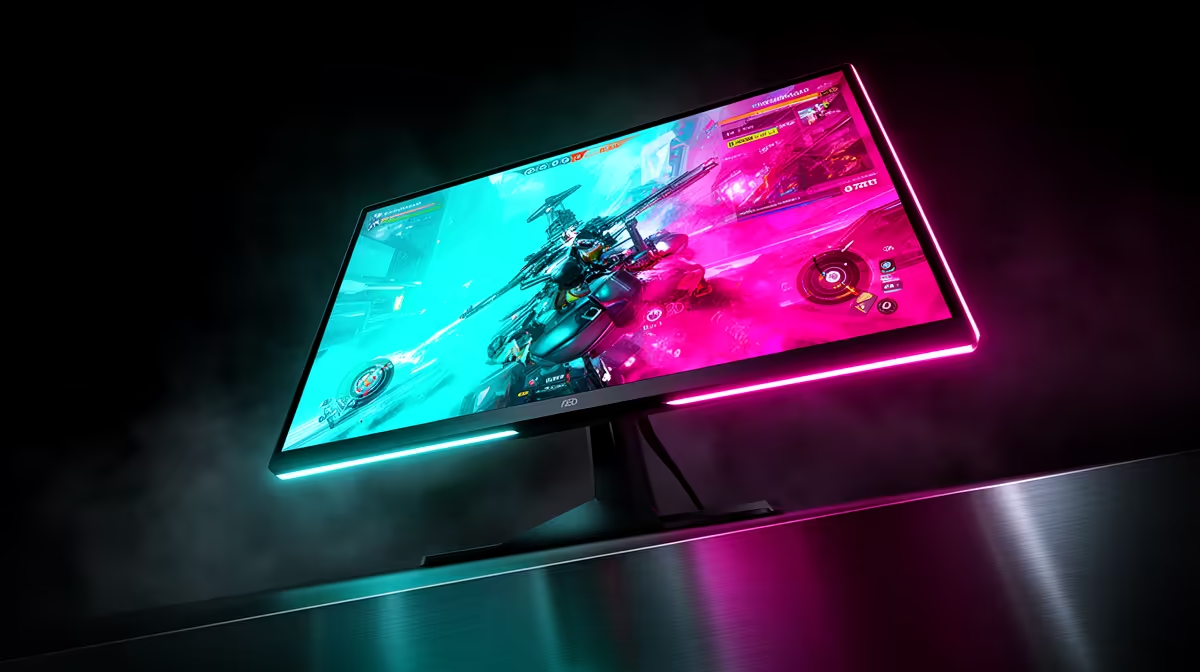
You’ve just unboxed your glorious new OLED monitor. The colours are popping, the blacks are deeper than a mine shaft, and your games have never looked so alive. But a little voice whispers… “what about burn-in?” For South African gamers who’ve invested in top-tier tech, it’s a valid concern. The good news? With modern displays and a few smart habits, OLED burn-in prevention is easier than you think. Let's protect your investment for years of epic gaming. ✨
First, let's clear the air. "Burn-in" refers to permanent image retention, where static visual elements like a game's HUD or a channel logo leave a ghostly afterimage on the screen. This happens because the "O" in OLED stands for organic, and these light-emitting compounds can degrade at different rates over thousands of hours.
Is it still a major risk? Not like it used to be. Early OLEDs were more susceptible, but today's PC monitors come packed with sophisticated technology designed specifically for preventing OLED burn-in. What most people experience is temporary image retention, which usually fades after a few minutes of varied content.
While monitor tech does the heavy lifting, adopting a few simple habits is the best way to ensure your screen stays flawless. Protecting your OLED monitor is all about avoiding static images for extremely long periods.
The number one rule for avoiding burn-in is simple: mix things up. If you play Valorant with its static HUD for 12 hours straight every single day, you’re increasing your risk.
If you're looking for a new title to add to your rotation, browsing through all our gaming monitors might just inspire you to try a game that takes full advantage of a new display type.
Your monitor is your best ally in the fight against screen burn. Dive into your settings menu (the OSD) and make sure these features are enabled:
These features are standard on most modern OLEDs and are a key part of the OLED burn-in prevention toolkit, often highlighted in the best PC monitor deals you'll find online.
Your habits on the Windows or macOS desktop matter just as much as your in-game time. Leaving a bright static wallpaper on for hours is a no-go.
easiest way to protect your OLED is to make your desktop dynamic. Set your taskbar to auto-hide, use a dark or black wallpaper (which turns the pixels off completely!), and set an aggressive screen saver or sleep timer—think 2 to 5 minutes of inactivity. This is especially crucial on the incredibly detailed screens of [stunning 4K monitors](https: www.evetech.co.za buy-5k-4k-monitors x 1591.aspx) where you might leave windows static for long periods.
Game developers are also getting smarter about preventing OLED burn-in. Many modern games now offer HUD transparency options or elements that subtly shift or fade when not needed. Check your game's settings to see what's available. The immersive experience of today's curved monitors is best enjoyed without worrying about a ghost of your health bar.
These principles aren't just for your main battle station, either. As the tech becomes more common, you'll even find it in high-end portable monitors, perfect for taking your A-game to a LAN party. A little care goes a long way, no matter the screen size.
Ultimately, an OLED monitor is meant to be used and enjoyed. The fear of burn-in shouldn't stop you from experiencing the absolute best visual quality in gaming today. By understanding the tech and using these simple tips, you can game with confidence, knowing your screen will deliver breathtaking visuals for years to come.
Ready to Experience OLED Perfection? Don't let old myths hold you back. Modern OLED gaming monitors are built to last and offer an unmatched visual experience. Explore our incredible range of gaming monitors and find the perfect display to bring your games to life.
Use a dark mode theme, auto-hide your taskbar, set a short screen-off timer, and use a varied screensaver. Regularly changing the content on your screen is key.
Modern OLEDs have advanced features like pixel shifting and refreshers that significantly reduce risk. While possible, following good OLED monitor care tips makes it rare.
Lower the brightness to a comfortable level, enable pixel shifting, and schedule regular pixel refresh cycles as recommended by the manufacturer for optimal panel health.
Yes, it's highly effective. The taskbar's static icons and clock are prime candidates for causing image retention or burn-in over thousands of hours of use.
Most monitors run a short cycle automatically after hours of use. Only run a full, manual refresher when prompted by the monitor, typically after 1,500-2,000 hours.
It can if you play one game with a static HUD for thousands of hours. However, most gamers vary their content enough that it's not a common issue with modern panels.
Pixel shifting subtly moves the entire image by a few pixels periodically. This prevents any single pixel from displaying the same static colour for too long, reducing burn-in risk.
AIO Liquid 240mm Setup and Configuration. Clear setup instructions with SA-specific considerations, troubleshooting tips & recommended components.
Read more
Setting Up DDR5 64GB Kit. Tested & verified settings for best FPS and visual quality on SA hardware budgets.
Read more
Overwatch 2 Setup Guide Gamers. Clear setup instructions with SA-specific considerations, troubleshooting tips & recommended components.
Read more
R and RStudio on Mac: Data Science Setup Guide. Clear setup instructions with SA-specific considerations, troubleshooting tips & recommended components.
Read more
NVIDIA Broadcast Setup with GPU: Streamer Guide. Clear setup instructions with SA-specific considerations, troubleshooting tips & recommended components.
Read more
Core Ultra 7 265K Temperature Guide: Normal Range. Complete product range with SA pricing, key specs & recommendations for different budgets.
Read more
AMD RX 9050 XT: Rumoured Specs, Price & Release. SA-focused analysis with local pricing data, real-world insights & actionable buying advice.

Can RTX 4080 Super Run AI Workloads for SA Developers Detailed answer with SA data, expert analysis & practical recommendations for local buyers.

Can RTX 4090 Run AI Workloads for SA Developers Detailed answer with SA data, expert analysis & practical recommendations for local buyers.

Top Settings for Intel Arc B580 at Ultrawide 1440p picks evaluated on performance, value & SA availability with current Rand pricing from Evetech.

RTX 4060 CS2 Low Settings at 1080p: FPS Results. Real-world benchmark data, FPS numbers & performance analysis. What SA gamers can actually expect.

Visual Artifacts: Possible GPU Issue Issue #1. Diagnosis steps, proven fixes & when to seek professional help. SA-specific support info included.

Can the RTX 4090 Handle 1440p 144Hz Gaming. Performance testing verdict with real data & practical recommendations for SA buyers.

Top ASUS GPU Under R15000 picks evaluated on performance, value & SA availability with current Rand pricing from Evetech.

GTA 6 Max Settings on RTX 5070. Tested & verified settings for best FPS and visual quality on SA hardware budgets.

Cyberpunk 2077 Max Settings on RTX 5080. Tested & verified settings for best FPS and visual quality on SA hardware budgets.

Starfield Max Settings on RTX 5070 Ti. Tested & verified settings for best FPS and visual quality on SA hardware budgets.

Top RTX 5090 Under R5000 picks evaluated on performance, value & SA availability with current Rand pricing from Evetech.