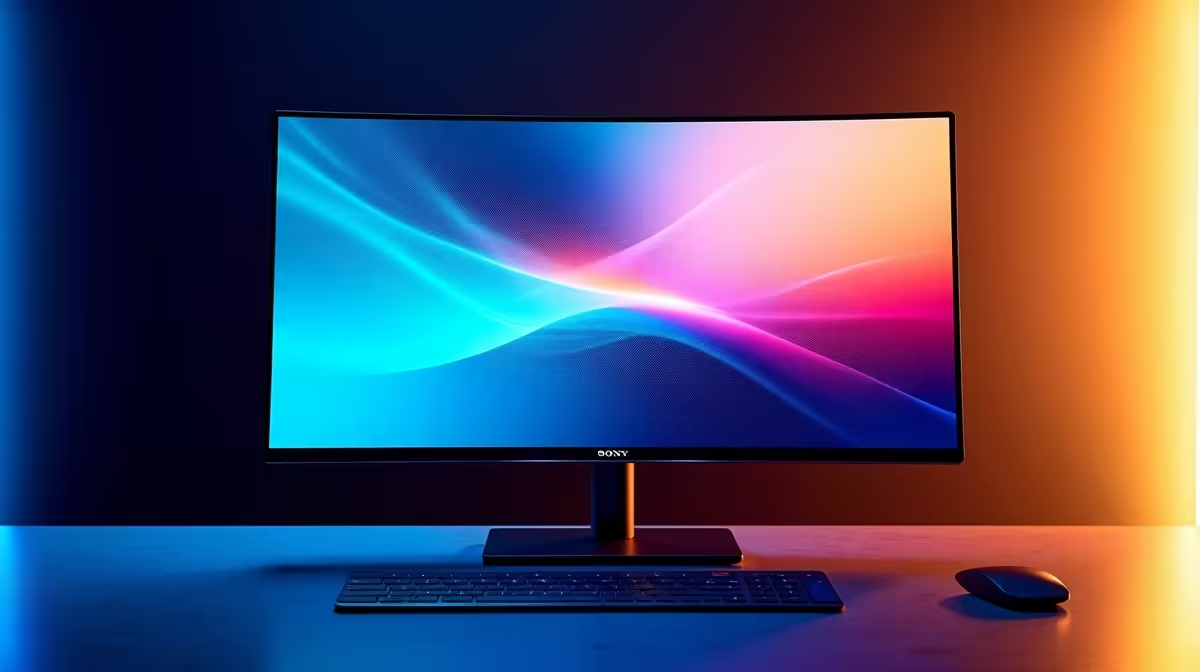
You’ve seen them. Those breathtaking OLED screens with colours that pop and blacks so deep they look like the power is off. For gaming and movies, they’re unmatched. But what about for work? The fear of OLED monitor burn-in haunts every professional considering the upgrade. Can a panel designed for dynamic action handle the static reality of spreadsheets, code editors, and the eternal Windows taskbar? Let's dive in and separate the myth from modern reality.
Understanding OLED Burn-In: The Ghost in the Machine
So, what exactly is this dreaded burn-in? Unlike traditional LCD panels that use a backlight, each pixel in an OLED screen creates its own light. This is why they have that incredible, infinite contrast ratio. However, these organic light-emitting diodes have a finite lifespan.
OLED monitor burn-in occurs when a static image—like a logo, a heads-up display in a game, or your desktop icons—is displayed for hundreds or thousands of hours. The pixels showing that static image degrade faster than the surrounding pixels. This uneven wear creates a faint, permanent "ghost" of the image, visible even when you’re viewing something else. It's a hardware issue, not something a simple reset can fix. This is the core reason people worry about using these amazing displays for productivity, a world filled with static user interfaces. When you're browsing the wide world of PC monitors, it's a critical factor to consider.
Is OLED Burn-In a Genuine Concern for Your 9-to-5?
Here’s the short answer: the risk is real, but it's far less of a problem than it used to be. Manufacturers are keenly aware of the OLED monitor burn-in issue and have built some seriously clever tech to fight it. 🛡️
Modern OLEDs come armed with a suite of preventative features that run quietly in the background:
- Pixel Shifting: The entire image is subtly and imperceptibly moved around by a few pixels every few minutes. This prevents any single pixel from being constantly illuminated in the same way.
- Static Logo Detection: The monitor can identify static elements like channel logos or on-screen graphics and automatically dim them slightly to reduce pixel stress.
- Pixel Refresher: This is a maintenance cycle the monitor runs periodically (usually after several hours of use when in standby) to check pixel condition and apply voltage adjustments to even out any minor degradation.
While working on high-resolution static documents all day on one of the latest 5K or 4K monitors does present a higher theoretical risk than watching a movie, these features drastically reduce the chances of you ever experiencing permanent burn-in with normal use.
Your Checklist to a Long and Healthy OLED Life ✨
While the monitor does most of the heavy lifting, you can adopt a few simple habits to ensure your investment lasts for years. Think of it as teamwork between you and your tech. The potential for OLED monitor burn-in from office use can be almost completely eliminated if you're proactive.
Simple Desktop Habits
- Auto-hide the Taskbar: This is the number one culprit. Right-click your taskbar, go to "Taskbar settings," and toggle on "Automatically hide the taskbar in desktop mode." It’s a small change with a huge impact.
- Use a Dark Theme: A dark mode across your OS and apps means more pixels are completely off, reducing overall wear and power consumption.
- Set a Screen Saver: Use a dynamic screen saver or simply set your display to turn off after 5-10 minutes of inactivity. Don't leave a static spreadsheet on screen while you go for a two-hour lunch break.
- Rotate Your Windows: If you use multiple apps, try not to keep them in the exact same spot all day, every day.
Productivity Pro Tip ⚡
On Windows, use a dynamic wallpaper. Apps like Wallpaper Engine from Steam offer stunning animated backgrounds for a small once-off fee. This ensures the pixels that make up your desktop background are always changing, which is ideal for preventing any potential for OLED burn-in.
For those who multitask heavily, the immersion of curved monitors can be a huge productivity boost, encouraging you to move windows around more naturally. And if you’re a hybrid worker-gamer, the peace of mind you get from protecting your screen during the day means you can enjoy your entire library of gaming monitors features guilt-free after hours. You could even offload your most static windows, like Slack or email, to one of the many handy portable monitors on the market, keeping your main OLED for more dynamic content.
The Verdict: Is an OLED Monitor Worth It for Your Desk?
For the vast majority of South African professionals, the answer is a resounding yes. The fear of OLED monitor burn-in is largely a hangover from the early days of the technology. Today, with built-in mitigation features and a few sensible user habits, the risk is minimal.
The benefits you get in return are immense: perfect blacks for better text clarity, vibrant and accurate colours for creative work, and an HDR experience for media consumption and gaming that no other panel technology can touch. Taking care of your screen with the right monitor accessories like screen cleaners and mounts also contributes to its longevity.
Unless your job consists of displaying a single, unchanging, high-contrast image for 8+ hours a day, every day, for years... you are highly unlikely to have an issue. For a mixed-use scenario of productivity, web browsing, and entertainment, the visual upgrade is more than worth it. Don't let old fears stop you from experiencing the future of display technology—check out some of the best PC monitor deals available right now.
Ready to See the Difference for Yourself?
The fear of OLED burn-in is understandable, but modern tech makes it a manageable risk. For unparalleled colour and contrast that elevates your work and play, nothing beats an OLED. Explore our massive range of PC monitors and find the perfect screen to conquer your world.