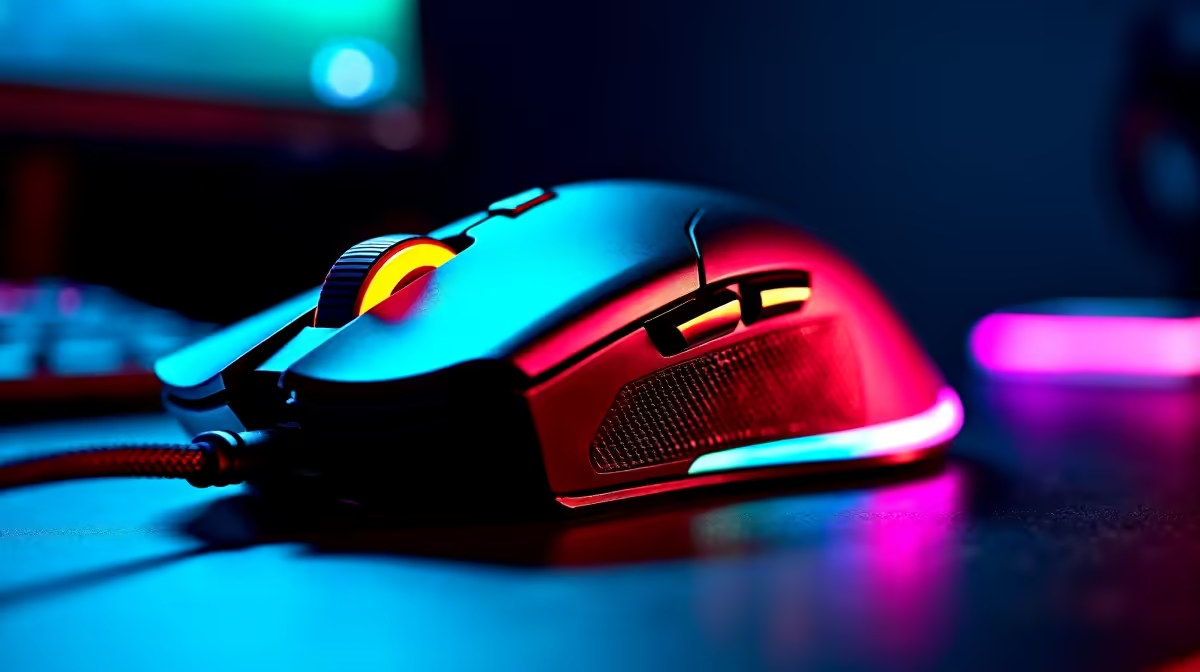
You’re in a 1v3 clutch on Anubis. You hear footsteps, flick your wrist for the perfect headshot… and your crosshair spins out, aiming at the sky. A frustrating, all-too-common moment. But is it bad luck, or is your mouse sensor letting you down? The optical vs laser sensor debate is one of the oldest in PC gaming. Let's cut through the marketing noise and reveal the secrets that will actually help you click heads.
Understanding Gaming Mouse Sensors: The Core Tech
At its heart, a gaming mouse sensor is a tiny, high-speed camera. It rapidly takes thousands of pictures of the surface beneath it every second, using a CMOS sensor to track movement by comparing these images. The key difference in the optical vs laser sensor discussion comes down to the light source used to illuminate that surface.
- Optical sensors use an LED (Light Emitting Diode), usually red or infrared, to light up the surface.
- Laser sensors use a VCSEL (Vertical-Cavity Surface-Emitting Laser) to do the same job.
This single difference creates a cascade of performance characteristics that matter immensely for gaming.
The Great Debate: Optical vs Laser Sensors
For years, laser was marketed as the superior technology. But for competitive gaming, the community and pro players have overwhelmingly chosen a clear winner. Let's break down why.
Optical Sensors: The Competitive Standard ⚡
Modern optical sensors are the gold standard for a reason. They provide a raw, 1:1 translation of your hand movement to the screen with minimal processing. This results in the most accurate and reliable tracking available, which is critical in fast-paced shooters.
While older optical models struggled on certain surfaces, today's top-tier gaming mice feature flawless sensors that perform perfectly on the cloth mousepads favoured by gamers. They have a higher tolerance for speed (less "spin-out") and generally offer a lower, more consistent lift-off distance (LOD)—the height at which the sensor stops tracking when you lift the mouse.
Laser Sensors: The All-Surface Specialist
The main advantage of a laser sensor is its versatility. Because a laser can penetrate deeper into the texture of a surface, it can track accurately on almost anything, including glass and highly polished desks where an optical mouse would fail.
However, this sensitivity can be a double-edged sword for gaming. A laser sensor can pick up too much data, reading microscopic imperfections in a cloth mousepad as movement. This can lead to slight jitter or inconsistent acceleration that feels "off" to a seasoned gamer. While the technology has improved, the debate of a laser vs optical mouse for pure gaming performance still leans heavily towards optical.
So, Which Sensor is Right for Your SA Gaming Rig?
Choosing between an optical or laser sensor depends entirely on your primary use case.
For the competitive gamer in South Africa playing titles like CS2, Valorant, or Apex Legends, the answer is simple: get an optical sensor. The raw accuracy and reliability are unmatched for building muscle memory and consistent aim. Whether you prefer a featherlight wired mouse for zero latency or the freedom of a wireless model, an optical sensor is your best bet for climbing the ranks.
For a hybrid user who games casually but also needs a mouse for productivity on various surfaces (from the wooden desk to the kitchen counter), a modern laser mouse can still be a viable option. No matter your choice, you can find incredible value in our range of the best gaming mouse deals in South Africa.
DPI Isn't Everything! 🔧
High DPI numbers look great on the box, but pro gamers often use lower settings (400-1600 DPI). A flawless sensor that doesn't spin out at high speeds is far more important than a massive DPI number you'll never use. Focus on the sensor's tracking quality, not just the marketing hype.
Beyond the Sensor: What Else Matters? ✨
The sensor is critical, but it's just one part of the puzzle. Don't forget these other key factors when choosing your next weapon:
- Shape and Weight: Your hand size and grip style (palm, claw, or fingertip) will determine the most comfortable shape for you. Lighter mice are generally preferred for fast-paced FPS games.
- Wired vs. Wireless: The old fears of wireless lag are a thing of the past. Modern wireless gaming mice now offer latency-free performance that's indistinguishable from their wired counterparts.
- Mouse Feet and Pad: A great sensor is wasted on a poor surface. High-quality PTFE feet (often called skates) and a clean, consistent mousepad are essential for smooth gliding. Investing in good mouse accessories can make a budget mouse feel premium.
Ultimately, understanding the difference between optical and laser gaming mouse sensors empowers you to make an informed choice, ensuring your gear helps, not hinders, your performance.
Ready to Upgrade Your Aim?
Now that the secrets of optical vs laser sensors are revealed, you know what to look for. Stop blaming your gear and start landing those headshots with a mouse that's perfect for you. Shop our huge range of gaming mice at Evetech for performance that leaves lag in the dust.