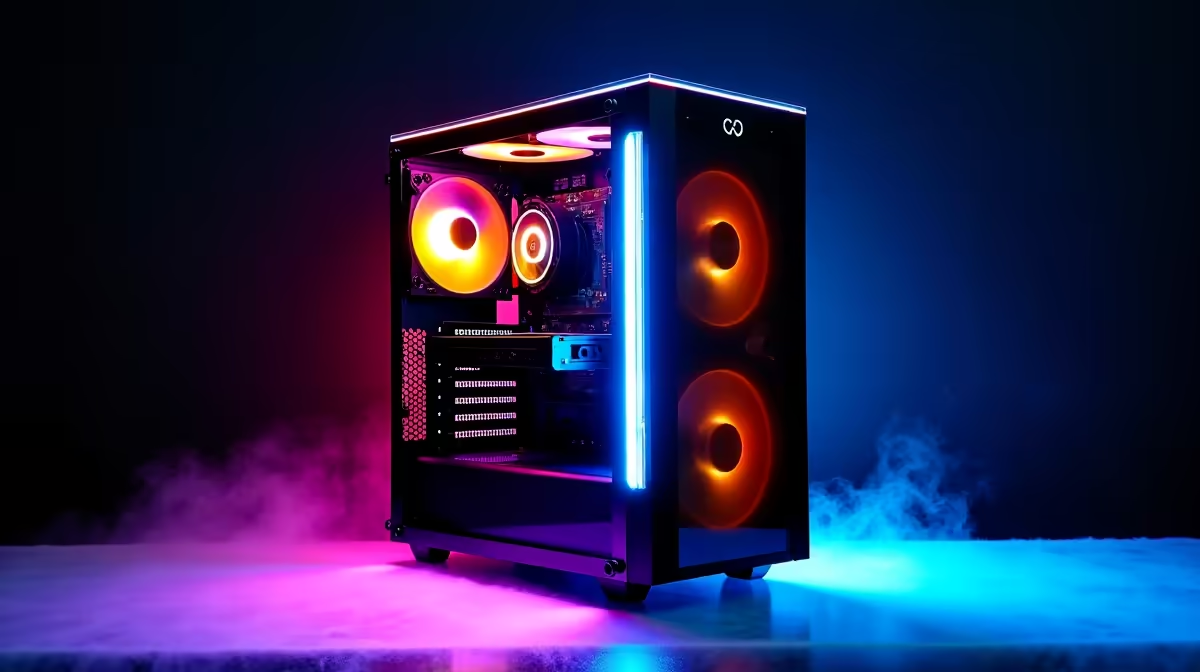
That fresh-out-the-box PC smell… there’s nothing quite like it. You’ve just unboxed your new rig, the cables are tidy, and the RGBs are putting on a show. But before you jump into that first match of Warzone or Apex Legends, are you sure you’re getting every drop of power you paid for? To truly optimize PC build performance, you need to nail the setup right from the first plug-in. Let's get it done. 🚀
Activate Peak Performance in the BIOS
Before Windows even loads, your journey to optimize PC build performance begins in the BIOS (or UEFI on modern systems). This is the control centre for your hardware. The single most important setting to check is your RAM speed. Most gaming RAM is sold with a high-speed profile that isn't enabled by default. Leaving it off is like buying a sports car and never taking it out of first gear.
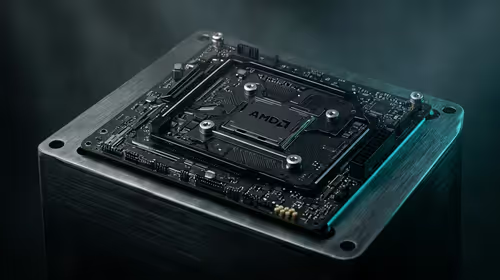
Restart your PC and tap the 'Delete' or 'F2' key to enter the BIOS. Look for a setting called XMP (Extreme Memory Profile) for Intel systems or EXPO (Extended Profiles for Overclocking) for AMD systems. Enable it, save, and exit. Just like that, you’ve unlocked the full speed of your memory.
Activate Your RAM's Full Speed! ⚡
Enabling XMP or EXPO can boost your gaming FPS by 5-15% in memory-sensitive titles. It’s a free performance upgrade that takes less than a minute to activate. Don't leave performance on the table!
Get Your Drivers Dialled In
Now that your hardware is primed, it’s time to sort out the software. Windows Update is a good start, but it often supplies generic or outdated drivers. For the best gaming experience and stability, you need the latest drivers directly from the manufacturers, especially for your graphics card.
- GPU Drivers: Head to the NVIDIA or AMD website and download the latest driver package for your specific graphics card model. This is non-negotiable for smooth frame rates.
- Chipset Drivers: Visit your motherboard manufacturer’s website (e.g., ASUS, MSI, Gigabyte) to get the latest chipset drivers. This ensures all the components on your motherboard communicate efficiently, which is key to a stable and responsive system.
A fully optimised system isn't just about raw power; it's also about how you interact with it. Ensuring your peripherals are set up correctly contributes to a seamless experience, whether you're gaming or on a team call. A quality webcam is a perfect example of a component that enhances your entire setup.
Fine-Tune Your Software and Streaming Setup
With the core system optimised, the final step is tailoring the software environment. Remove any pre-installed bloatware you don’t need, as it can consume resources in the background. Configure your power plan in Windows to 'High Performance' to ensure your CPU isn't being throttled.
If you're a budding streamer, your setup's performance is even more critical. You need a system that can handle intense gameplay while broadcasting a crisp, clear video feed to your audience. For crystal-clear calls and entry-level streaming without breaking the bank, a webcam under R1000 is a fantastic starting point. For those looking to take their stream quality up a notch, investing in a webcam up to the R2000 mark will provide significantly better image quality, especially in low-light conditions. ✨
Complete Your High-Performance Setup
Your PC is now tuned for maximum FPS and stability. Ensure your stream looks as kwaai as your gameplay feels with a peripheral that matches your rig's power. Shop our premium webcams now for performance that leaves lag in the dust.