


Black Myth: Wukong 2 Ultrawide Support: 21:9 and 32:9 Setup Guide
Black Myth: Wukong 2 Ultrawide Support: 21:9 and. Clear setup instructions with SA-specific considerations, troubleshooting tips & recommended components.
Read moreOptimized airflow in a gaming PC case reduces temps, stabilizes FPS, and extends component life. Learn fan layouts, pressure setups, and cable tips to build a cooler, quieter rig 🌀🔧
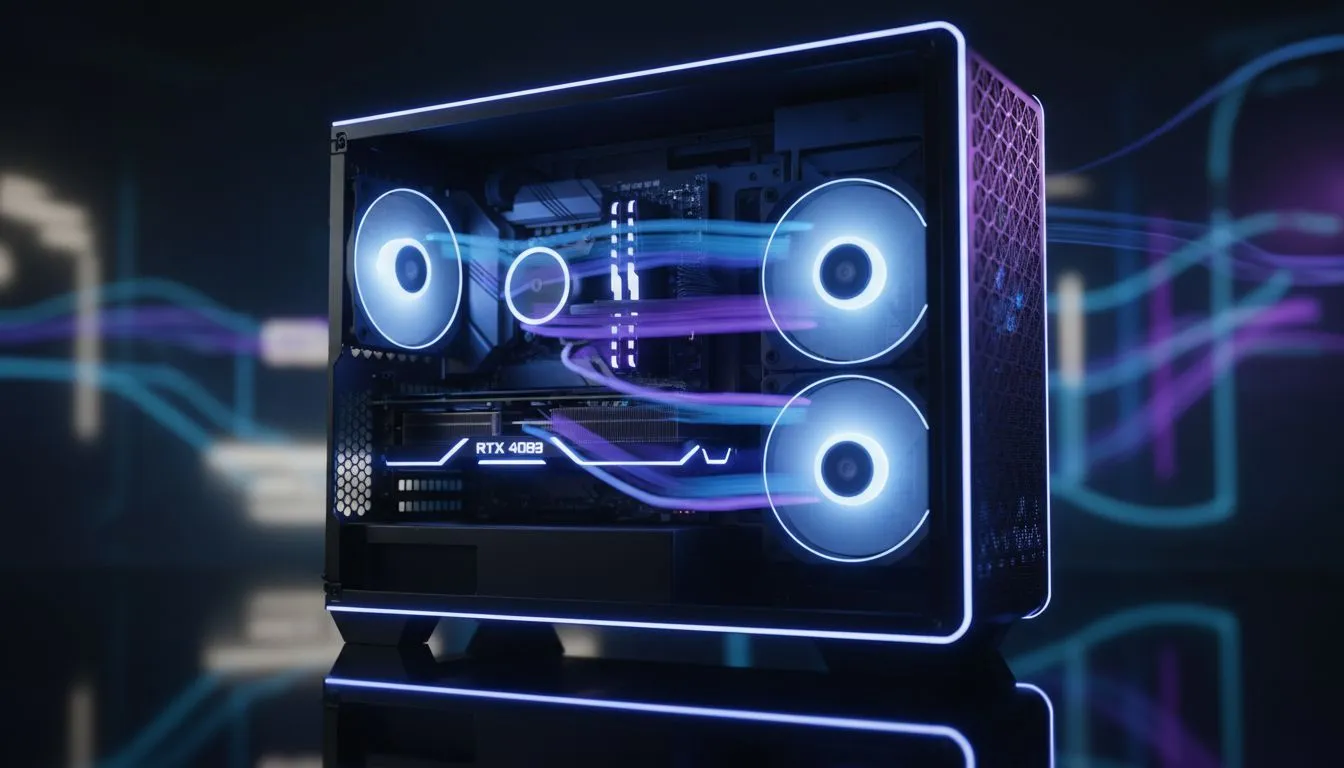
"Optimized Airflow in a Gaming PC Case: Why It Matters" — that sentence isn’t just SEO fodder. In South African summers, when ambient temps climb and your GPU is torching through a new AAA release, poor airflow eats FPS and shortens component life. If you want quieter fans, steadier clocks and fewer thermal throttles, this short deep dive will help you make smarter case choices fast. 🔧
Airflow is the highway for heat. Move more air, and temperatures fall — often by 5–15°C on GPUs and CPUs compared with restrictive cases. That difference preserves boost clocks, gives you steadier frame rates and reduces fan noise. Want a case that actually breathes? Start by comparing airflow-focused ranges like Evetech’s computer cases collection to see which designs prioritise mesh fronts and unimpeded intake paths: https://www.evetech.co.za/components/computer-cases-70
If you prefer branded options, Fractal Design builds are often lauded for balanced airflow and clean internals — check their case selection here: https://www.evetech.co.za/PC-Components/fractal-design-pc-cases-346 ✨
Looking for value? Gamdias makes budget-friendly gaming cases with good airflow options — see their range here if you’re shopping on a budget: https://www.evetech.co.za/PC-Components/gamdias-gaming-cases-293
When testing airflow, use a simple thermal benchmark like AIDA64 or a sustained GPU run to compare intake vs exhaust tweaks. Log temps for 10 minutes after each change and aim for consistent drops rather than one-off peaks.
Replacing a restrictive stock front panel fan with high-static-pressure intake fans or swapping negative-pressure setups for a slightly positive one can drop temps several degrees. If you’re shopping smart, filter options and modular drive bays let you balance storage vs airflow. For tight budgets, Gamdias also has filtered and price-limited options under R1,500 to consider: https://www.evetech.co.za/PC-Components/gamdias-gaming-cases-293?max-price=1500 🚀
Optimising airflow is one of the highest-ROI upgrades you can make. It costs little compared with a GPU or CPU but extends hardware life and improves daily play. If you’re ready to pick the right case for your needs, browse Evetech’s curated options and compare specs and prices before checkout: https://www.evetech.co.za/components/computer-cases-70
Ready to Find Your Perfect Match? The Mac vs Windows debate is complex, but for maximum power, choice, and value in South Africa, Windows is hard to beat. Explore our massive range of laptop specials and find the perfect machine to conquer your world.
Optimized airflow arranges intake and exhaust, fans, and vents to move cool air over components, cut temperatures, and reduce noise.
Better airflow lowers CPU/GPU temps, prevents thermal throttling, and keeps framerates stable during long gaming sessions.
Use balanced intake and exhaust fans, manage cables, add dust filters, and set fan curves — a practical how to optimize airflow in pc case approach.
Positive pressure uses more intake than exhaust to reduce dust; negative uses more exhaust for slightly cooler temps. Choose by case and filter setup.
Most builds benefit from 3–5 fans: front intake(s), top/rear exhaust. Follow best fan layout for gaming pc case guidance for your size.
RGB doesn't inherently change airflow. Focus on fan size, RPM, and static pressure; RGB is cosmetic unless it reduces blade efficiency.
Absolutely. Case design controls case airflow vs cooling performance: panel vents, fan mounts, and layout determine real-world temps.
Black Myth: Wukong 2 Ultrawide Support: 21:9 and. Clear setup instructions with SA-specific considerations, troubleshooting tips & recommended components.
Read more
Setting Up HDMI 2.1 Cable. Tested & verified settings for best FPS and visual quality on SA hardware budgets.
Read more
Every spec on PCIe 5.0 explained in plain English. What matters for gaming and creator work in 2026, what's marketing fluff, and how each number translates to real-world performance.

A head-to-head look at WiFi 7: real-world performance, ZAR pricing and which option delivers better value for SA builders. The clear answer — no fluff.

Everything you need to set up and tune PCIe 5.0 properly: the prep work, the settings that actually matter, and the mistakes to skip. Written for SA builders in 2026.

Everything you need to set up and tune X870E Motherboard properly: the prep work, the settings that actually matter, and the mistakes to skip. Written for SA builders in 2026.

Wondering what a 512GB SSD capacity really holds? This guide breaks down how many games, photos, and documents fit on 512GB, with real-world ranges 📦💾

Every spec on vrm explained in plain English. What matters for gaming and creator work in 2026, what's marketing fluff, and how each number translates to real-world performance.

Every spec on motherboard explained in plain English. What matters for gaming and creator work in 2026, what's marketing fluff, and how each number translates to real-world performance.

Premium vs Midrange Motherboards in South Africa: real-world performance, SA pricing, power draw and which one delivers better value for your build for SA buyers. The clear answer — without the fluff.
Wondering what a 512GB SSD capacity really holds? This guide breaks down how many games, photos, and documents fit on 512GB, with real-world ranges 📦💾
Every spec on PCIe 5.0 explained in plain English. What matters for gaming and creator work in 2026, what's marketing fluff, and how each number translates to real-world performance.
A head-to-head look at WiFi 7: real-world performance, ZAR pricing and which option delivers better value for SA builders. The clear answer — no fluff.

Every spec on USB4 explained in plain English. What matters for gaming and creator work in 2026, what's marketing fluff, and how each number translates to real-world performance.