


Complete Guide: Setting Up AIO Liquid 420mm
Setting Up AIO Liquid 420mm. Tested & verified settings for best FPS and visual quality on SA hardware budgets.
Read morePalm grip vs claw grip mouse buying guide that helps you choose the right shape for comfort and control. Learn what to look for and avoid wrong fit issues 😅🎯
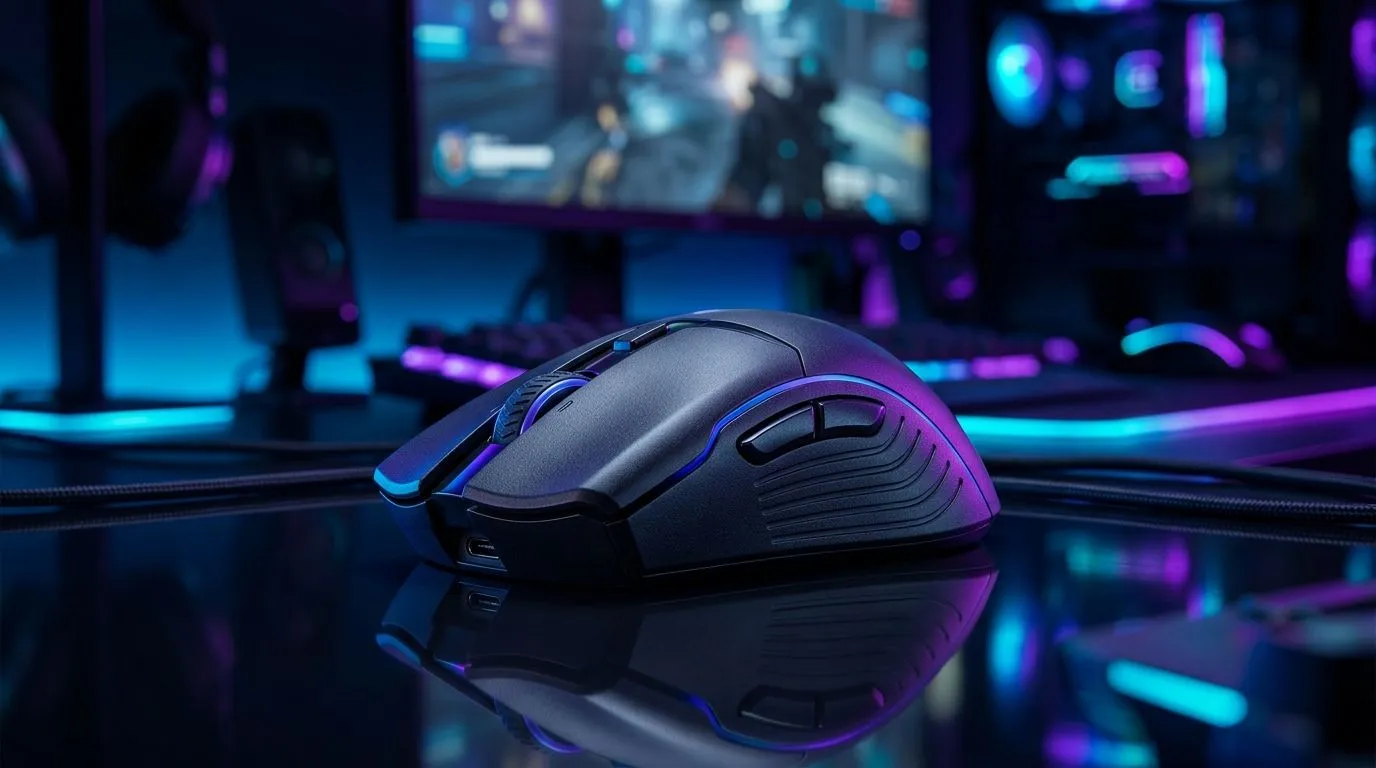
If your mouse feels “fine” but your wrist still gets tired after a long Valorant session, the shape might be the real problem. South African gamers often spend hours aiming, scrolling, and clicking. So the difference between palm grip vs claw grip mouse design is more than comfort... it can change control, fatigue, and how naturally you play. Let’s break it down properly 🔧
A palm grip mouse supports more of your hand. Your palm rests on the back of the mouse, and your fingers lie flatter on the buttons. That usually feels relaxed and stable.
A claw grip mouse is shorter or more sculpted for a raised hand position. Your palm sits higher, your fingers arch, and you tend to make faster fingertip movements. That can suit players who want quicker micro-adjustments.
The important thing is simple: neither is “better” for everyone. The right choice depends on hand size, play style, and how long you sit at the PC.
Palm grip often suits:
Claw grip often suits:
If you’ve ever felt your fingers working hard just to hold the mouse in place, you may be forcing a claw grip on a shape that wants palm support. That matters more than people think.
A comfortable mouse should reduce unnecessary tension. With palm grip, the hand often stays more relaxed. With claw grip, you may gain agility, but your fingers and forearm can work harder.
That does not mean claw grip is uncomfortable by default. It just means the match has to be right. A mouse that is too long for claw grip can feel sluggish. A mouse that is too small for palm grip can cause cramping over time.
If you’re shopping in South Africa, it also helps to think about value. A solid wired model may start from a few hundred rand, while premium wireless options can climb much higher. The point is not the price tag alone... it is whether the shape supports your grip style and desk setup.
Try this quick check:
Before buying, trace your hand length and compare it to mouse length. If your palm hangs over the back, a larger palm-friendly mouse may suit you better. If your fingers are sharply bent, a shorter claw-friendly design might feel more natural.
When you compare options, shape matters as much as sensor specs. If you want to browse accessories that can improve comfort and control, start with the right add-ons like grips, pads, and spare parts from mouse accessories.
If you prefer a cable for consistency and lower latency, a wired mouse selection is worth checking. If you want a cleaner desk and more freedom of movement, take a look at the wireless mouse range.
For shoppers hunting value, the best gaming mouse deals page is a smart stop. And if you want to compare current models in one place, Evetech’s gaming mouse category makes that easier.
If you mainly want comfort, start with palm grip-friendly shapes.
If you mainly want quick control, start with claw grip-friendly shapes.
That’s the cleanest rule. Test shape first, then look at weight, button placement, and connection type. Too many buyers do this backwards... and end up swapping mice a month later.
The best mouse is the one that disappears in your hand. You stop noticing it. Your aim feels natural. Your wrist stays calmer. And your setup starts working with you instead of against you.
If you’re unsure, don’t guess blindly. Compare a few shapes, think about your grip, and choose with intention. That small decision can make your next gaming session feel noticeably better 🚀
Ready to Find Your Perfect Match? The Mac vs Windows debate is complex, but for maximum power, choice, and value in South Africa, Windows is hard to beat. Explore our massive range of laptop specials and find the perfect machine to conquer your world.
Palm grip rests your whole hand on the mouse, while claw grip lifts your palm and uses finger contact. This changes comfort, control, and the mouse shape you need.
Palm grip users usually prefer fuller, wider, higher-profile mouse shapes that support the palm and keep wrists relaxed for steady tracking and comfort.
Claw grip users often do best with slightly contoured, flatter-to-mid height shapes that fit your knuckles and let your fingers curl without hitting edges.
Match mouse length and width to your hand. If your fingers overreach or your palm floats, the size is off. Use grip style as your baseline.
Yes. Palm grip can favor stable tracking, while claw grip can enable faster micro-adjustments. The right shape improves consistency, which supports aim.
Many players shift between grips. If you switch often, prioritize a shape that supports both palm support and finger clearance to prevent discomfort.
Focus on ergonomic shape, button reach, side contour, weight balance, and cable/latency needs. Grip style helps you choose the base fit.
Comfort issues usually come from wrong contour height, side curvature, or grip mismatch. Palm grip needs palm support; claw grip needs finger clearance.
Setting Up AIO Liquid 420mm. Tested & verified settings for best FPS and visual quality on SA hardware budgets.
Read more
Intel XTU Download & Setup Guide: Intel CPU. Clear setup instructions with SA-specific considerations, troubleshooting tips & recommended components.
Read more
Cyberpunk 2077 Max Settings on RTX 4090. Tested & verified settings for best FPS and visual quality on SA hardware budgets.
Read more
The Complete Guide to GPU. Everything you need to know with SA pricing, step-by-step instructions & expert recommendations.
Read more
NVCleanstall Download & Setup Guide: NVIDIA. Clear setup instructions with SA-specific considerations, troubleshooting tips & recommended components.
Read more
to Driver Installation for Beginners. Everything you need to know with SA pricing, step-by-step instructions & expert recommendations.
Read more
AMD RX 9050 XT: Rumoured Specs, Price & Release. SA-focused analysis with local pricing data, real-world insights & actionable buying advice.

Can RTX 4080 Super Run AI Workloads for SA Developers Detailed answer with SA data, expert analysis & practical recommendations for local buyers.

Can RTX 4090 Run AI Workloads for SA Developers Detailed answer with SA data, expert analysis & practical recommendations for local buyers.

Top Settings for Intel Arc B580 at Ultrawide 1440p picks evaluated on performance, value & SA availability with current Rand pricing from Evetech.

RTX 4060 CS2 Low Settings at 1080p: FPS Results. Real-world benchmark data, FPS numbers & performance analysis. What SA gamers can actually expect.

Visual Artifacts: Possible GPU Issue Issue #1. Diagnosis steps, proven fixes & when to seek professional help. SA-specific support info included.

Can the RTX 4090 Handle 1440p 144Hz Gaming. Performance testing verdict with real data & practical recommendations for SA buyers.

Top ASUS GPU Under R15000 picks evaluated on performance, value & SA availability with current Rand pricing from Evetech.

GTA 6 Max Settings on RTX 5070. Tested & verified settings for best FPS and visual quality on SA hardware budgets.

Cyberpunk 2077 Max Settings on RTX 5080. Tested & verified settings for best FPS and visual quality on SA hardware budgets.

Starfield Max Settings on RTX 5070 Ti. Tested & verified settings for best FPS and visual quality on SA hardware budgets.

Top RTX 5090 Under R5000 picks evaluated on performance, value & SA availability with current Rand pricing from Evetech.