


AIO Liquid 240mm Setup and Configuration: Complete Tutorial
AIO Liquid 240mm Setup and Configuration. Clear setup instructions with SA-specific considerations, troubleshooting tips & recommended components.
Read moreOur PC components guide for South Africa demystifies everything from CPUs to PSUs. 🖥️ Learn what each part does, how they work together, and how to choose the best components for your build and budget. Start your PC building journey with confidence today! 💪
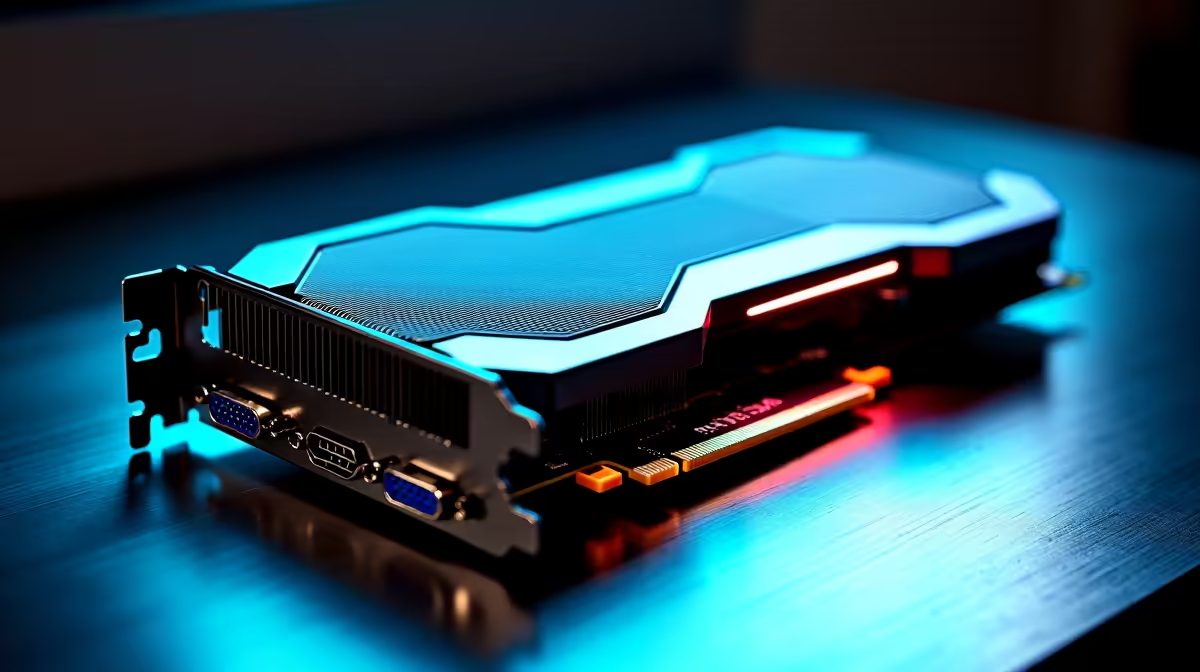
So, you’re ready to build your own gaming rig? Awesome. But navigating the world of PC parts in South Africa can feel a bit like a boss battle on the highest difficulty. What’s the difference between a CPU and a GPU? How much RAM is enough? This PC components guide for South Africa is your ultimate handbook. We'll demystify the jargon and help you choose the right parts for a lekker setup that fits your budget. 🚀
Think of these four components as the heart, brain, and soul of your machine. Getting this combination right is the most critical step in any build. This is where the core of your performance comes from.
The Central Processing Unit (CPU) is your PC's brain. It handles all the instructions and calculations that make your computer run. For gaming, a faster CPU means better frame rates and smoother performance, especially in strategy games or simulations.
In South Africa, the main choice is between Intel (Core i5, i7, i9) and AMD (Ryzen 5, 7, 9). Both offer fantastic options. A modern 6-core processor like an Intel Core i5 or AMD Ryzen 5 is the sweet spot for most gamers, providing excellent power without breaking the bank.
This is the component that gets gamers most excited. The Graphics Processing Unit (GPU) renders the images you see on your screen. A powerful GPU is the single most important part for high-resolution gaming. Brands like NVIDIA (GeForce RTX series) and AMD (Radeon RX series) dominate the market.
For 1080p gaming, a mid-range card is perfect. But if you're aiming for 1440p or 4K glory with all the settings cranked up, you'll need to invest in a high-end card, which you'll find in many powerhouse PCs over R20,000.
The motherboard is the circuit board that connects everything. All your other components plug into it. When choosing one, the most important factor is compatibility. You need to make sure its "socket" matches your chosen CPU (e.g., an AM5 socket for a new AMD Ryzen CPU). It also determines how many RAM slots, storage drives, and other peripherals you can connect.
Before you buy, use a tool like PCPartPicker or check the motherboard manufacturer’s website for its CPU support list. This simple step prevents the headache of buying a powerful CPU that your motherboard can't run. It’s the most crucial check in any PC components guide!
Random Access Memory (RAM) is your PC's short-term memory. It holds the data for the applications you're currently running. For gaming in 2024 and beyond, 16GB is the recommended minimum for a smooth experience. If you're a heavy multitasker or want to future-proof your rig, 32GB is a great target. Getting the right RAM is a key part of this South African guide to PC components, as it balances cost and performance perfectly in a solid gaming rig for under R20,000.
Your core components need fast storage to load from and clean power to run on. Don't overlook these crucial parts.
Your storage drive holds your operating system, games, and files. For years, Hard Disk Drives (HDDs) were standard, but now Solid-State Drives (SSDs) are essential. An NVMe M.2 SSD, which plugs directly into the motherboard, offers mind-blowing loading speeds. A great strategy is to use a fast 1TB SSD for your OS and favourite games, and a larger, cheaper HDD for mass storage. This balanced approach is common in many of our range of budget gaming PCs.
The PSU is one of the most important PC components, yet it's often an afterthought. It takes power from your wall socket and converts it into usable energy for your parts. A cheap, unreliable PSU can damage your entire system. Look for a unit from a reputable brand with an 80 Plus Bronze rating or higher, and make sure it has enough wattage to power your CPU and GPU comfortably.
Finally, you need a home for all your shiny new components and a way to keep them from overheating.
A good PC case isn't just about looks; it's about airflow. A case with good ventilation will help your components run cooler and last longer.
Speaking of cooling, your CPU will come with a stock cooler, but investing in a better air cooler or an All-In-One (AIO) liquid cooler can lead to lower temperatures and quieter operation. If all this sounds like a bit too much work, you can always explore hassle-free pre-built PC deals, where all the component matching and building is done for you by experts.
Ready to Build Your Masterpiece? This PC components guide gives you the map, but the journey is yours. If DIY feels a bit daunting, our expertly assembled PCs offer peak performance right out of the box. Explore the best gaming PC deals in South Africa and jump straight into the action.
The 7 essential PC components are the CPU (processor), motherboard, RAM (memory), GPU (graphics card), storage (SSD/HDD), PSU (power supply), and the case.
To choose PC parts in South Africa, first set a budget. Then, prioritize the CPU and GPU based on your needs (gaming/work) and ensure all parts are compatible.
A CPU (Central Processing Unit) is the PC's brain, handling general tasks. A GPU (Graphics Processing Unit) specializes in rendering images, videos, and animations.
For gaming, the GPU is generally more important as it handles graphics. However, a capable CPU is needed to prevent bottlenecks and run modern games smoothly.
The motherboard is the main circuit board connecting all components. It allows the CPU, RAM, GPU, and storage to communicate and work together as a single system.
Yes, an SSD is significantly faster than an HDD, leading to quicker boot times and faster game loading. Many builds now use an SSD for the OS and a larger HDD for storage.
Start by choosing your CPU. Your CPU choice will determine which motherboards are compatible, which then influences your choices for RAM, storage, and case size.
You can buy reliable PC parts in South Africa from trusted retailers like Evetech, which offer a wide selection, expert advice, and warranties on all components.
AIO Liquid 240mm Setup and Configuration. Clear setup instructions with SA-specific considerations, troubleshooting tips & recommended components.
Read more
Setting Up DDR5 64GB Kit. Tested & verified settings for best FPS and visual quality on SA hardware budgets.
Read more
Overwatch 2 Setup Guide Gamers. Clear setup instructions with SA-specific considerations, troubleshooting tips & recommended components.
Read more
R and RStudio on Mac: Data Science Setup Guide. Clear setup instructions with SA-specific considerations, troubleshooting tips & recommended components.
Read more
NVIDIA Broadcast Setup with GPU: Streamer Guide. Clear setup instructions with SA-specific considerations, troubleshooting tips & recommended components.
Read more
Core Ultra 7 265K Temperature Guide: Normal Range. Complete product range with SA pricing, key specs & recommendations for different budgets.
Read more
AMD RX 9050 XT: Rumoured Specs, Price & Release. SA-focused analysis with local pricing data, real-world insights & actionable buying advice.

Can RTX 4080 Super Run AI Workloads for SA Developers Detailed answer with SA data, expert analysis & practical recommendations for local buyers.

Can RTX 4090 Run AI Workloads for SA Developers Detailed answer with SA data, expert analysis & practical recommendations for local buyers.

Top Settings for Intel Arc B580 at Ultrawide 1440p picks evaluated on performance, value & SA availability with current Rand pricing from Evetech.

RTX 4060 CS2 Low Settings at 1080p: FPS Results. Real-world benchmark data, FPS numbers & performance analysis. What SA gamers can actually expect.

Visual Artifacts: Possible GPU Issue Issue #1. Diagnosis steps, proven fixes & when to seek professional help. SA-specific support info included.

Can the RTX 4090 Handle 1440p 144Hz Gaming. Performance testing verdict with real data & practical recommendations for SA buyers.

Top ASUS GPU Under R15000 picks evaluated on performance, value & SA availability with current Rand pricing from Evetech.

GTA 6 Max Settings on RTX 5070. Tested & verified settings for best FPS and visual quality on SA hardware budgets.

Cyberpunk 2077 Max Settings on RTX 5080. Tested & verified settings for best FPS and visual quality on SA hardware budgets.

Starfield Max Settings on RTX 5070 Ti. Tested & verified settings for best FPS and visual quality on SA hardware budgets.

Top RTX 5090 Under R5000 picks evaluated on performance, value & SA availability with current Rand pricing from Evetech.