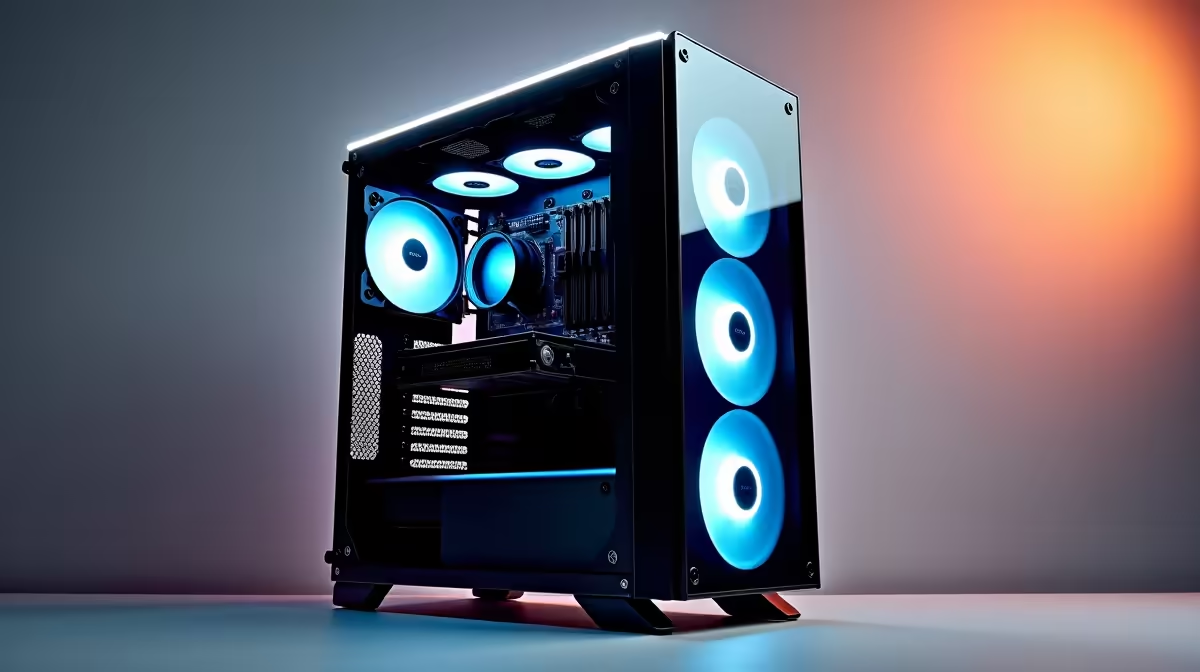
A photo-editing PC can be worthwhile for colour grading when its graphics, storage and display path support the intended video codecs and monitoring workflow. Photo capability alone does not prove smooth timeline playback or accurate video output. Test a real grading project.
Check processing and monitoring separately
Open a representative timeline with the usual resolution, bit depth, effects and delivery format. Record playback, export, memory and graphics-memory behaviour. Then verify display coverage, calibration support and the correct colour pipeline independently of tower performance.
The Palit RTX 5060 Infinity 2 OC 8GB graphics card is listed at R4,800. The Dell S2725QC 27-inch 4K IPS USB-C monitor is listed at R6,128. Confirm GPU power and case requirements, plus the display’s current colour coverage, calibration support, inputs, scaling and warranty. A 4K IPS label is not proof of grading accuracy.
Control room light and keep the viewing position consistent. Preserve camera originals, project databases and exports with independent backups. Save driver, application and calibration versions, then review a known test sequence on the delivery platform. Review after calibration.
Buy the system when both photo and video work occur often enough to share the hardware. If grading is rare, use a supported editor or studio rather than building around occasional colour-critical output.
Building a photo and grading desk? > Compare Evetech graphics cards and 4K monitors by verified support.