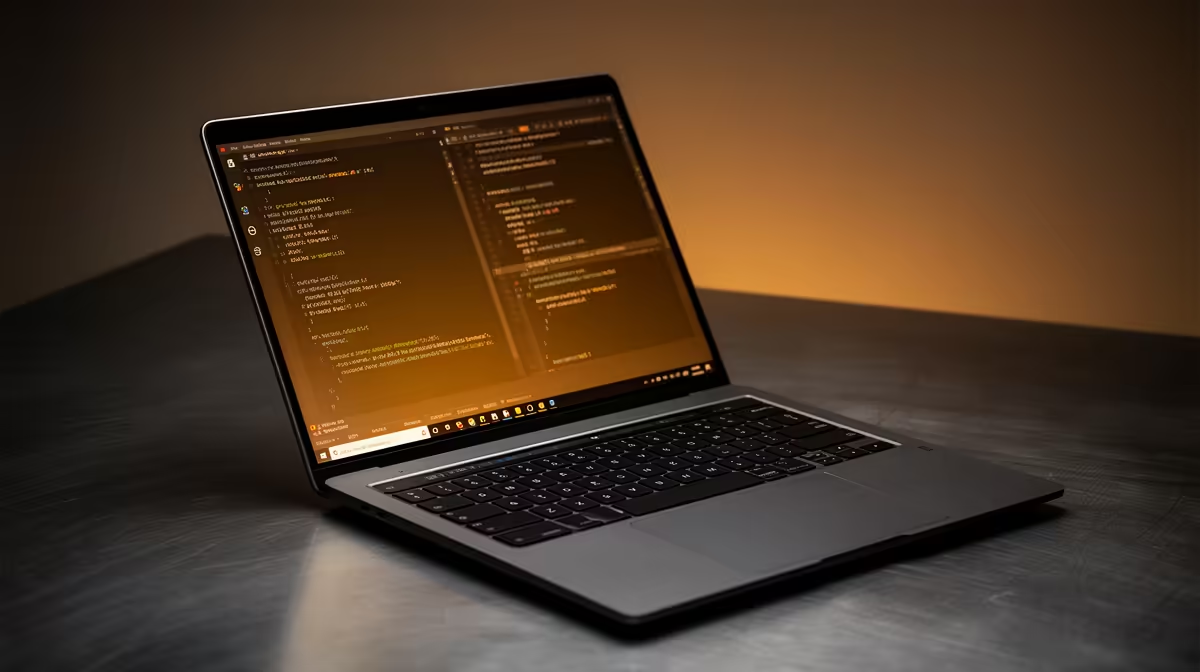
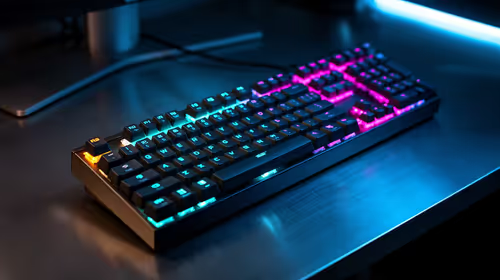
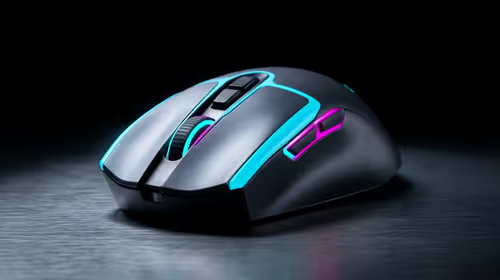
A student laptop for programming has different priorities to a gaming one: comfortable typing, strong multi-core CPU performance, ample RAM, and a screen that is easy on the eyes through long coding sessions.
Quick Answer
For programming on an R20,000 student budget, prioritise 16GB of RAM, a fast multi-core CPU, and a 512GB or larger NVMe SSD. A machine with these specs compiles and runs containers comfortably; integrated graphics are fine since development rarely needs a discrete GPU.
What Programming Work Demands
RAM is the first priority. Running an IDE, browser, database, and a container or two quickly consumes 8GB, so 16GB is the practical floor for a smooth experience. The CPU matters next, since compilation and test runs are multi-threaded; a modern 8-core chip handles this well at this budget.
Storage speed affects everything from boot to project indexing, so insist on NVMe over SATA. A comfortable keyboard and a 1080p or higher matte screen reduce fatigue during the long hours coding demands.
Where R20,000 Goes Best
On this budget, spend on RAM, CPU, and SSD rather than a discrete GPU you will rarely use for development. If you later add machine-learning work, you can offload to cloud compute rather than carrying a heavy gaming laptop daily.
FAQ
How much RAM does a programming laptop need?
16GB is the comfortable minimum for running an IDE, browser, and containers together. 8GB works for light study but feels cramped with real projects.
Do I need a discrete GPU for software development?
Generally no. Most development runs on the CPU. Only specialised graphics or local machine-learning work benefits from a dedicated GPU.
Is an NVMe SSD really necessary?
Yes. NVMe speeds up boot, builds, and project indexing noticeably over SATA, and the price difference at this budget is small.
Put your R20,000 toward 16GB RAM, a strong multi-core CPU, and NVMe storage; skip the discrete GPU and offload heavy compute to the cloud.