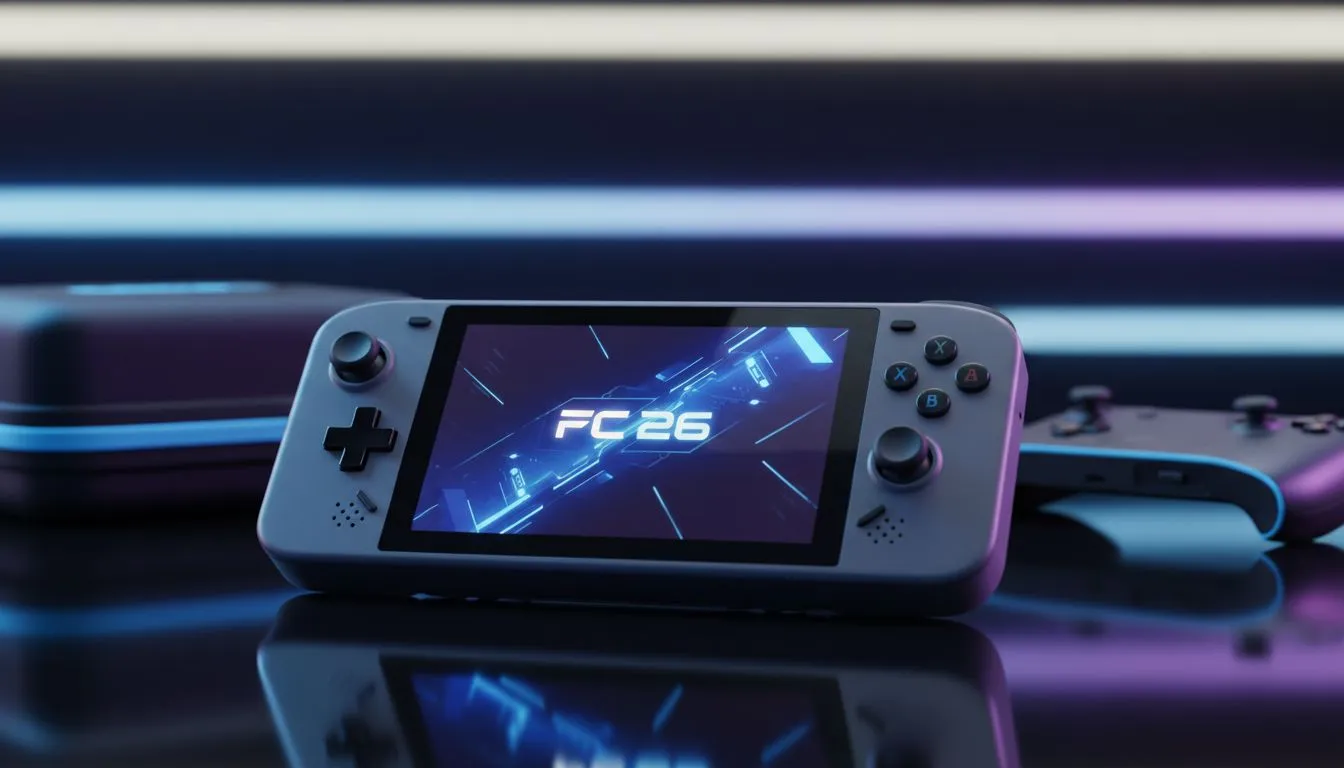
Taking your Ultimate Team on the road shouldn’t feel like a chore. Whether you are heading to the coast for December or just visiting mates for a weekend tournament, a portable FC 26 gaming setup is essential. In South Africa, where we love our football and our tech, staying competitive means having the right gear in your backpack to dominate the pitch from anywhere. ⚽
Choosing the Right Base for Your Portable FC 26 Gaming Setup
The foundation of any mobile rig is the hardware. FC 26 demands consistent frame rates to ensure your skill moves register instantly. To keep your gameplay fluid, you need a machine that balances thermal efficiency with raw power. Browsing the best gaming laptop deals is the smartest way to start your journey. Look for high refresh rate screens... they make a massive difference when tracking fast-moving players across the pitch. ⚡
Performance on a Budget
You don’t need to spend six figures to get a quality experience. Many South African gamers look for value without sacrificing the win. There are fantastic gaming laptops under R20k that handle modern sports titles with ease. These machines often feature the latest entry-level chips that are perfect for 1080p gaming. They are usually lighter too... making them much easier to carry in a standard backpack during your travels.
Intel or Ryzen: Powering Your Pitch
The heart of your portable FC 26 gaming setup is the processor. If you prefer the high clock speeds of Team Blue, you can find great intel laptops on special that ensure zero stutter during heavy physics calculations. On the other hand, many local gamers prefer the multi-core efficiency of AMD. Checking out ryzen laptop deals can often give you better battery life... which is vital when you are gaming away from a wall socket. 🔧
Travel Pro Tip ⚡
When travelling with your gaming setup, always pack your controller in a hard-shell case. Analogue stick drift is often caused by pressure in your bag during transit. Also, remember to set your Windows "Power Mode" to "Best Performance" while plugged in to ensure FC 26 runs at maximum frames.
Visual Fidelity and Smoothness
To see every tactical run and every blade of grass, your graphics card does the heavy lifting. Modern geforce rtx gaming laptops on special allow you to use AI upscaling. This keeps your fans quieter and your frame rates higher. Whether you are in a hotel room or a coffee shop, a solid GPU ensures your portable FC 26 gaming setup feels just like your desktop at home. ✨
Ready to Dominate the Pitch Anywhere?
Building the ultimate portable rig is easy when you have the right hardware. Whether you need raw RTX power or a budget-friendly beast, we have the stock to get you moving. Explore our massive range of laptop specials and find the perfect machine to conquer FC 26 today.