


AIO Liquid 240mm Setup and Configuration: Complete Tutorial
AIO Liquid 240mm Setup and Configuration. Clear setup instructions with SA-specific considerations, troubleshooting tips & recommended components.
Read moreBoost productivity with Evetech's portable laptop docks! Stay connected anywhere with seamless docking stations designed for professionals. 💼⚡
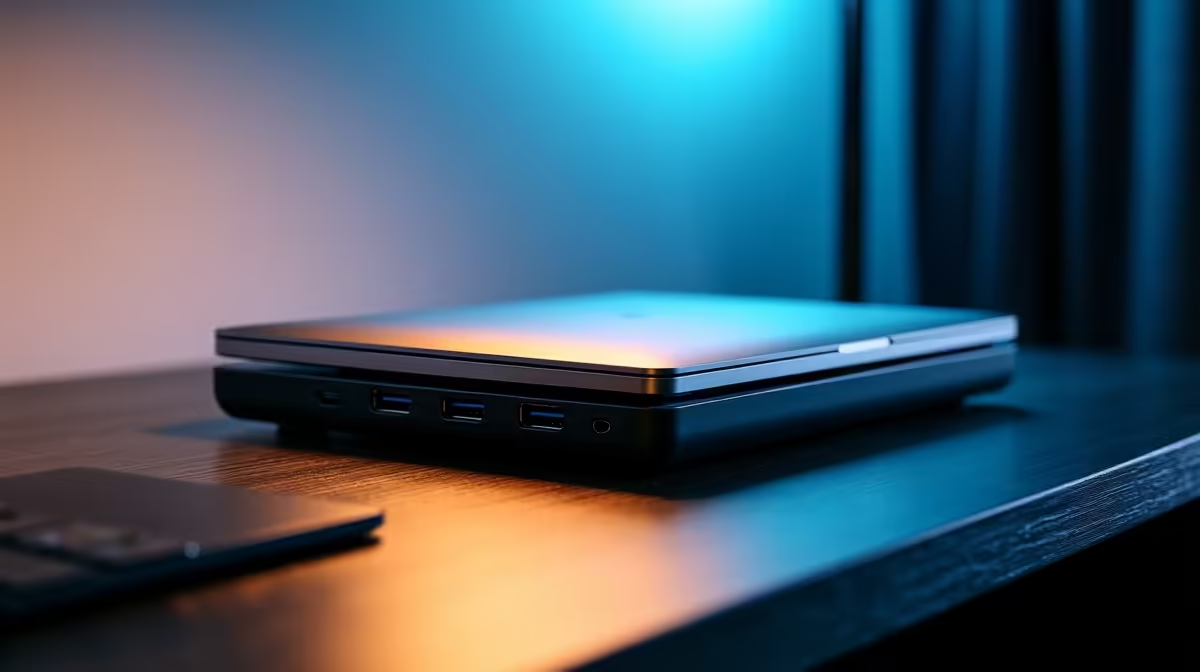
You love your sleek, powerful laptop. But let's be honest… that single USB-C port isn't cutting it. Juggling dongles for your mouse, monitor, and keyboard is a pain, especially when you're trying to stay productive between home, the office, or a coffee shop during load-shedding. What if you could connect everything with one simple plug? That’s where portable laptop docks come in, turning your minimalist machine into a productivity powerhouse. ✨
The age of ultra-thin notebooks has left us with fewer and fewer built-in ports. While this looks clean, it creates a real-world bottleneck. A portable laptop dock is the ultimate fix. It acts as a central hub, expanding a single USB-C or Thunderbolt port on your laptop into a full array of connections: multiple USB-A ports for your peripherals, HDMI or DisplayPort for external monitors, an SD card reader for your camera, and even a wired Ethernet port for lag-free gaming or stable video calls.
Instead of fumbling with a handful of adapters, you create a single, elegant connection point. This means you can leave your keyboard, mouse, and monitor plugged into the dock. When you arrive, you just plug in one cable to your laptop, and your entire battle station comes to life. It's the key to unlocking true on-the-go productivity, and you can find a quality laptop dock that fits your exact setup.
Not all docks are created equal. The best one for you depends entirely on what you need to connect.
Think about your daily workflow. Are you a content creator constantly transferring photos? Look for a dock with a fast SD or microSD card reader. A gamer or remote worker needing the most reliable internet? An Ethernet port is non-negotiable. Most users will want a mix of:
Many leading brands like Promate offer a variety of configurations to match these needs perfectly.
Not all USB-C ports are the same. Before buying a dock, check if your laptop's USB-C port supports "DisplayPort Alt Mode" for video output and "Power Delivery" (PD) for charging. This info is usually in your laptop's manual or on the manufacturer's website.
Expanding your connectivity doesn't have to break the bank. The trick is to find the sweet spot between the features you need and a price that makes sense. For basic expansion like adding a few USB ports and an HDMI output, you can find some fantastic and reliable great options under R1000. These are perfect for students or professionals who need a simple, reliable hub.
If your workflow is more demanding—perhaps you need to drive multiple 4K displays, require higher charging wattage, or want the fastest possible data transfer speeds—it's worth looking at more advanced solutions. You'll find that many premium models under R2000 offer a significant step up in capability, providing a robust, all-in-one solution that will serve you for years to come.
Unlock Your Laptop's Full Potential Stop juggling dongles and start working smarter. Explore our massive range of portable laptop docks and find the perfect hub for your needs. Shop now at Evetech for connectivity that just works.
Portable laptop docks are compact hubs that let you connect multiple devices to your laptop easily while traveling. 🚗🔌
Mobile workspace hubs provide single-cable connectivity, simplifying your setup and keeping you focused wherever you work. 🖥️💼
Yes, Evetech offers USB-C docking solutions compatible with modern laptops for fast, reliable performance. 🔌⚡
Absolutely! We design compact workstation accessories perfect for professionals needing connectivity on business trips. ✈️📍
Yes, Evetech's business laptop accessories work seamlessly with most major laptop brands and operating systems. 🌐💻
Our travel docking stations offer HDMI, USB-A, USB-C, Ethernet, and audio ports – no extra adapters needed! 🧩📁
AIO Liquid 240mm Setup and Configuration. Clear setup instructions with SA-specific considerations, troubleshooting tips & recommended components.
Read more
Setting Up DDR5 64GB Kit. Tested & verified settings for best FPS and visual quality on SA hardware budgets.
Read more
Overwatch 2 Setup Guide Gamers. Clear setup instructions with SA-specific considerations, troubleshooting tips & recommended components.
Read more
R and RStudio on Mac: Data Science Setup Guide. Clear setup instructions with SA-specific considerations, troubleshooting tips & recommended components.
Read more
NVIDIA Broadcast Setup with GPU: Streamer Guide. Clear setup instructions with SA-specific considerations, troubleshooting tips & recommended components.
Read more
Core Ultra 7 265K Temperature Guide: Normal Range. Complete product range with SA pricing, key specs & recommendations for different budgets.
Read more
AMD RX 9050 XT: Rumoured Specs, Price & Release. SA-focused analysis with local pricing data, real-world insights & actionable buying advice.

Can RTX 4080 Super Run AI Workloads for SA Developers Detailed answer with SA data, expert analysis & practical recommendations for local buyers.

Can RTX 4090 Run AI Workloads for SA Developers Detailed answer with SA data, expert analysis & practical recommendations for local buyers.

Top Settings for Intel Arc B580 at Ultrawide 1440p picks evaluated on performance, value & SA availability with current Rand pricing from Evetech.

RTX 4060 CS2 Low Settings at 1080p: FPS Results. Real-world benchmark data, FPS numbers & performance analysis. What SA gamers can actually expect.

Visual Artifacts: Possible GPU Issue Issue #1. Diagnosis steps, proven fixes & when to seek professional help. SA-specific support info included.

Can the RTX 4090 Handle 1440p 144Hz Gaming. Performance testing verdict with real data & practical recommendations for SA buyers.

Top ASUS GPU Under R15000 picks evaluated on performance, value & SA availability with current Rand pricing from Evetech.

GTA 6 Max Settings on RTX 5070. Tested & verified settings for best FPS and visual quality on SA hardware budgets.

Cyberpunk 2077 Max Settings on RTX 5080. Tested & verified settings for best FPS and visual quality on SA hardware budgets.

Starfield Max Settings on RTX 5070 Ti. Tested & verified settings for best FPS and visual quality on SA hardware budgets.

Top RTX 5090 Under R5000 picks evaluated on performance, value & SA availability with current Rand pricing from Evetech.