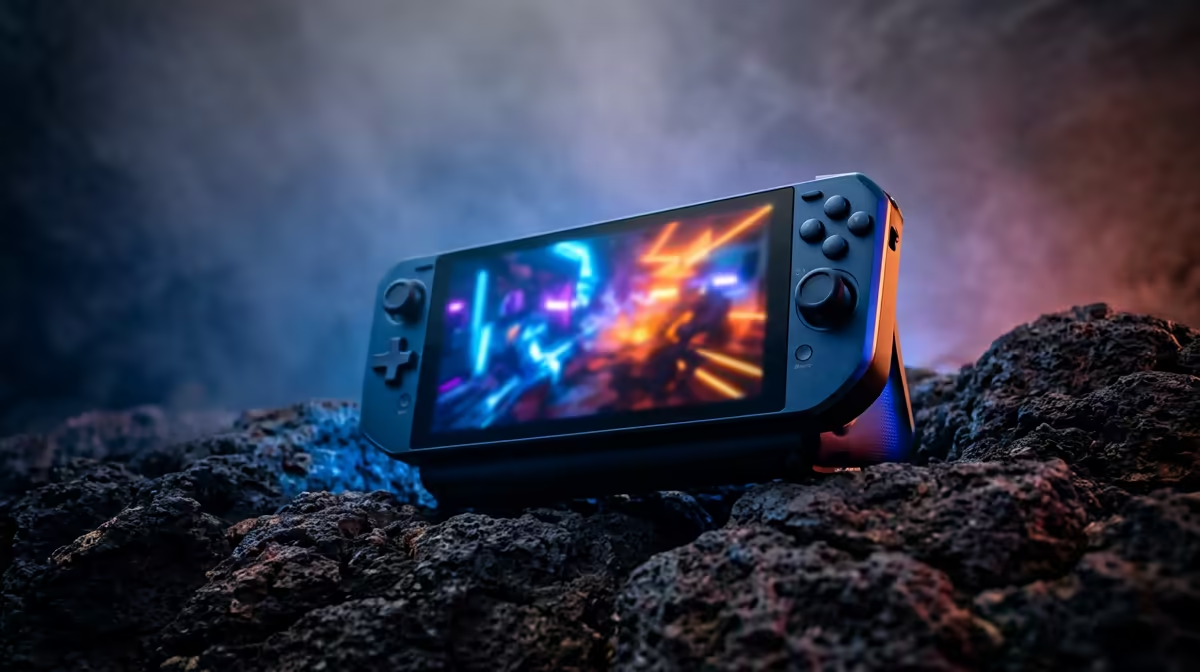
A Steam Deck's six-inch screen is fine on the couch and cramped everywhere else. Plug it into a portable gaming monitor and the same handheld suddenly drives a 15-inch 120Hz panel you can fold into a backpack, and the trick works just as well for a ROG Ally, a PS5 on a work trip, or a Switch at a friend's place. High refresh rates and USB-C power have turned the travel screen from a flat office accessory into a proper gaming display.
Quick Answer
Gaming-grade portable monitors run 120Hz to 180Hz panels and connect to a Steam Deck or ROG Ally over a single USB-C cable, or to a PS5 and Switch over mini-HDMI. A good one weighs under a kilogram, slips into a laptop bag, and turns any handheld or console into a bigger, smoother-screen setup wherever you are.
What makes a portable monitor a gaming monitor
The line between an office travel screen and a gaming one is refresh rate. Plenty of portables stop at 60Hz, which is fine for spreadsheets but feels sluggish in a shooter. A gaming portable runs 120Hz, 144Hz, or up to 180Hz, so fast motion stays clear and your handheld's frame rate actually shows on screen.
Response time and panel type matter too. A fast IPS panel gives you wide viewing angles and accurate colour with low enough response times that ghosting stays out of the picture. Some higher-end portables now use OLED for deep blacks and instant pixel response, which looks superb but carries a price premium. The current spread of travel screens is laid out in the portable monitor range if you want to compare panels directly.
Connecting your handheld or console
USB-C devices: Steam Deck and ROG Ally
The cleanest setup is a handheld that outputs video over USB-C. A Steam Deck or ROG Ally sends both picture and, on many monitors, draws power back down the same single cable, so one lead does everything. Check that the monitor supports USB-C DisplayPort Alt Mode, because a USB-C port that only carries data and power will not pass a video signal.
If the monitor cannot power itself and charge the handheld at once, you plug a charger into the monitor's second USB-C port, and it splits power to both. That keeps your Deck topped up during a long session rather than draining it to feed the bigger screen.
HDMI devices: PS5 and Switch
Consoles output over full-size HDMI, while portable monitors use mini-HDMI to save space, so you need a mini-HDMI cable or adapter. The PS5 and Switch both run happily on a portable, though a console always needs its own power and the monitor needs a separate USB-C power source, since HDMI carries no power.
A 1080p portable matches the Switch perfectly and handles the PS5 well; for the PS5's higher modes you would want a 1440p panel to make the most of it. Either way, you get a far bigger picture than a Switch's built-in screen in a hotel room.
Resolution, size, and weight: the travel trade-offs
Most gaming portables sit at 15.6 inches, the sweet spot between a usable picture and a bag-friendly footprint. Smaller 14-inch panels save weight; 16 and 17-inch screens give a more immersive view but start to feel less portable. For a handheld, 1080p is the practical resolution, sharp at this size without demanding more GPU than a Deck or Ally can give.
Weight is the spec that decides whether the monitor actually travels with you. Aim for under a kilogram, and check that the bundled stand or smart cover holds the panel at a comfortable angle, because a screen you have to prop against a coffee mug gets left at home.
Console-Specific Considerations
PS5 on a Portable Monitor
The PS5 outputs at up to 1080p 120Hz or 4K 60Hz, but most portable monitors cap at 1080p 120Hz or 144Hz. A 1080p 120Hz portable is the practical sweet spot: the console fills the panel at a high refresh rate, and the small screen size holds 1080p sharpness well at normal viewing distance. Console and monitor each need their own power source because HDMI carries video only, so pack the power cables for both.
Nintendo Switch
The Switch outputs at 720p in handheld mode and 1080p when docked over HDMI. A 1080p portable monitor is a natural match in docked mode, scaling the Switch's output cleanly. For SA buyers travelling, a 15.6-inch mini-HDMI portable turns a hotel room, student res, or a friend's place into a proper gaming station without needing a spare TV.
Pass-Through Charging for Handhelds
The Steam Deck OLED accepts up to 45W input; the ROG Ally X needs up to 65W to stay fully charged under gaming load. A portable monitor with USB-C Power Delivery passthrough feeds mains power into the monitor's second USB-C port, and the monitor in turn keeps the handheld charged over the same connection. Without PD passthrough, the handheld battery drains steadily from the moment it starts driving the external display.
Picking the right one for your kit
If you mainly game on a Steam Deck or Ally, prioritise a USB-C panel with 120Hz or higher and pass-through charging. If a PS5 or Switch is your main device, confirm the mini-HDMI input and pack the right cable. Gamers running both will want a monitor with both a USB-C and a mini-HDMI input so one screen covers everything. To see which models are moving fastest with local buyers, the monitor best-sellers is a useful gauge of what is proving popular.
Frequently Asked Questions
Can a single USB-C cable power and display from my Steam Deck?
If the monitor supports USB-C DisplayPort Alt Mode and has a second USB-C port for power input, then yes, one cable carries video to the screen while a charger plugged into the monitor feeds power back to the Deck. Without that pass-through, the Deck battery drains as it drives the display.
Do I need mini-HDMI for a PS5 or Switch?
Yes. Consoles output full-size HDMI, but portable monitors use the smaller mini-HDMI port to save space, so you need a mini-HDMI cable or adapter. The console and the monitor each need their own power source as well.
What refresh rate should I look for?
For gaming, aim for at least 120Hz so fast motion stays clear and your handheld's frame rate is visible. Panels up to 180Hz are available, while 60Hz portables are better suited to office work than to action games.
Is 1080p enough for a portable monitor?
For a 15.6-inch portable driven by a Steam Deck or Ally, 1080p is the practical sweet spot, sharp at that size without overtaxing the handheld. Step up to 1440p only if you are mainly feeding it a PS5 in its higher graphics modes.
How heavy is too heavy to carry?
Aim for under a kilogram if the monitor needs to travel regularly. Heavier 16 and 17-inch panels give a bigger picture but are the ones most likely to get left at home, so weight is worth prioritising for true portability.
Want a bigger screen for your Deck, Ally or console wherever you go? Browse panels, refresh rates and connections in the portable monitor range at Evetech and find one light enough to live in your bag.