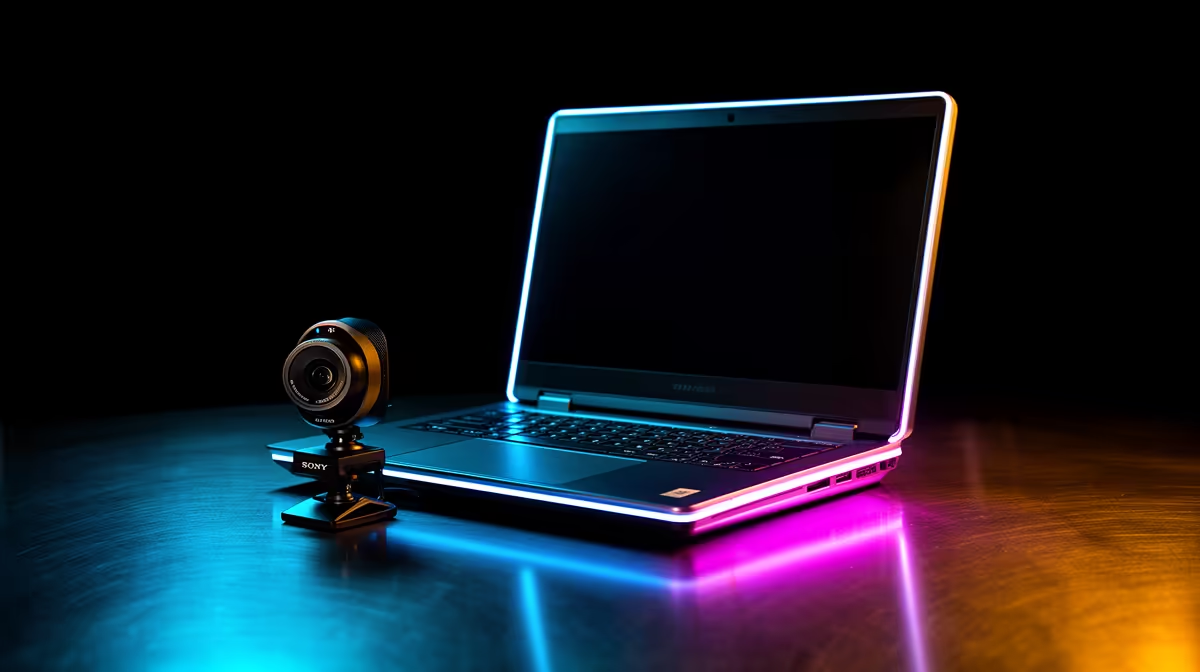
Dreaming of streaming your gameplay from a friend's place, a local LAN, or just a different room for a change of scenery? A bulky desktop rig can make that a mission. But what if you could pack your entire professional broadcast into a single backpack? 🎒 A killer portable streaming setup isn't just possible for South African gamers… it's the key to unlocking true creative freedom. Let's dive into how you can build one without breaking the bank.
Why a Portable Streaming Setup is Essential
Going mobile isn't just about convenience; it's about expanding your content horizons. A portable streaming setup allows you to collaborate with other creators in their space, capture the live energy of local gaming events like rAge, or simply find the quietest spot in the house when load-shedding messes with your schedule.
The core idea is to maintain high production quality—crisp audio, clear video, and stable performance��without being chained to a single desk. It’s about being ready to go live wherever the action is, turning any location into your personal studio.
The Core Components of Your Mobile Streaming Rig
Building a compact streaming gear loadout is a balancing act. You need power, but also portability. Here’s where to focus your energy and budget.
Audio That Pops: The Microphone
If your audience can't hear you clearly, they'll click away faster than a DNS resolves. Your laptop's built-in mic just won't cut it. A high-quality USB microphone is the heart of any portable streaming setup. They are plug-and-play, require no complex audio interfaces, and deliver broadcast-quality sound. Look for models with a compact stand or desk clamp to save precious bag space. Investing in quality gear from brands like CORSAIR ensures your voice is always front and centre.
Look Sharp: The Webcam & Lighting
Your facecam is your connection to your audience. While many gaming laptops have decent webcams, a dedicated 1080p camera will make a massive difference. But the real secret to looking professional on stream isn't the camera… it's the lighting. 💡 A poorly lit scene will make even the best camera look grainy. Thankfully, you don't need massive softboxes. Modern LED panels are small, USB-powered, and can dramatically improve your video quality. Adding flair with compact lighting solutions like Cololight can also give your stream a unique and professional background vibe.
Pro Lighting Tip
Position your main light source slightly above and to one side of your face (about 45 degrees). This creates a soft, flattering light that eliminates harsh shadows without blinding you. It's the quickest way to look more professional on camera.
Building Your Portable Streaming Setup on a Budget
Going mobile doesn't have to cost a fortune. The key is to invest in multi-purpose gear and prioritise what truly impacts your stream's quality—audio and lighting. You can find fantastic USB mics, portable green screens, and compact LED lights that deliver massive value. With some smart shopping, you can easily pull together a fantastic kit. Start by exploring affordable streaming essentials under R6000 to see just how accessible a quality setup can be. 🚀
Putting It All Together: A Quick Start Guide
Once you have your gear, setting up is a breeze:
- Find Your Spot: Choose a location with a clean background and a stable internet connection.
- Plug and Play: Connect your USB mic and webcam to your laptop.
- Light It Up: Position your key light and any background ambient lighting.
- Launch & Configure: Open your streaming software (like OBS or Streamlabs), add your new devices as sources, do a quick audio check, and you're ready to hit 'Go Live'.
This entire process can take less than ten minutes, giving you a professional-grade mobile studio at a moment's notice.